
- 対象年齢4+
- カテゴリ写真/ビデオ
- 開発元Content Interface Corporation
- 言語英語
- サイズ126.6 MB
App Storeの公式ページにリンクしています
Download.orgはiZoomViewerのファイルを一切ホストしていません。ボタンを押すと、Content Interface Corporationが公開しているApp Storeのアプリページが開きます。ページの最終確認:2026/11/17。
スクリーンショット

概要
開発元はこのテキストをお使いの言語で提供していません。
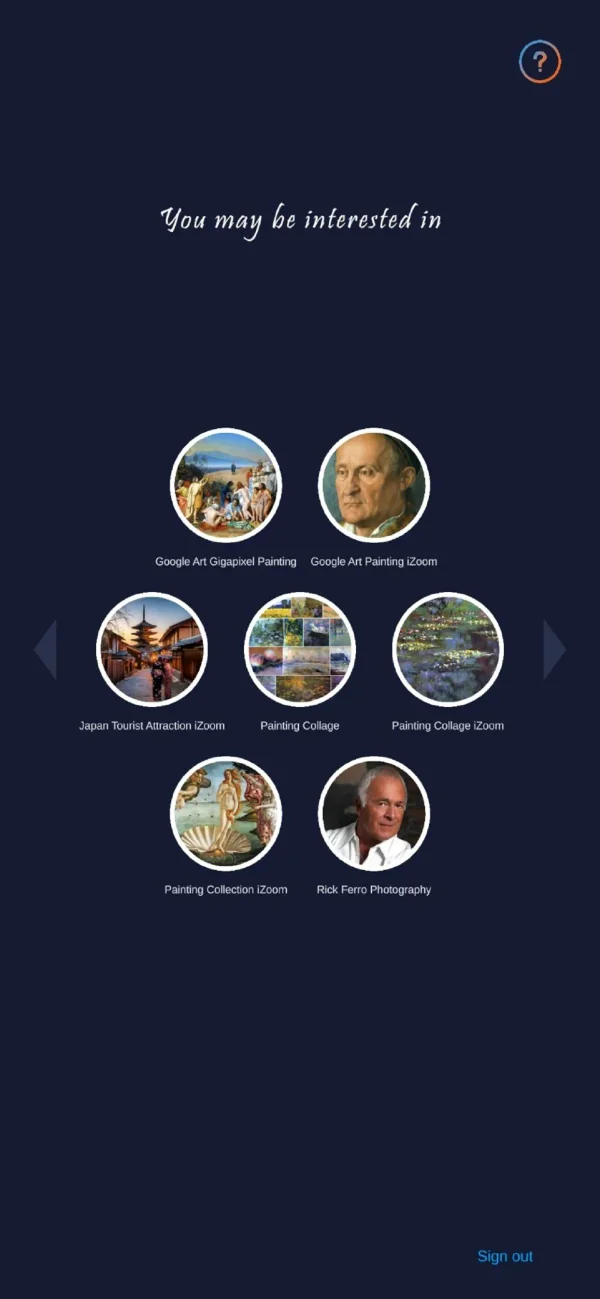
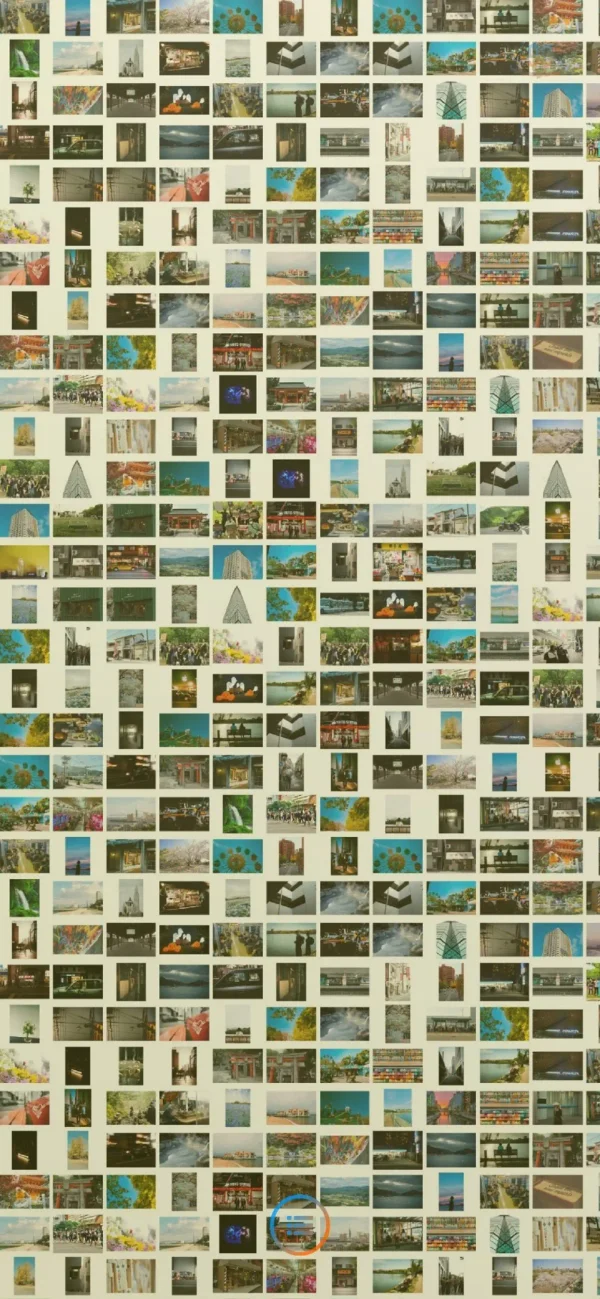
iZoomViewer, an innovative & revolutionary way to explore & discover digital media. You magnify one image to reveal thousands more, endlessly.
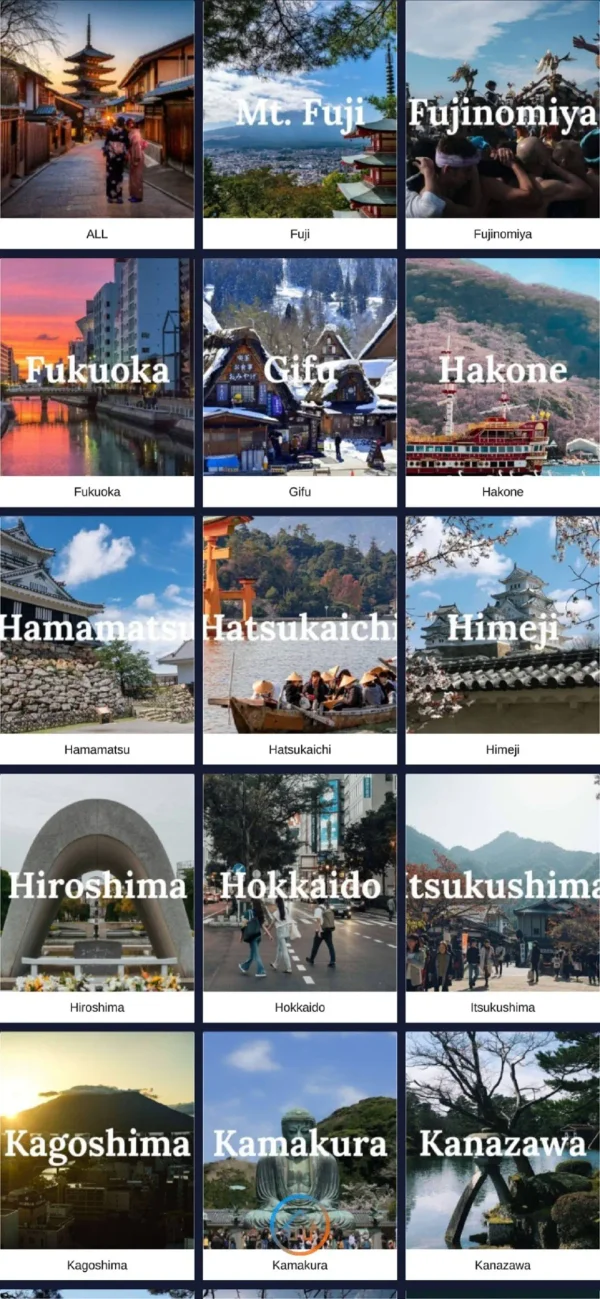
Content Interface's iZoom (Infinite Zoom) is an infinitely zoomable mosaic of photos and videos. iZoomViewer allows the user to select an iZoom from a list of many iZooms to zoom in. While zooming, each pixel is gradually morphed into another image or video which is morphed further into others, endlessly.
Each iZoom contains thousands of images and photos, providing you with hours of entertainment and education.
How to set custom cover image for an iZoom scene:
1) Tap the gear button to open the Setting menu.
2) Tap "Cover" to open the child menu. Then tap "Camera" to open the camera screen, or "Gallery" to selecting a photo from the device's Photo app.
3a) In the camera screen, tap anywhere to capture the photo.
3b) Tap the V tick button to set this captured photo be the cover image of the current scene.
4a) After select a photo from the device's Photo app, a photo preview screen will be opened.
4b) In the photo preview screen, tap the V tick button to set this selected photo be the cover image of the current scene.
Functions of other buttons in the camera screen:
- ">>" : Switch to the next camera of the current type (iPhone Pro models may have 3 back cameras). It is hidden if the current camera type has only one camera.
- AF : Auto focus mode. Tap it to switch to MF mode. If it is still AF, then the current camera does not support MF mode.
- MF : Manual focus mode. Tap it to switch to AF mode.
Notes about the camera screen:
- In captured state, these buttons will be hidden : AF/MF, ">>".
- In live state, the V tick button will be hidden.
- In MF mode, the tap gesture is used for setting camera focus point. So a circle button will appear for setting captured and live state of the camera.
新機能
バージョン 1.2.6 · 2025/12/7
- Improve automation : Cache before playing.
- Support playing direct linked video.
アプリのプライバシー
このアプリのデータの取り扱いについて、Content Interface CorporationがApp Storeで申告している内容です。
-
データの収集なし
開発元はこのアプリからデータを収集しません。
プライバシーの取り扱いは、ご利用の機能やお客様の年齢などに応じて異なる場合があります。
情報
- 販売元
- Content Interface Corporation
- カテゴリ
- 写真/ビデオ
- バージョン
- 1.2.6
- 更新日
- 2025/12/7
- リリース
- 2022/4/19
- サイズ
- 126.6 MB
- 必要条件
- iOS 15.0以降
- 対象年齢
- 4+
- 価格
- 無料
- 言語
- 英語
- 著作権
- © 2024 Content Interface Corporation
こちらもおすすめ
-
 拡大動画プレーヤー拡大可能な動画プレーヤー
-
 OpenPhotos写真/ビデオ
-
 露出計・撮影ライトメーターEV値・絞り・シャッター速度・ISO
-
 ズームカメラ: 拡大鏡・望遠暗視モード・双眼鏡・HD撮影
-
 スローモーション動画 速度編集 倍速再生 タイムラプスアプリ早送り ハイパーラプス 0.1倍〜8倍 映像加工 スポーツ
-
 Rec Video Recorder写真/ビデオ
-
 Picto: 写真アルバム・思い出整理日付・場所で自動整理
-
 VR Player : 3D VR 360 VR Video仮想現実に入る。
-
 Calm Wildlife TVAmazing Wildlife Videos in 4K
-
 動画速度変更スローモーション再生・スロー変換 速度変更の動画編集アプリ