
- Batasan usia4+
- KategoriFoto & Video
- PengembangContent Interface Corporation
- BahasaInggris
- Ukuran126,6 MB
Tertaut ke halaman resmi App Store
Download.org tidak menyimpan file iZoomViewer apa pun. Tombol ini membuka halaman aplikasi di App Store, tempat Content Interface Corporation menerbitkannya. Halaman terakhir diperiksa pada 17/11/2026.
Tangkapan layar

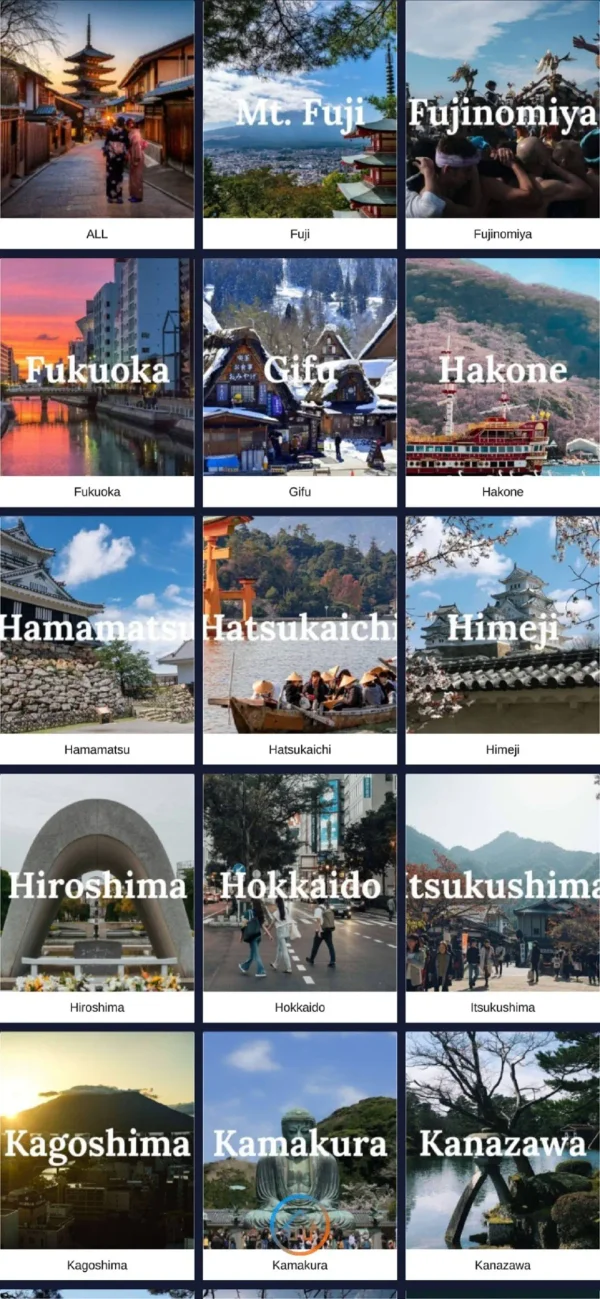

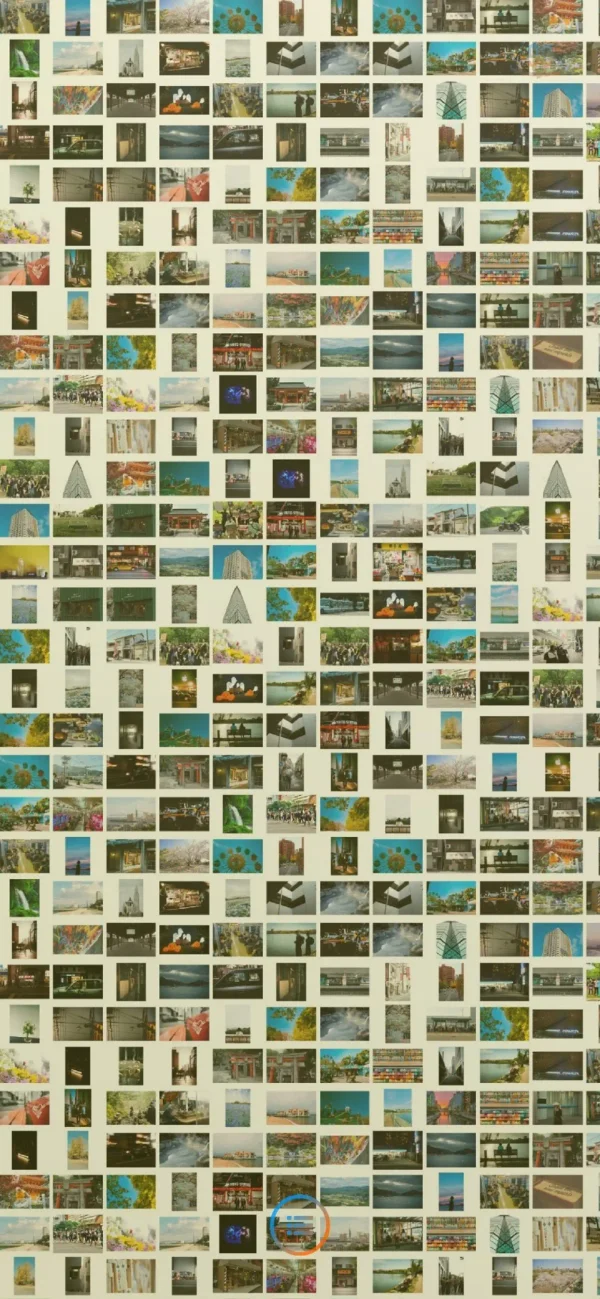
Tentang
Pengembang belum menyediakan teks ini dalam bahasa Anda.
iZoomViewer, an innovative & revolutionary way to explore & discover digital media. You magnify one image to reveal thousands more, endlessly.
Content Interface's iZoom (Infinite Zoom) is an infinitely zoomable mosaic of photos and videos. iZoomViewer allows the user to select an iZoom from a list of many iZooms to zoom in. While zooming, each pixel is gradually morphed into another image or video which is morphed further into others, endlessly.
Each iZoom contains thousands of images and photos, providing you with hours of entertainment and education.
How to set custom cover image for an iZoom scene:
1) Tap the gear button to open the Setting menu.
2) Tap "Cover" to open the child menu. Then tap "Camera" to open the camera screen, or "Gallery" to selecting a photo from the device's Photo app.
3a) In the camera screen, tap anywhere to capture the photo.
3b) Tap the V tick button to set this captured photo be the cover image of the current scene.
4a) After select a photo from the device's Photo app, a photo preview screen will be opened.
4b) In the photo preview screen, tap the V tick button to set this selected photo be the cover image of the current scene.
Functions of other buttons in the camera screen:
- ">>" : Switch to the next camera of the current type (iPhone Pro models may have 3 back cameras). It is hidden if the current camera type has only one camera.
- AF : Auto focus mode. Tap it to switch to MF mode. If it is still AF, then the current camera does not support MF mode.
- MF : Manual focus mode. Tap it to switch to AF mode.
Notes about the camera screen:
- In captured state, these buttons will be hidden : AF/MF, ">>".
- In live state, the V tick button will be hidden.
- In MF mode, the tap gesture is used for setting camera focus point. So a circle button will appear for setting captured and live state of the camera.
Yang baru
Versi 1.2.6 · 7/12/2025
- Improve automation : Cache before playing.
- Support playing direct linked video.
Privasi aplikasi
Yang dinyatakan Content Interface Corporation di App Store tentang cara aplikasi ini menangani data.
-
Data tidak dikumpulkan
Pengembang tidak mengumpulkan data apa pun dari aplikasi ini.
Praktik privasi dapat bervariasi, misalnya berdasarkan fitur yang Anda gunakan atau usia Anda.
Informasi
- Penjual
- Content Interface Corporation
- Kategori
- Foto & Video
- Versi
- 1.2.6
- Diperbarui
- 7/12/2025
- Dirilis
- 19/4/2022
- Ukuran
- 126,6 MB
- Memerlukan
- iOS 15.0 atau yang lebih baru
- Batasan usia
- 4+
- Harga
- Gratis
- Bahasa
- Inggris
- Hak cipta
- © 2024 Content Interface Corporation
Mungkin Anda juga suka
-
 Pemutar Video dengan ZoomPemutar video dengan zoom
-
 OpenPhotosFoto & Video
-
 Light Meter・Pengukur CahayaEV, apertur, rana dan ISO
-
 Kamera Zoom: Kaca PembesarNight vision, teropong & HD
-
 Slow Motion Video Gerak LambatPercepat Rekaman, Timelapse 8x
-
 Rec Video RecorderFoto & Video
-
 Picto: Album Foto & KenanganAtur Otomatis Tanggal & Lokasi
-
 VR Player : 3D VR 360 VR VideoEnter virtual reality.
-
 Calm Wildlife 4K TVFoto & Video
-
 Video to SlowMotion - SlowEditFoto & Video