iPrompter Studio by StatsKey
Read, Record, Publish
iPhone, iPad için tasarlandı
Ücretsiz
- Yaş sınırı4+
- KategoriFotoğraf ve Video
- GeliştiriciRyan Sullivan
- Dillerİngilizce
- Boyut1,3 MB
Resmi App Store sayfasına bağlanır
Download.org, iPrompter Studio by StatsKey için hiçbir dosya barındırmaz. Düğme, uygulamanın App Store üzerindeki sayfasını açar; uygulamayı orada Ryan Sullivan yayınlar. Sayfanın son kontrolü: 18.11.2026.
Ekran görüntüleri
Hakkında
Geliştirici bu metni dilinizde sunmamış.
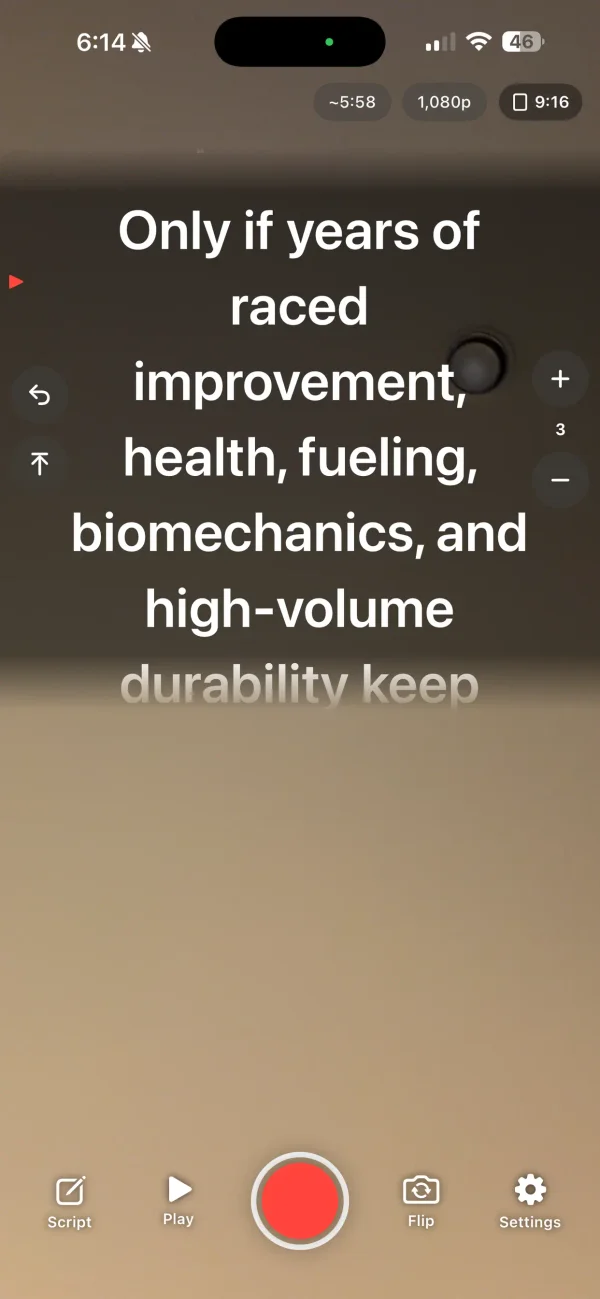
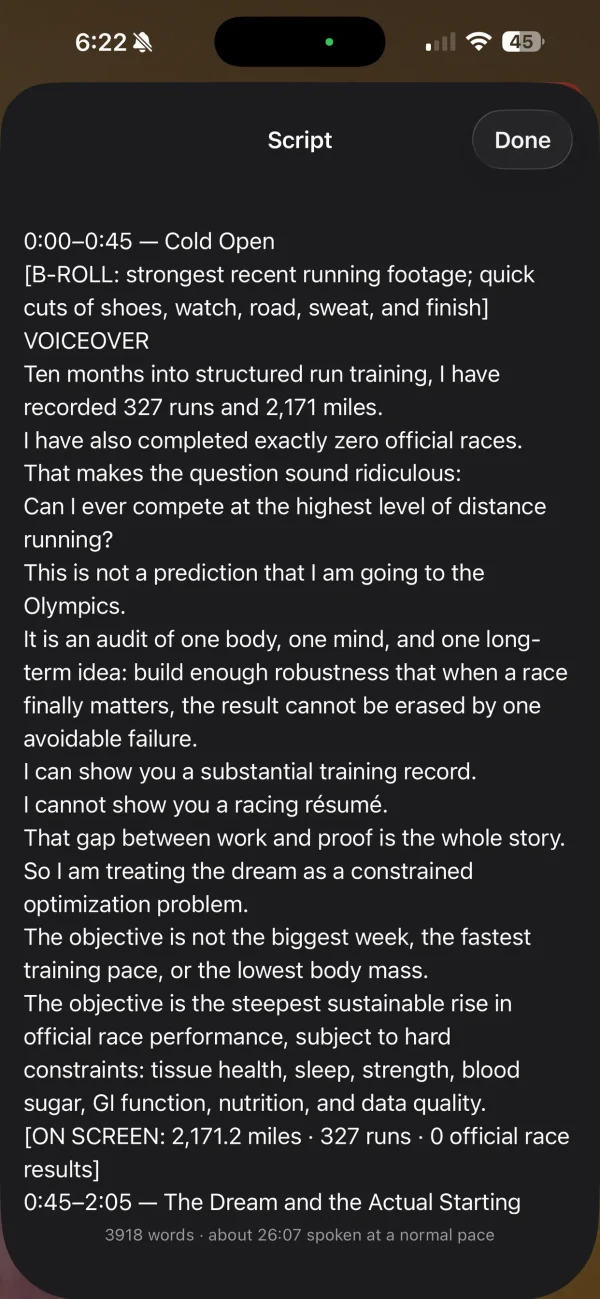
iPrompter Studio helps you deliver long scripts start to finish while recording clean, publish-ready video on iPhone or iPad. Your script stays on screen only—it is never burned into the video.
ZOOM & CAMERA CONTROL
• Smooth pinch-to-zoom before and during recording
• On-screen zoom controls and native lens presets when available
• Front and rear cameras, tap to focus, matching preview and recording mirroring, and rear-camera torch level
• 720p, 1080p, or 4K; 24, 30, or 60 fps; H.264 or HEVC; stabilization and microphone controls, subject to device support
• Clear device-specific fallbacks when hardware cannot apply a requested setting
COMPREHENSIVE PROMPTER CONTROL
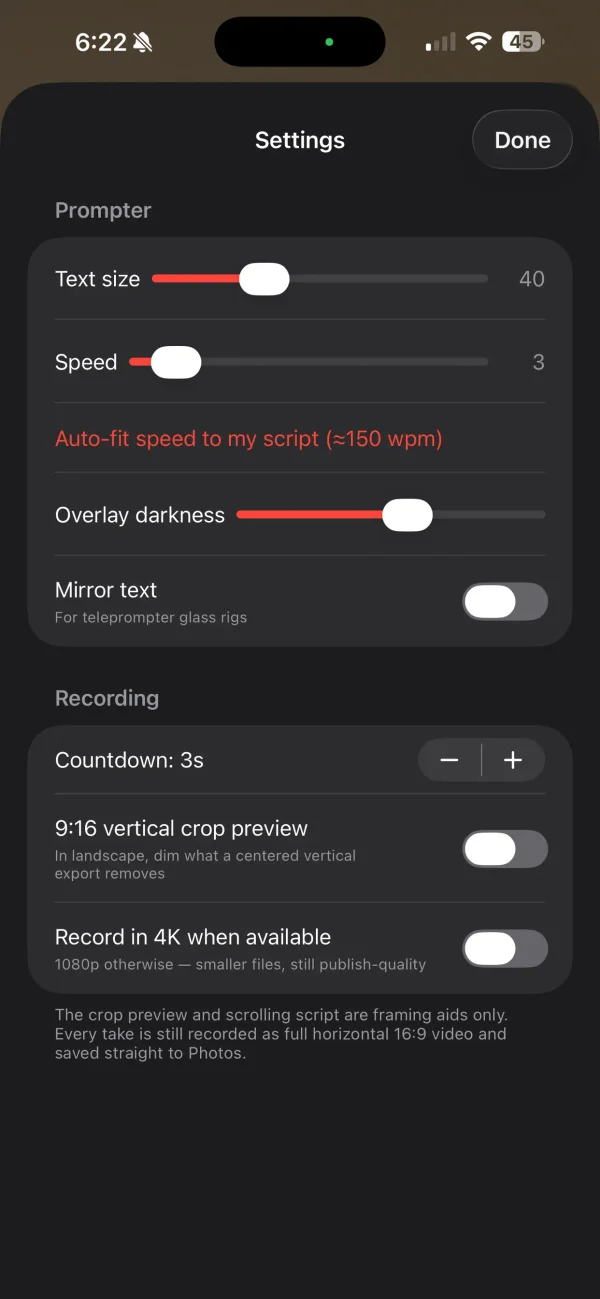
• Text size, font design, weight, alignment, case, color, character spacing, line height, paragraph spacing, margins, and maximum width
• Horizontal and vertical text mirroring for glass rigs
• Panel size, position, color, opacity, corners, edge fade, reading marker, reading line, and colors
• Constant scrolling with speed, direction, rewind distance, auto-resume delay, end behavior, and target-WPM speed fitting
• Choose how scrolling synchronizes with recording and what happens at script end
FRAMING & WORKFLOW
• 9:16, 4:5, 1:1, or custom crop guides while recording full-frame video in portrait or landscape
• Fill or fit preview, outside shade, guide color, labels, rule-of-thirds grid, and crosshair
• Adjustable countdown and haptics
• Presets for studio, teleprompter glass, vertical video, and accessible reading
• Configurable on-camera controls, sizing, opacity, status, feedback, and keep-awake behavior
• Completed takes save to Photos; if saving needs attention, retry, export, or discard without losing the take
PRIVATE BY DESIGN
No account, ads, analytics, tracking, subscription, or cloud upload. Scripts, settings, and pending takes remain on your device unless you choose to share them.
Yenilikler
Sürüm 1.2 · 21.09.2026
• Choose portrait, landscape left, landscape right, or automatic recording orientation.
• Quickly select 720p, 1080p, or 4K and 24, 30, or 60 fps, subject to your camera's capabilities.
• See the complete video with Full frame preview, now the default. Front-camera mirroring matches the saved take, and you can hide the script to check your framing.
• Zoom out to the widest view available for your camera and capture settings, with convenient zoom and lens controls.
• Review and share your last take in the app after recording.
Uygulama gizliliği
Bu uygulamanın verileri nasıl işlediği hakkında Ryan Sullivan tarafından App Store üzerinde yapılan beyan.
-
Veri toplanmıyor
Geliştirici bu uygulamadan hiçbir veri toplamıyor.
Gizlilik uygulamaları, örneğin kullandığınız özelliklere veya yaşınıza göre değişiklik gösterebilir.
Bilgiler
- Satıcı
- Ryan Sullivan
- Kategori
- Fotoğraf ve Video
- Sürüm
- 1.2
- Güncellendi
- 21.09.2026
- Yayın tarihi
- 28.07.2026
- Boyut
- 1,3 MB
- Gereksinim
- iOS 17.0 veya sonrası
- Yaş sınırı
- 4+
- Fiyat
- Ücretsiz
- Diller
- İngilizce
- Telif hakkı
- © 2026 StatsKey
Bunları da beğenebilirsiniz
-
 PromptTempo: TeleprompterSes takibi ve video kaydı
-
 CreatorCutFotoğraf ve Video
-
 PromptSmart MaxFotoğraf ve Video
-
 Teleprompter Çevrimdışı&GizliSesli kaydırma & AI metin
-
 iPrompter TeleprompterFotoğraf ve Video
-
 PhotoFlashLight: Photo ManagerFotoğraf ve Video
-
 Teleprompter: Video & MetinKameraya yakın okuyup kaydedin
-
 LiveConvert: HEIC to JPGFotoğraf ve Video
-
 Cine AI - AI Video GeneratorFotoğraf ve Video
-
 Teleprompter Premium - VideoEzberlemeden metin okuyarak