- Age rating4+
- CategoryPhoto & Video
- DeveloperRyan Sullivan
- LanguagesEnglish
- Size1.3 MB
Links to the official App Store page
Download.org hosts no file of iPrompter Studio by StatsKey. The button opens its official App Store page, published by Ryan Sullivan. Listing last checked on Nov 18, 2026.
Screenshots
About
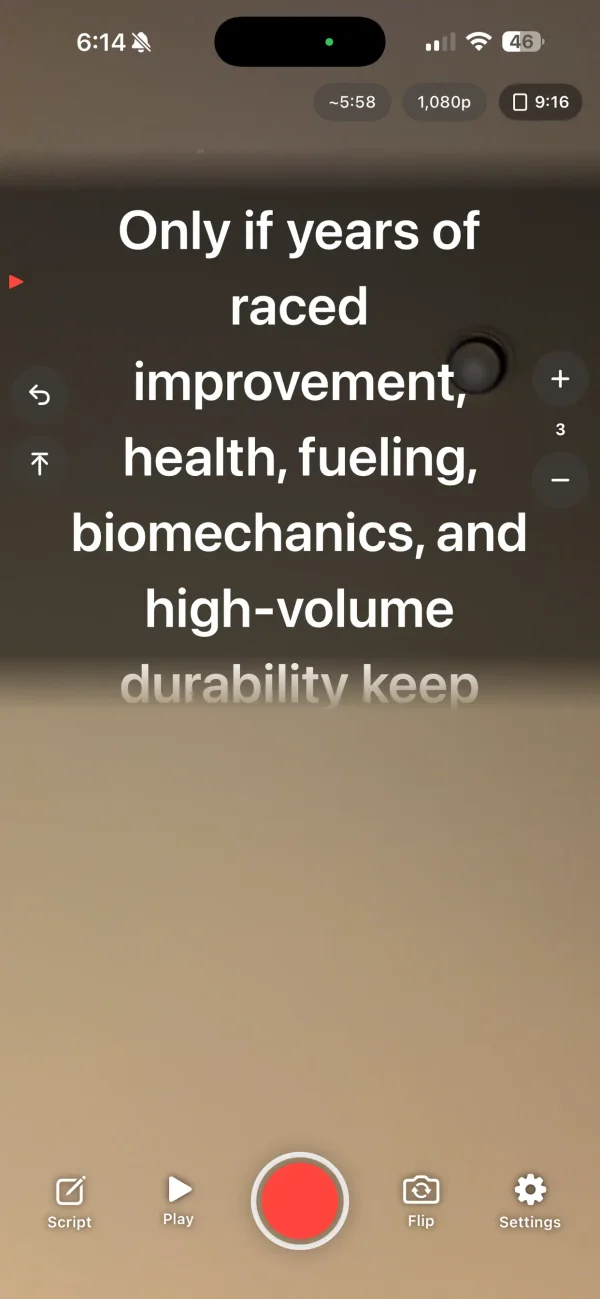
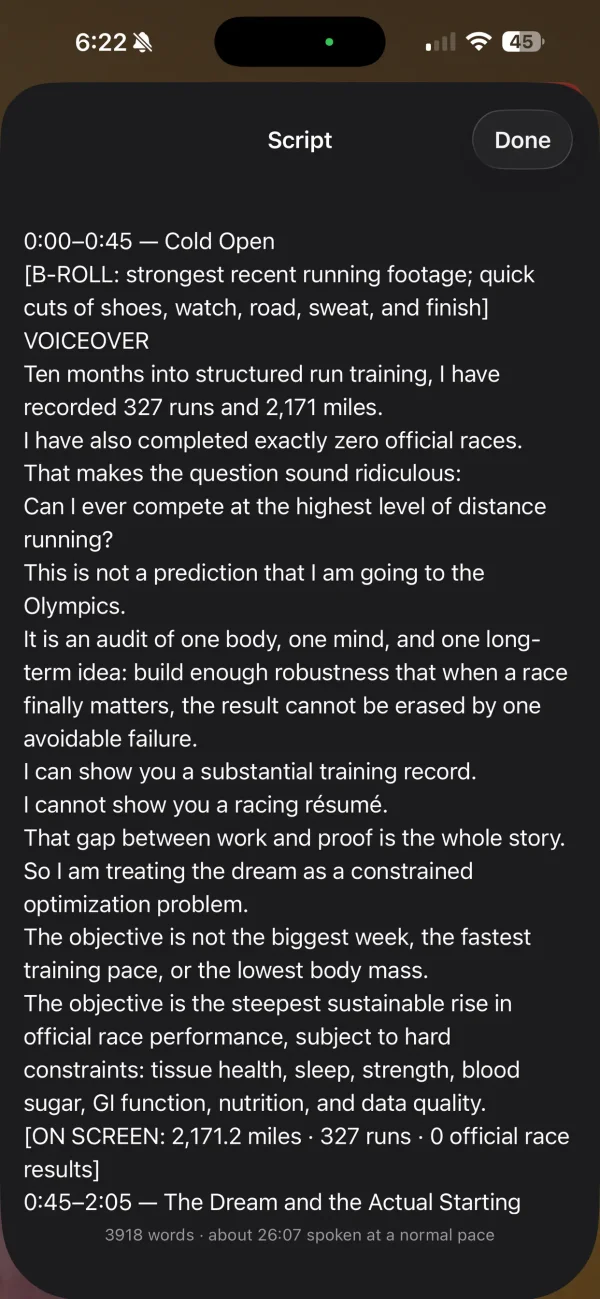
iPrompter Studio helps you deliver long scripts start to finish while recording clean, publish-ready video on iPhone or iPad. Your script stays on screen only—it is never burned into the video.
ZOOM & CAMERA CONTROL
• Smooth pinch-to-zoom before and during recording
• On-screen zoom controls and native lens presets when available
• Front and rear cameras, tap to focus, matching preview and recording mirroring, and rear-camera torch level
• 720p, 1080p, or 4K; 24, 30, or 60 fps; H.264 or HEVC; stabilization and microphone controls, subject to device support
• Clear device-specific fallbacks when hardware cannot apply a requested setting
COMPREHENSIVE PROMPTER CONTROL
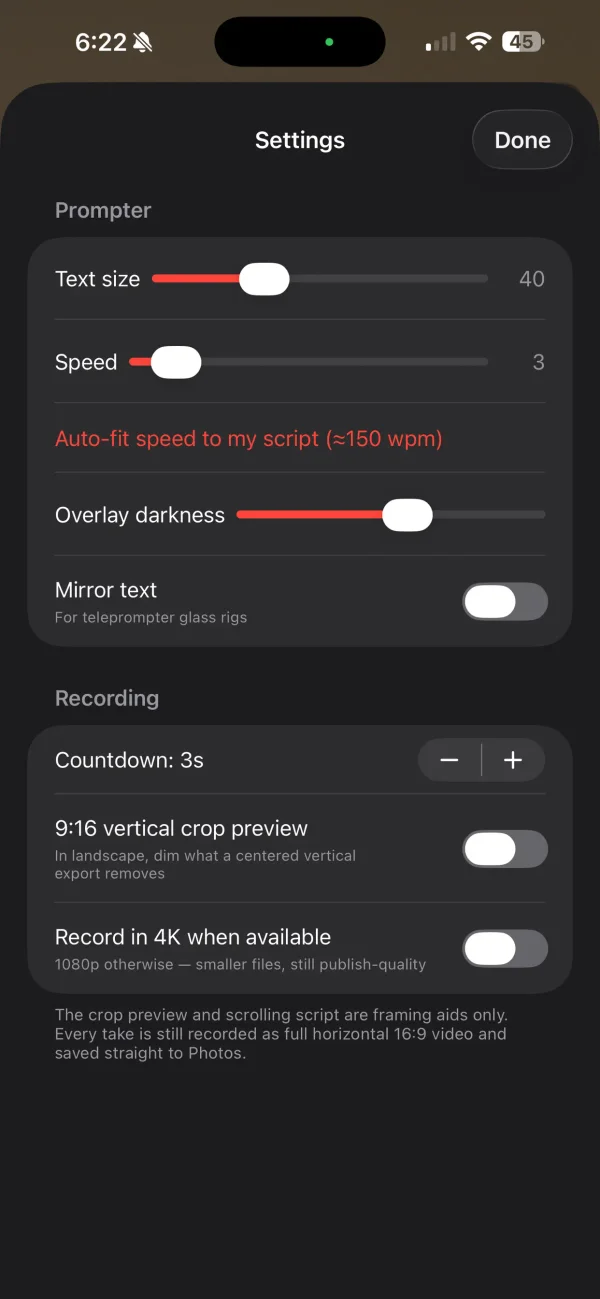
• Text size, font design, weight, alignment, case, color, character spacing, line height, paragraph spacing, margins, and maximum width
• Horizontal and vertical text mirroring for glass rigs
• Panel size, position, color, opacity, corners, edge fade, reading marker, reading line, and colors
• Constant scrolling with speed, direction, rewind distance, auto-resume delay, end behavior, and target-WPM speed fitting
• Choose how scrolling synchronizes with recording and what happens at script end
FRAMING & WORKFLOW
• 9:16, 4:5, 1:1, or custom crop guides while recording full-frame video in portrait or landscape
• Fill or fit preview, outside shade, guide color, labels, rule-of-thirds grid, and crosshair
• Adjustable countdown and haptics
• Presets for studio, teleprompter glass, vertical video, and accessible reading
• Configurable on-camera controls, sizing, opacity, status, feedback, and keep-awake behavior
• Completed takes save to Photos; if saving needs attention, retry, export, or discard without losing the take
PRIVATE BY DESIGN
No account, ads, analytics, tracking, subscription, or cloud upload. Scripts, settings, and pending takes remain on your device unless you choose to share them.
What’s new
Version 1.2 · Sep 21, 2026
• Choose portrait, landscape left, landscape right, or automatic recording orientation.
• Quickly select 720p, 1080p, or 4K and 24, 30, or 60 fps, subject to your camera's capabilities.
• See the complete video with Full frame preview, now the default. Front-camera mirroring matches the saved take, and you can hide the script to check your framing.
• Zoom out to the widest view available for your camera and capture settings, with convenient zoom and lens controls.
• Review and share your last take in the app after recording.
App privacy
What Ryan Sullivan declares on the App Store about how this app handles data.
-
Data not collected
The developer does not collect any data from this app.
Privacy practices may vary, for example with the features you use or your age.
Information
- Seller
- Ryan Sullivan
- Category
- Photo & Video
- Version
- 1.2
- Updated
- Sep 21, 2026
- Released
- Jul 28, 2026
- Size
- 1.3 MB
- Requires
- iOS 17.0 or later
- Age rating
- 4+
- Price
- Free
- Languages
- English
- Copyright
- © 2026 StatsKey
You might also like
-
 PromptTempo: TeleprompterVoice Follow & Video Recorder
-
 CreatorCutPortrait + landscape, one take
-
 PromptSmart MaxSmart Video Teleprompter
-
 Teleprompter Offline & PrivateVoice scroll & AI script
-
 iPrompter TeleprompterRead script, record & caption
-
 PhotoFlashLight: Photo ManagerPrivate & Offline Tag & Search
-
 Teleprompter: Video & ScriptRead & Record Near the Camera
-
 LiveConvert: HEIC to JPGLive Photos to still images
-
 Cine AI - AI Video GeneratorVideo Maker
-
 Teleprompter PremiumCue cards, never memorize