iPrompter Studio by StatsKey
Read, Record, Publish
Entwickelt für iPhone, iPad
Kostenlos
- Altersfreigabe4+
- KategorieFoto und Video
- EntwicklerRyan Sullivan
- SprachenEnglisch
- Größe1,3 MB
Verlinkt auf die offizielle App Store-Seite
Download.org hostet keine Datei von iPrompter Studio by StatsKey. Die Schaltfläche öffnet die App-Seite bei App Store, wo Ryan Sullivan die App veröffentlicht. Eintrag zuletzt geprüft am 18.11.2026.
Screenshots
Info
Der Entwickler hat diesen Text nicht in Ihrer Sprache bereitgestellt.
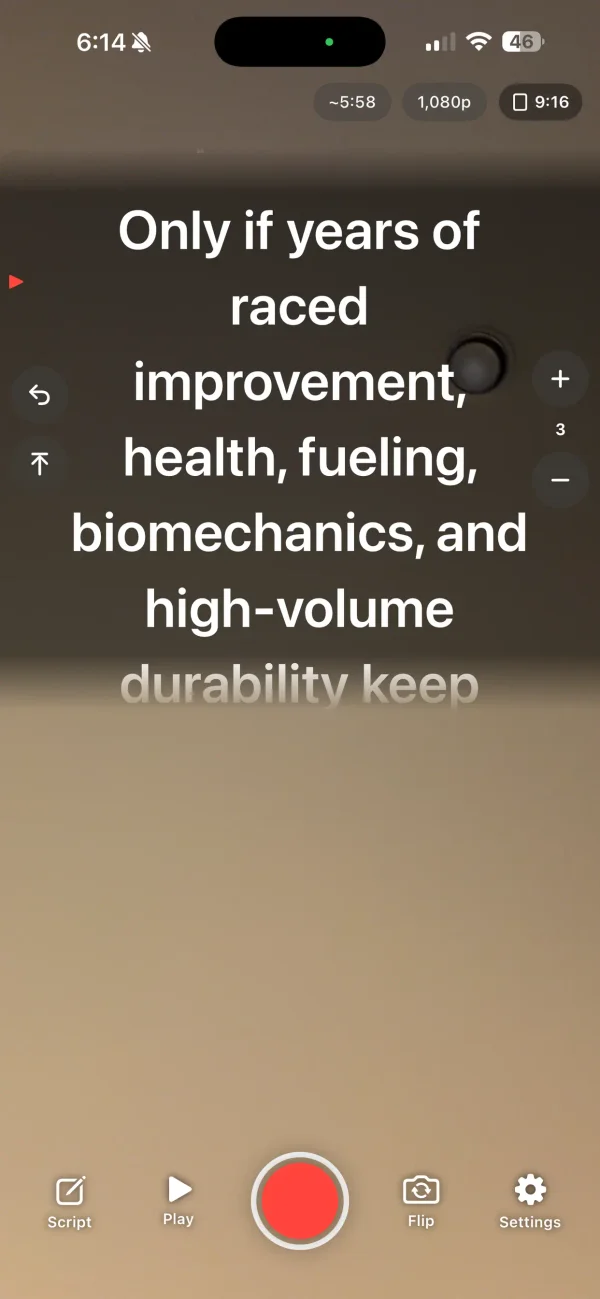
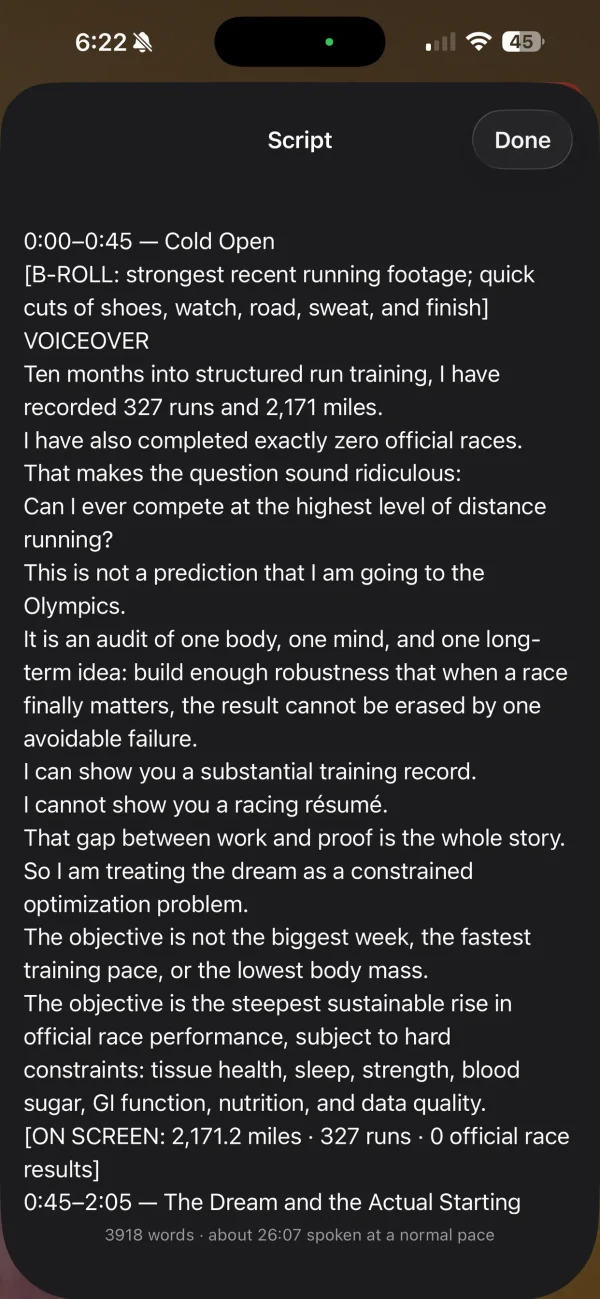
iPrompter Studio helps you deliver long scripts start to finish while recording clean, publish-ready video on iPhone or iPad. Your script stays on screen only—it is never burned into the video.
ZOOM & CAMERA CONTROL
• Smooth pinch-to-zoom before and during recording
• On-screen zoom controls and native lens presets when available
• Front and rear cameras, tap to focus, matching preview and recording mirroring, and rear-camera torch level
• 720p, 1080p, or 4K; 24, 30, or 60 fps; H.264 or HEVC; stabilization and microphone controls, subject to device support
• Clear device-specific fallbacks when hardware cannot apply a requested setting
COMPREHENSIVE PROMPTER CONTROL
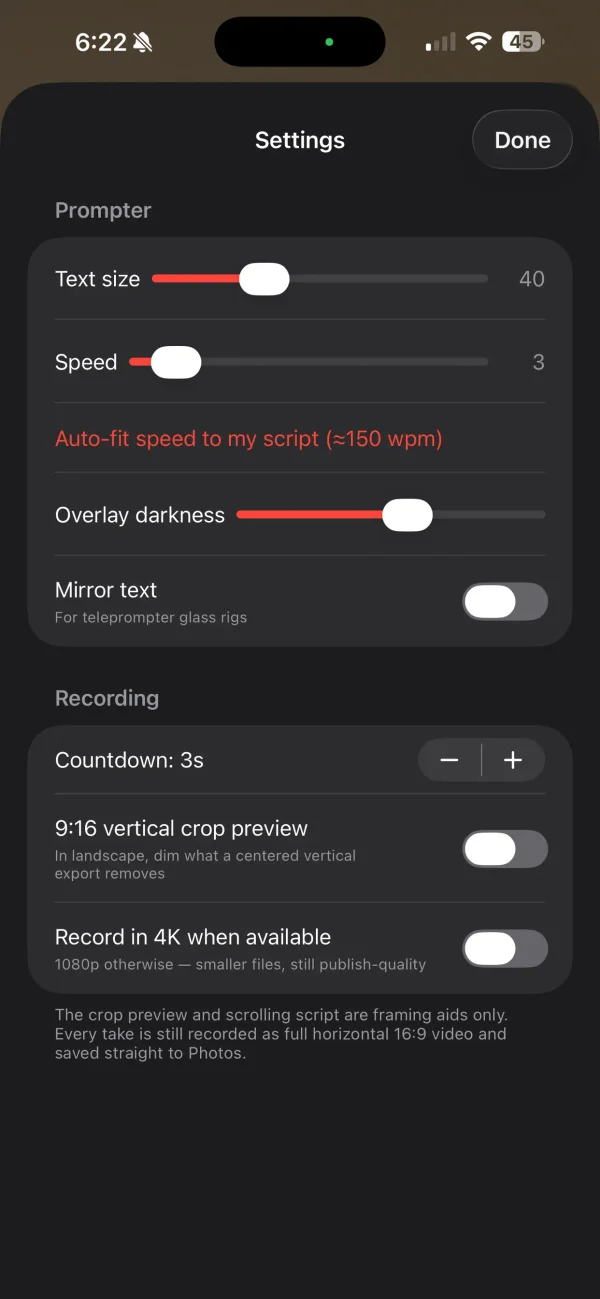
• Text size, font design, weight, alignment, case, color, character spacing, line height, paragraph spacing, margins, and maximum width
• Horizontal and vertical text mirroring for glass rigs
• Panel size, position, color, opacity, corners, edge fade, reading marker, reading line, and colors
• Constant scrolling with speed, direction, rewind distance, auto-resume delay, end behavior, and target-WPM speed fitting
• Choose how scrolling synchronizes with recording and what happens at script end
FRAMING & WORKFLOW
• 9:16, 4:5, 1:1, or custom crop guides while recording full-frame video in portrait or landscape
• Fill or fit preview, outside shade, guide color, labels, rule-of-thirds grid, and crosshair
• Adjustable countdown and haptics
• Presets for studio, teleprompter glass, vertical video, and accessible reading
• Configurable on-camera controls, sizing, opacity, status, feedback, and keep-awake behavior
• Completed takes save to Photos; if saving needs attention, retry, export, or discard without losing the take
PRIVATE BY DESIGN
No account, ads, analytics, tracking, subscription, or cloud upload. Scripts, settings, and pending takes remain on your device unless you choose to share them.
Neue Funktionen
Version 1.2 · 21.09.2026
• Choose portrait, landscape left, landscape right, or automatic recording orientation.
• Quickly select 720p, 1080p, or 4K and 24, 30, or 60 fps, subject to your camera's capabilities.
• See the complete video with Full frame preview, now the default. Front-camera mirroring matches the saved take, and you can hide the script to check your framing.
• Zoom out to the widest view available for your camera and capture settings, with convenient zoom and lens controls.
• Review and share your last take in the app after recording.
App-Datenschutz
Was Ryan Sullivan im App Store zum Umgang dieser App mit Daten angibt.
-
Keine Daten erfasst
Der Entwickler erfasst keine Daten von dieser App.
Die Datenschutzpraktiken können variieren, zum Beispiel je nach den von Ihnen verwendeten Funktionen oder Ihrem Alter.
Informationen
- Anbieter
- Ryan Sullivan
- Kategorie
- Foto und Video
- Version
- 1.2
- Aktualisiert
- 21.09.2026
- Veröffentlicht
- 28.07.2026
- Größe
- 1,3 MB
- Erfordert
- iOS 17.0 oder neuer
- Altersfreigabe
- 4+
- Preis
- Kostenlos
- Sprachen
- Englisch
- Copyright
- © 2026 StatsKey
Das könnte Ihnen auch gefallen
-
 PromptTempo: TeleprompterSprachsteuerung & Video
-
 CreatorCutFoto und Video
-
 PromptSmart MaxDer Teleprompter für Creator
-
 Teleprompter Offline & PrivateSprach-Scroll & KI-Skript
-
 iPrompter TeleprompterFoto und Video
-
 PhotoFlashLight: Photo ManagerFoto und Video
-
 Teleprompter: Video & SkriptVideos aufnehmen, Text lesen
-
 LiveConvert: HEIC to JPGFoto und Video
-
 Cine AI - AI Video GeneratorFoto und Video
-
 Teleprompter Premium - VideoSkript ablesen, frei sprechen