iPrompter Studio by StatsKey
Read, Record, Publish
Được thiết kế cho iPhone, iPad
Miễn phí
- Độ tuổi4+
- Danh mụcẢnh & Video
- Nhà phát triểnRyan Sullivan
- Ngôn ngữTiếng Anh
- Kích thước1,3 MB
Liên kết đến trang App Store chính thức
Download.org không lưu trữ tệp nào của iPrompter Studio by StatsKey. Nút này mở trang ứng dụng trên App Store, nơi Ryan Sullivan phát hành ứng dụng. Trang được kiểm tra lần cuối: 18/11/2026.
Ảnh chụp màn hình
Giới thiệu
Nhà phát triển chưa cung cấp nội dung này bằng ngôn ngữ của bạn.
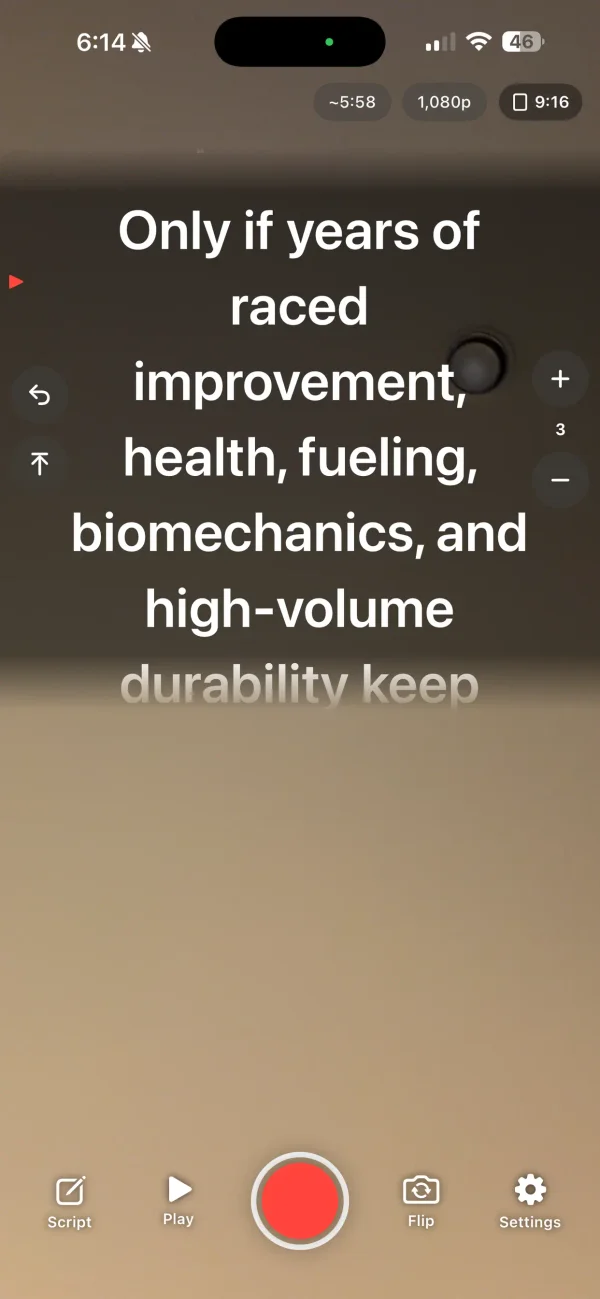
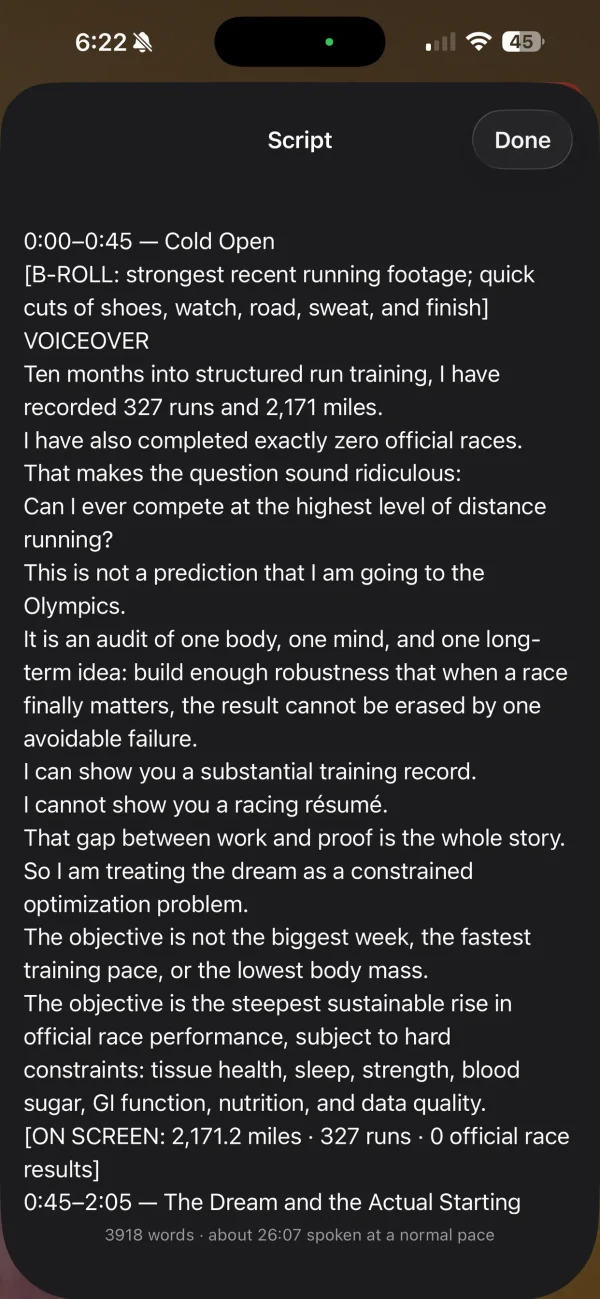
iPrompter Studio helps you deliver long scripts start to finish while recording clean, publish-ready video on iPhone or iPad. Your script stays on screen only—it is never burned into the video.
ZOOM & CAMERA CONTROL
• Smooth pinch-to-zoom before and during recording
• On-screen zoom controls and native lens presets when available
• Front and rear cameras, tap to focus, matching preview and recording mirroring, and rear-camera torch level
• 720p, 1080p, or 4K; 24, 30, or 60 fps; H.264 or HEVC; stabilization and microphone controls, subject to device support
• Clear device-specific fallbacks when hardware cannot apply a requested setting
COMPREHENSIVE PROMPTER CONTROL
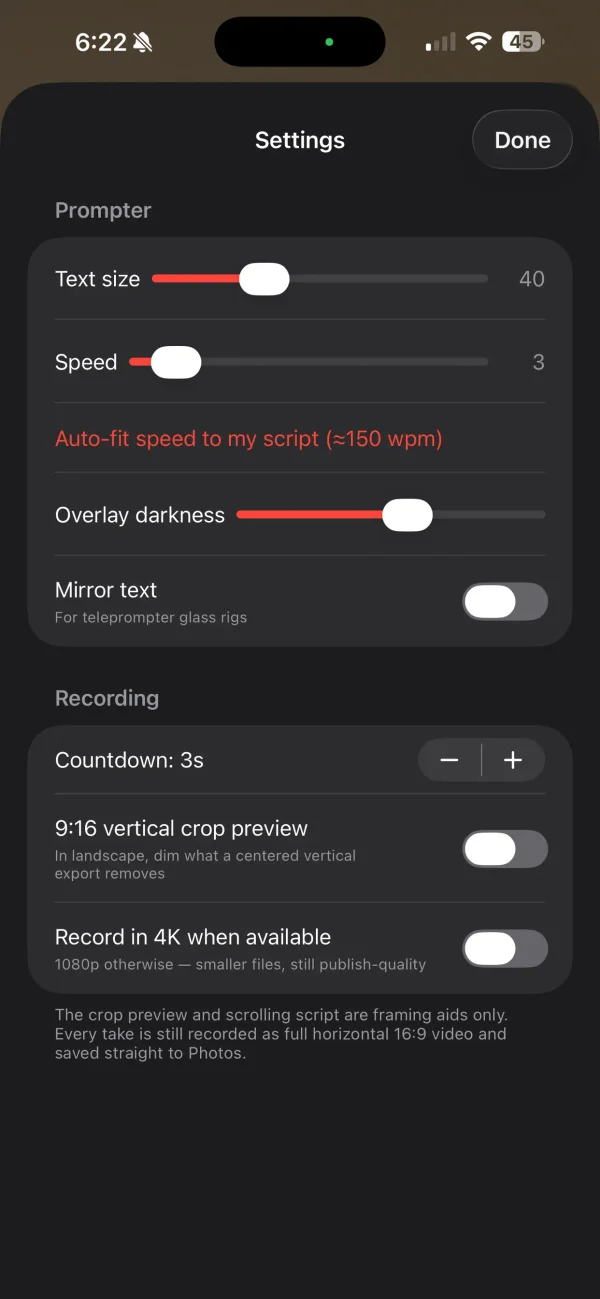
• Text size, font design, weight, alignment, case, color, character spacing, line height, paragraph spacing, margins, and maximum width
• Horizontal and vertical text mirroring for glass rigs
• Panel size, position, color, opacity, corners, edge fade, reading marker, reading line, and colors
• Constant scrolling with speed, direction, rewind distance, auto-resume delay, end behavior, and target-WPM speed fitting
• Choose how scrolling synchronizes with recording and what happens at script end
FRAMING & WORKFLOW
• 9:16, 4:5, 1:1, or custom crop guides while recording full-frame video in portrait or landscape
• Fill or fit preview, outside shade, guide color, labels, rule-of-thirds grid, and crosshair
• Adjustable countdown and haptics
• Presets for studio, teleprompter glass, vertical video, and accessible reading
• Configurable on-camera controls, sizing, opacity, status, feedback, and keep-awake behavior
• Completed takes save to Photos; if saving needs attention, retry, export, or discard without losing the take
PRIVATE BY DESIGN
No account, ads, analytics, tracking, subscription, or cloud upload. Scripts, settings, and pending takes remain on your device unless you choose to share them.
Có gì mới
Phiên bản 1.2 · 21/09/2026
• Choose portrait, landscape left, landscape right, or automatic recording orientation.
• Quickly select 720p, 1080p, or 4K and 24, 30, or 60 fps, subject to your camera's capabilities.
• See the complete video with Full frame preview, now the default. Front-camera mirroring matches the saved take, and you can hide the script to check your framing.
• Zoom out to the widest view available for your camera and capture settings, with convenient zoom and lens controls.
• Review and share your last take in the app after recording.
Quyền riêng tư của ứng dụng
Những gì Ryan Sullivan khai báo trên App Store về cách ứng dụng này xử lý dữ liệu.
-
Dữ liệu không được thu thập
Nhà phát triển không thu thập bất kỳ dữ liệu nào từ ứng dụng này.
Phương thức đảm bảo quyền riêng tư có thể khác nhau, chẳng hạn như tuỳ theo các tính năng bạn sử dụng hoặc độ tuổi của bạn.
Thông tin
- Người bán
- Ryan Sullivan
- Danh mục
- Ảnh & Video
- Phiên bản
- 1.2
- Cập nhật
- 21/09/2026
- Phát hành
- 28/07/2026
- Kích thước
- 1,3 MB
- Yêu cầu
- iOS 17.0 trở lên
- Độ tuổi
- 4+
- Giá
- Miễn phí
- Ngôn ngữ
- Tiếng Anh
- Bản quyền
- © 2026 StatsKey
Có thể bạn cũng thích
-
 PromptTempo: Máy nhắc chữChữ theo giọng & quay video
-
 CreatorCutẢnh & Video
-
 PromptSmart MaxẢnh & Video
-
 Teleprompter Offline&Riêng tưCuộn bằng giọng nói & AI
-
 iPrompter TeleprompterẢnh & Video
-
 PhotoFlashLight: Photo ManagerẢnh & Video
-
 Teleprompter: Video & Kịch bảnĐọc và quay gần máy ảnh
-
 LiveConvert: HEIC to JPGẢnh & Video
-
 Cine AI - AI Video GeneratorẢnh & Video
-
 Teleprompter PremiumẢnh & Video