Samsung Find: Location Sharing
Samsung Electronics Co., Ltd.- EveryoneAge rating
- LifestyleCategory
- Oct 5, 2026Updated
- FreePrice
Links to the official Google Play listing of com.samsung.android.app.find. Last checked on Nov 26, 2026.
Screenshots


About this app
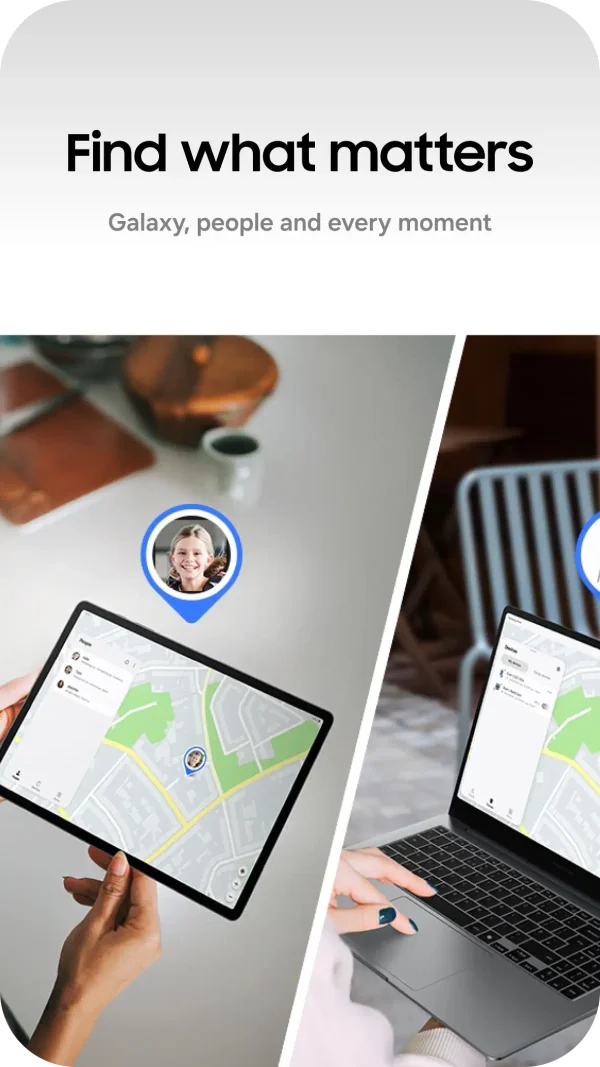
See where your devices are and share your location with others.
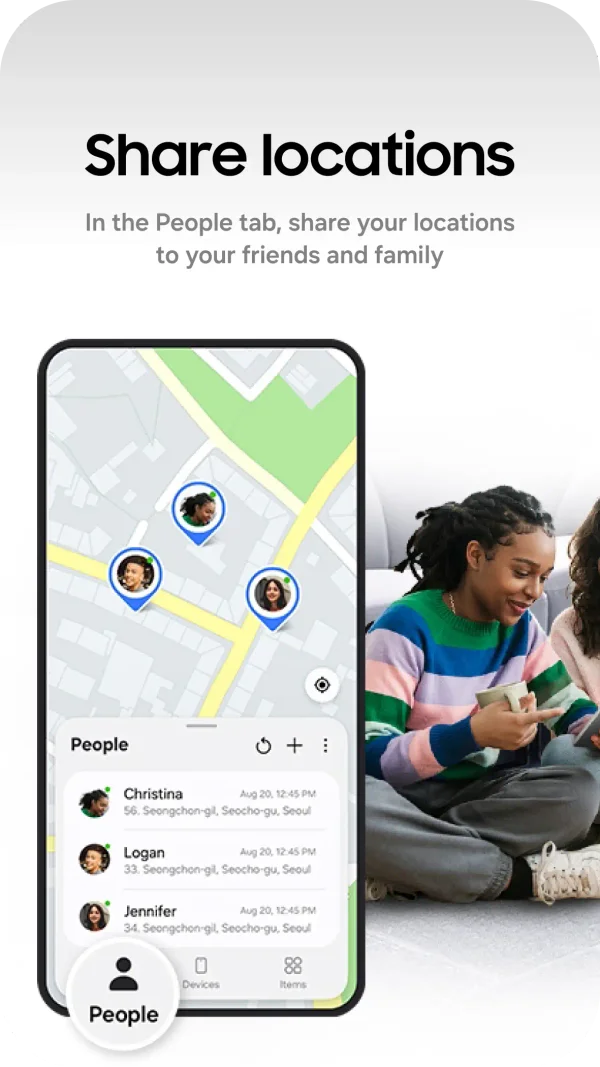
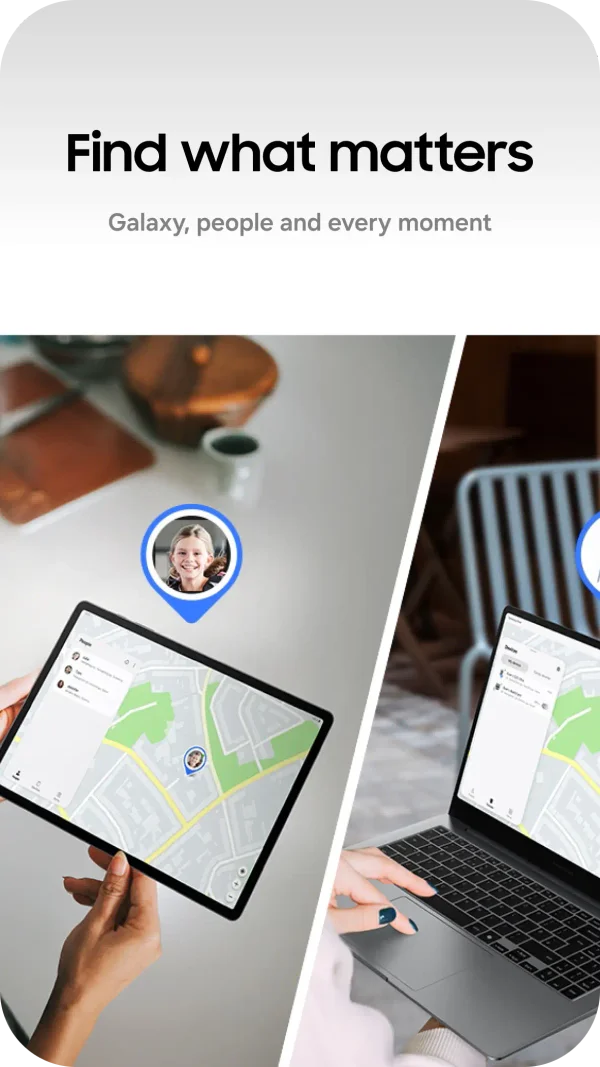
Samsung Find lets you share your location with your loved ones, like your family and friends, and see where your connected family and friends are in real time.
It also protects you and your family’s Galaxy devices from loss, and provides real-time GPS location tracking so you can easily find them. Try Samsung Find!
Samsung Find offers the following key features to keep you and your family safe.
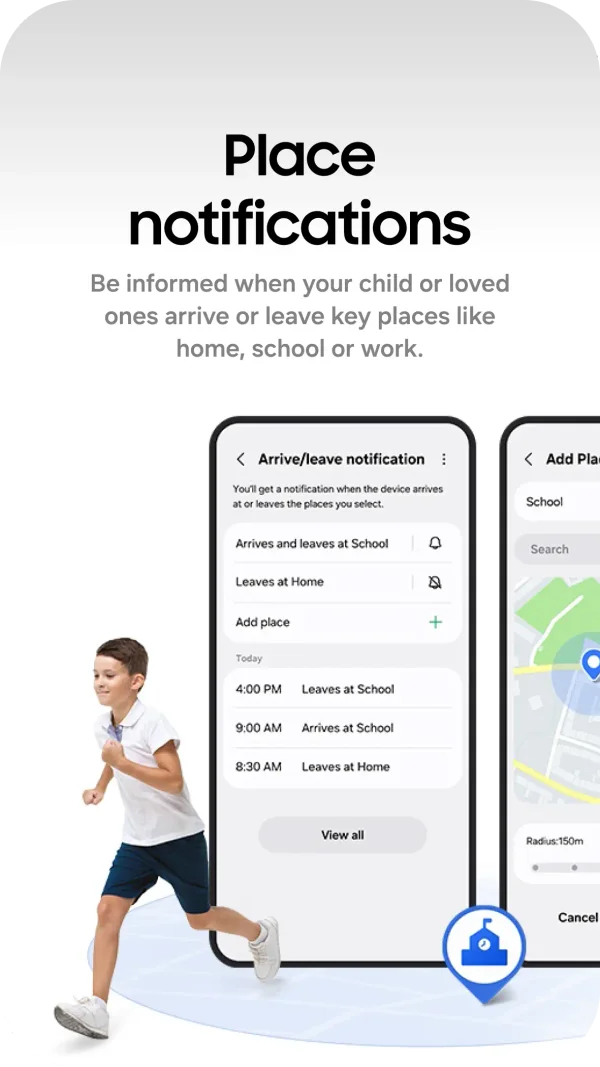
□ Location sharing and location notifications between family and friends (“People” tab)
- Worried about the safety of your loved ones? Want to know where your family and friends are and if they’re safe, but don’t want to have to ask them every time? If so, try Samsung Find.
- You can share your location with family and friends in your contacts, or ask them to share theirs with you.
- Worried about your location being shared all the time? Samsung Find can be set to securely share your location with family and friends for set periods of time.
□ Device-finding and security features (“Devices” tab)
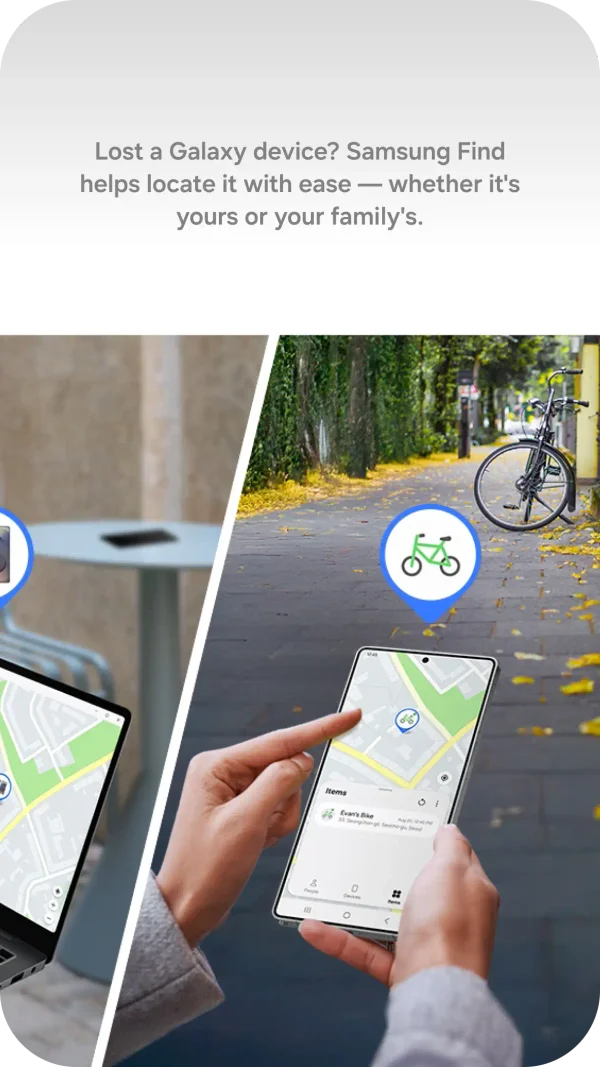
- Use Samsung Find to prevent losing your devices. Samsung Find can help you find your devices or even a family member’s device.
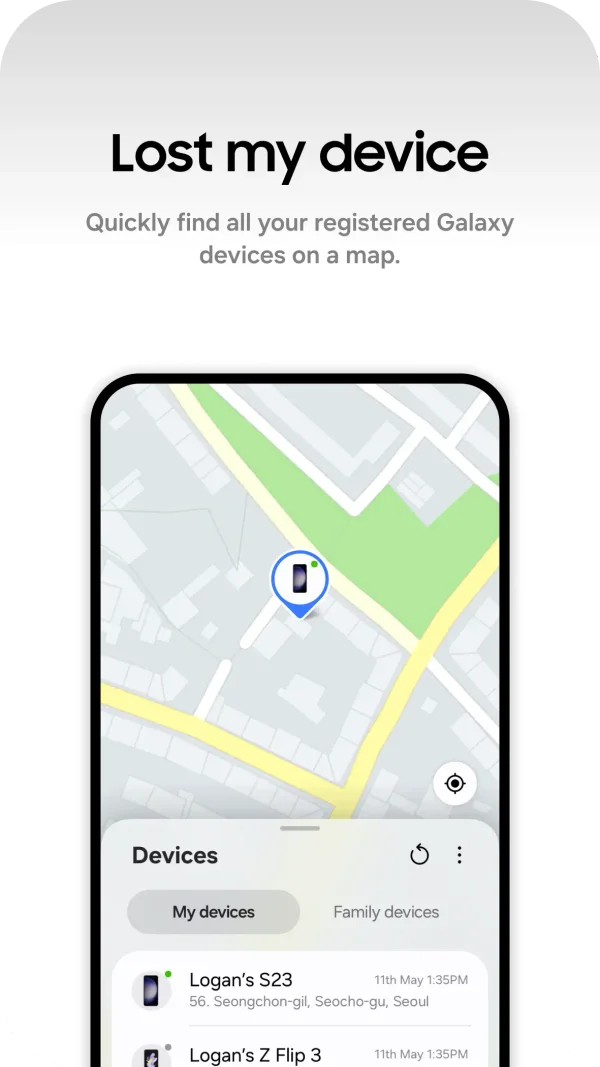
- You can see the location of all of your devices on the map, including your Galaxy phone, tablet, Watch, and Buds, and use navigation to get directions to them!
- You can use the “Search nearby” feature to search 360 degrees around you, making it quick and easy to find small devices like Buds and Rings.
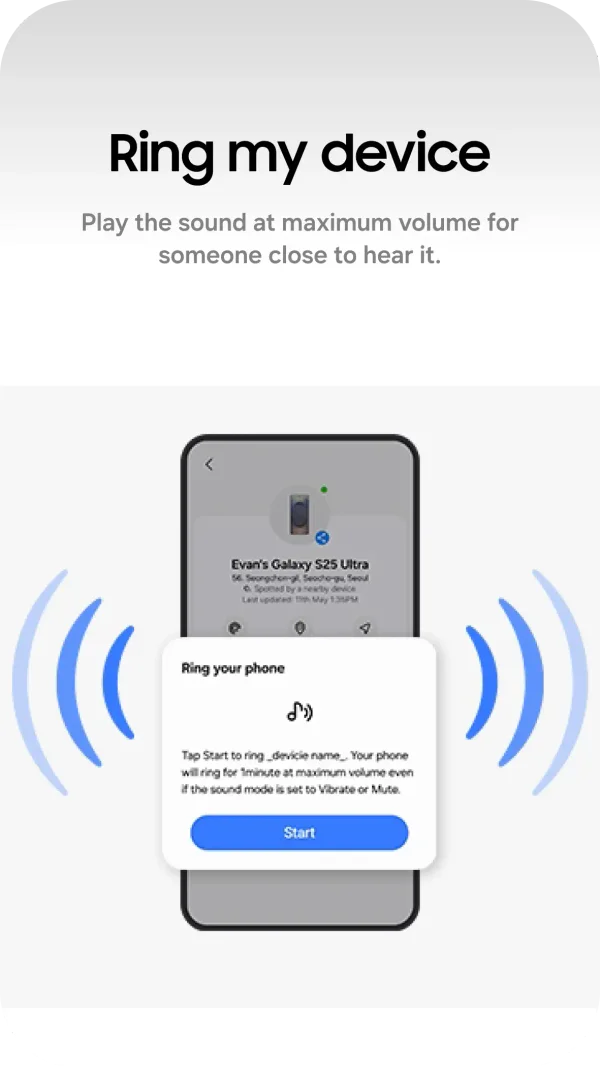
- You can also use the “Make sound” feature to quickly locate your devices by making them sound, even when set to Silent.
- Lost your device? You can track your device’s location and battery information by GPS directly from the Samsung Find website (samsungfind.samsung.com), or you can find it on a shared family member’s device.
- If you’re concerned about the security of your lost device, use the “Lock device” and “Clear data” features on the Samsung Find website (samsungfind.samsung.com) to keep your and your family’s devices safe.
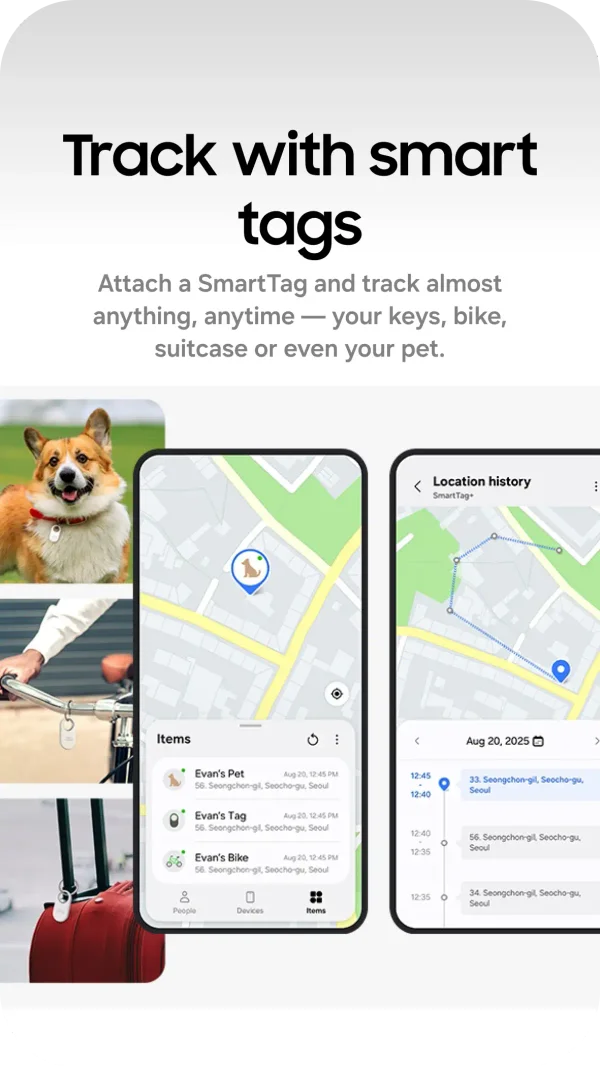
□ Track the real-time location of your and your family’s precious items (“Items” tab)
- Worried about losing your pet, favorite bike, or suitcase? Simply attach a SmartTag to them and register them on Samsung Find for real-time location tracking with GPS.
Easily connect with your loved ones with Samsung Find, and keep your and your family’s things safe from loss. Register now!
[Usage Environment]
Samsung Find is available on Galaxy devices that support One UI 3 (R OS) or later versions.
* Information on access permissions
Access permission as follows is required for service provision.
Basic service features can be used even if optional access permissions are not granted.
[Required Access Permissions]
ㆍLocation: To track the location of your device when lost, and share your location with others
ㆍNotifications: To receive notifications when someone checks your location or shares their location with you
[Optional Access Permissions]
ㆍContacts: To search for people to share your location with
ㆍCamera: To search for nearby devices
ㆍNearby devices: To find the location of devices around you
Data safety
What Samsung Electronics Co., Ltd. declares on Google Play about the data this app collects and shares.
- No data shared with third partiesLearn more about how developers declare sharing
- No data collectedLearn more about how developers declare collection
- Committed to follow the Play Families Policy
Developer contact
- Websitesamsungfind.samsung.com
- Emailfind@samsung.com
- Privacy policyterms.samsungconsent.com
- Address대한민국 16677 경기도 수원시 영통구 삼성로 129 (매탄동)
Information
- Offered by
- Samsung Electronics Co., Ltd.
- Category
- Lifestyle
- Version
- 2.0.01.12
- Updated
- Oct 5, 2026
- Released
- Aug 30, 2024
- Requires
- Android 11 or later
- Age rating
- Everyone
- Price
- Free
- Package name
- com.samsung.android.app.find
Similar apps
-
 Clock
Tools
-
 Samsung Calculator
Tools
-
 Device Care
Tools
-
 Samsung Calendar
Productivity
-
 Samsung My Files
Tools
-
 Galaxy Wearable
Tools
-
 Samsung Email
Productivity
-
 Samsung Members
Tools
-
 Android System Intelligence
Tools
-
 Samsung Smart Switch Mobile
Tools
-
 Google's Find Hub
Tools
-
 Lookout - Assisted vision
Productivity