Screenshot X - Screen Capture
TarrySoftContains ads · In-app purchases
- EveryoneAge rating
- PhotographyCategory
- Sep 22, 2026Updated
- FreePrice
Links to the official Google Play listing of com.jaredco.screengrabber8. Last checked on Nov 20, 2026.

Screenshots
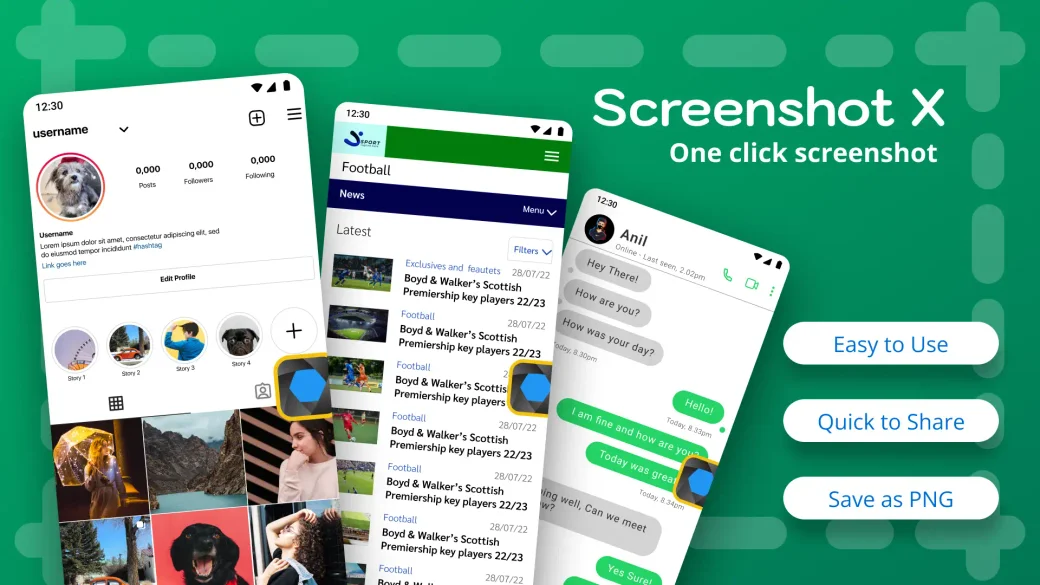
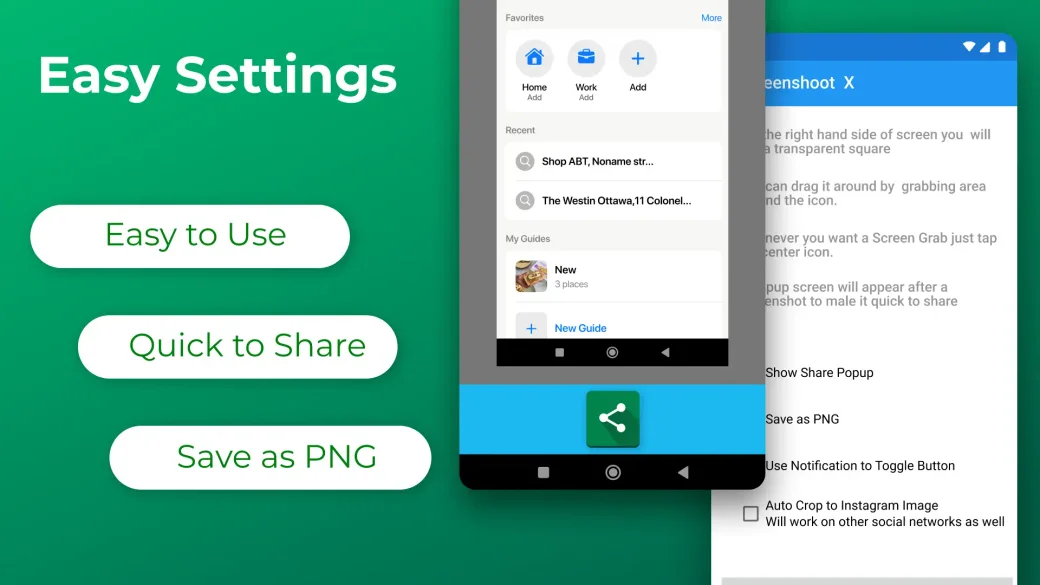
About this app
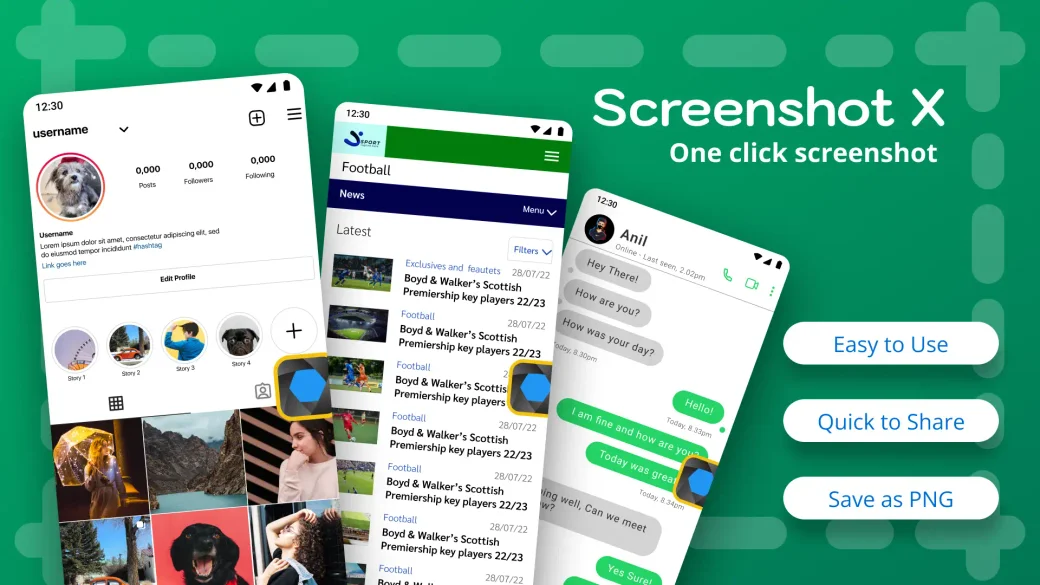
Take a screenshot of any screen with one touch then easily share screenshot.
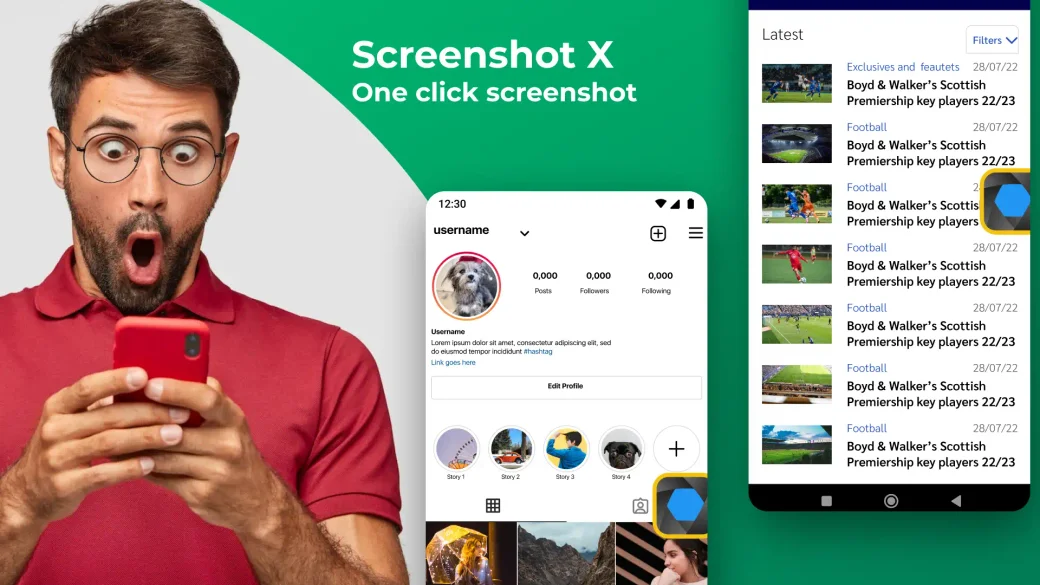
Capture screenshots with one click!
Screenshot X - Screen Capture Tool - the fastest and easiest way to take and share screenshots!
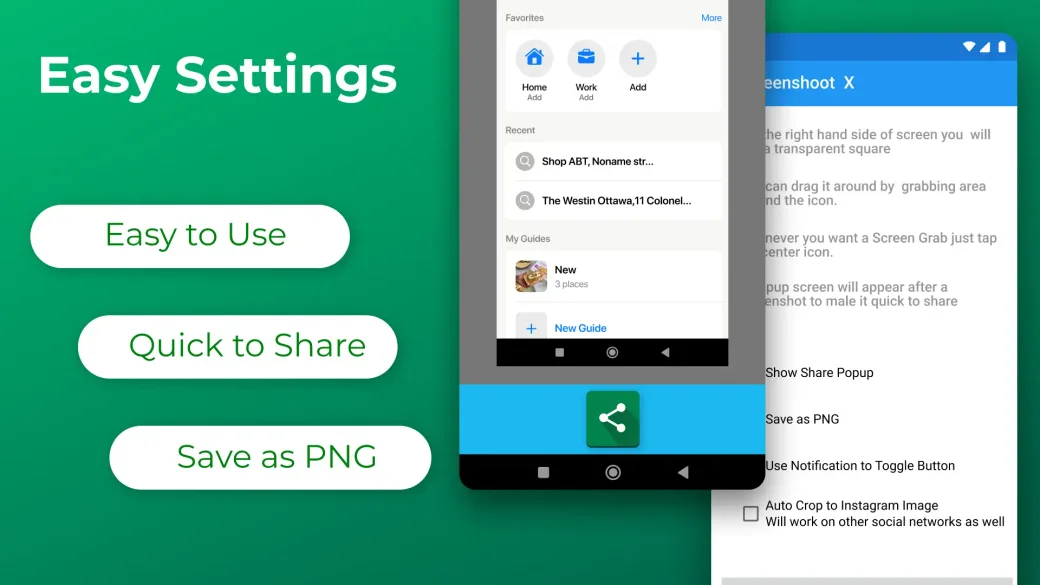
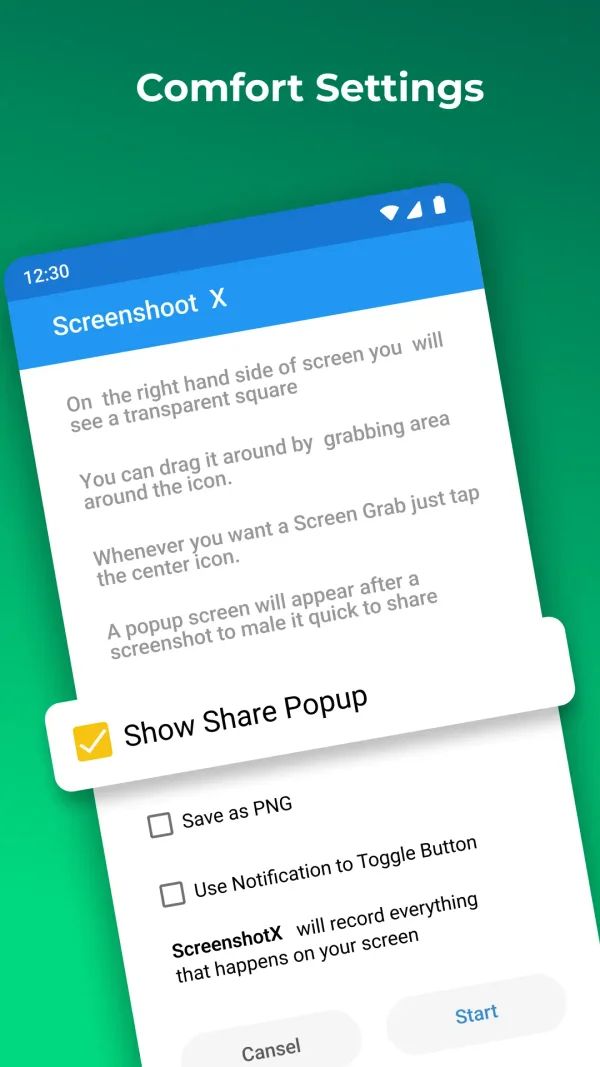
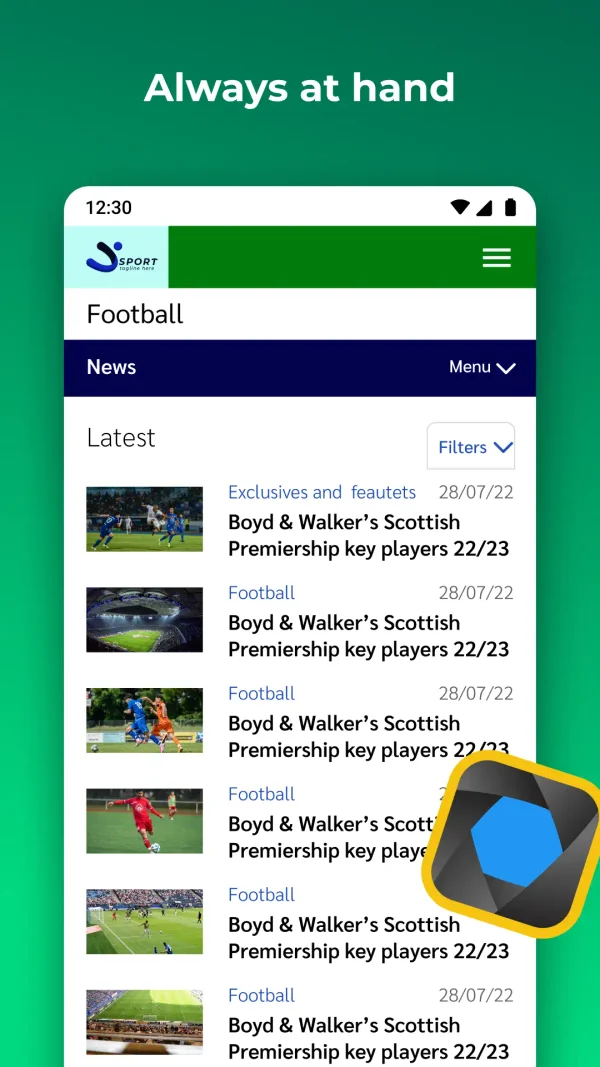
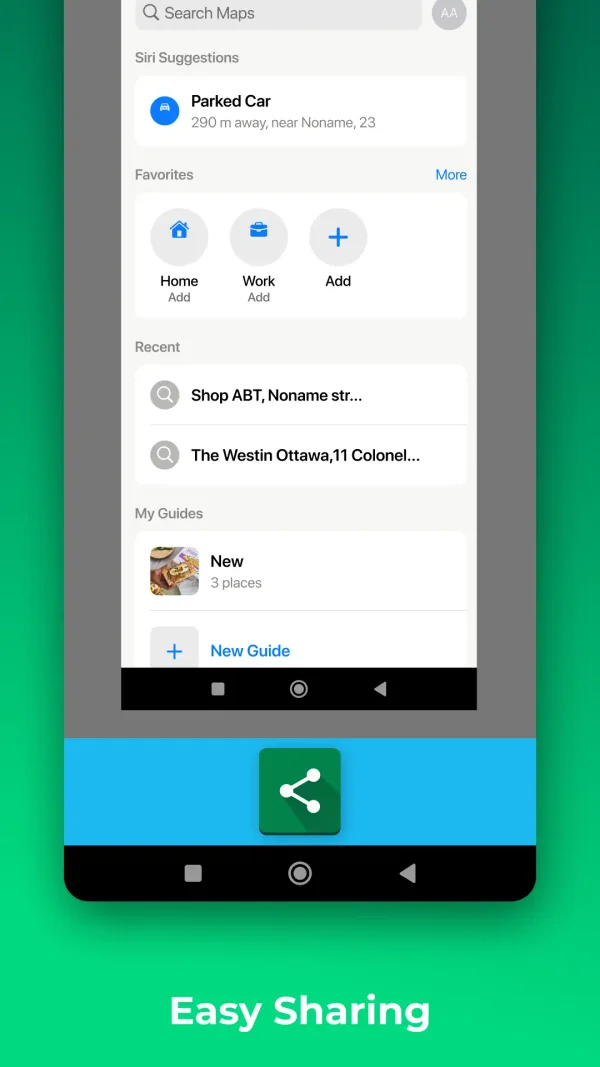
Download Screenshot X, a FREE screen tool to instantly capture screens and share screenshots. Just open the app (snipping tool), and an icon will appear on your phone's screen. Tap on the icon anytime you want to grab a screenshot. Then you can immediately share or save the screenshot through other apps: messaging apps, emails, clouds, photo editing, or other phone tools!
Screen Capture for all device types ✅
Tired of trying to capture screenshots with one hand or even two? With bigger phones, capturing the screen by pressing two buttons simultaneously is hard, and so are other gestures that mess up the screen. What if we tell you that we can help you to capture it in less than a second with only one tap of your finger with our handy screenshot capture tool? It's a flexible screen capture app that lets you share screen shots with anyone using phone tools already installed on your phone. Simple. Easy. Useful. And FREE!
BENEFITS OF USING SCREENSHOT X - SCREEN CAPTURE TOOL:
✅ ONE TAP screen capture. Just tap on the icon, and our app will instantly capture a screenshot.
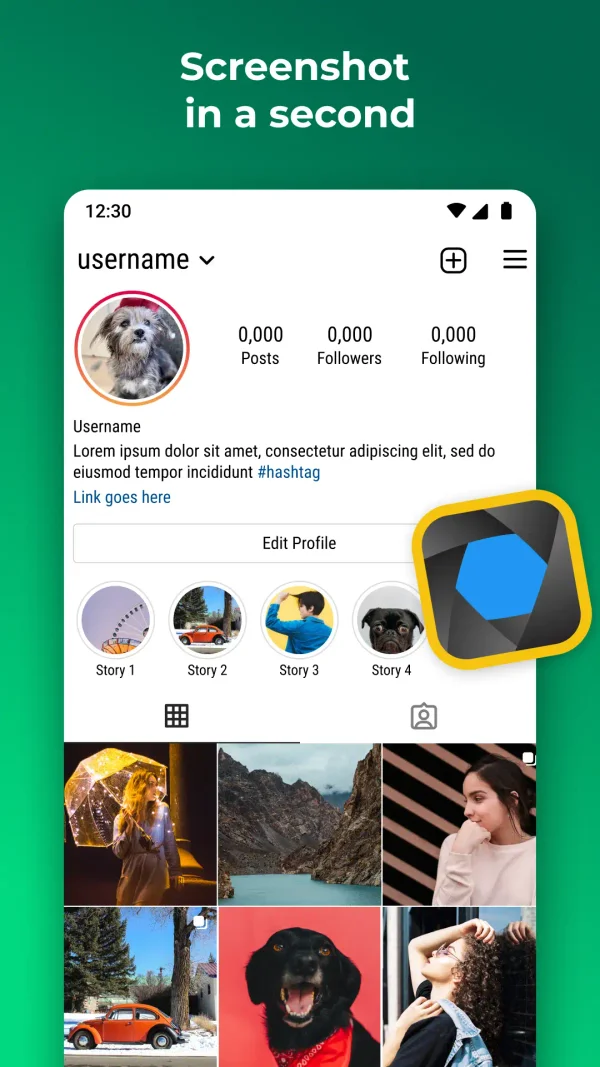
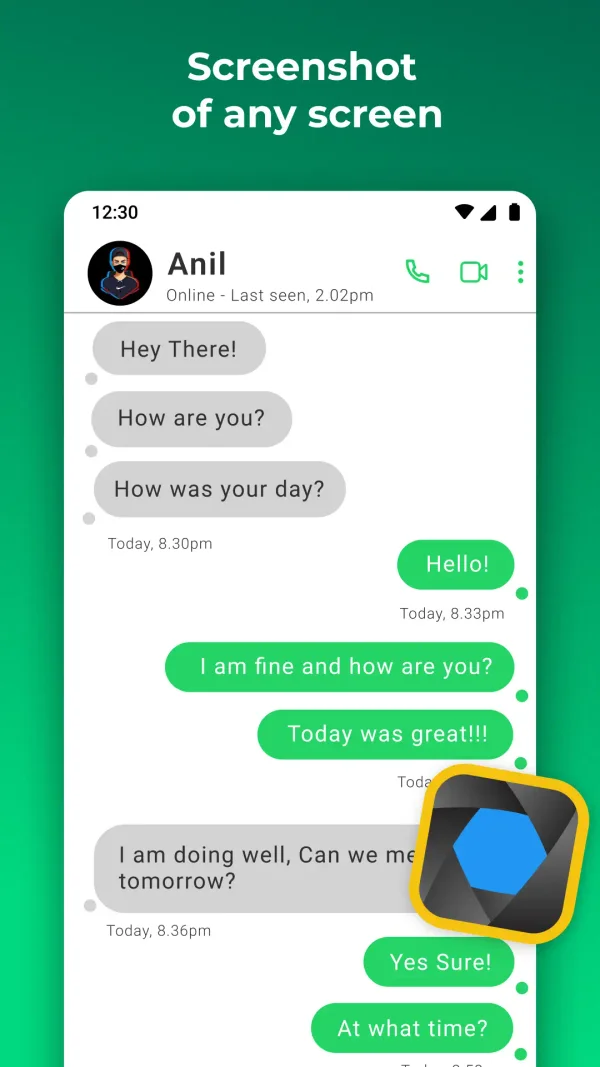
✅ Seeing something nice or funny on Instagram or chat sessions? Capture Screen with Screen Grabber feature!
✅ No one will know you've taken the screenshot. One tap on your phone screen, and you're done.
✅ Share the screen record through other apps: Emails, Facebook, Photo Editing apps, Cloud Service, or any phone tools you have.
✅ Move around the" capture screen" icon to anywhere on the screen for more comfortable viewing.
✅ Screenshot X - Capture Screen Tool saves each screenshot in a new picture file called Screen Grabs.
Want to see your contacts list from months ago? Easy, if you grab a screenshot of those important clients' phone numbers. The snapshot of your screen is saved in the file labeled Screen Grabs. Want to send a map or directions to your technically-impaired friends? It doesn't get any easier than clicking (screen capturing) and sending the screenshot or screen record.
Discover a powerful tool!
Pictures, app icons, maps, tools, contacts, addresses – no matter what's showing up on your screen, you can capture it with Screenshot X and save screenshots in one place, so you don't have to fumble for what you need now.
Screenshot X - Screen Capture Tool - the fastest and easiest way to take and share screenshots!
Powerful Screenshot Tool - Capture Screenshots in 1 click!
Download Screenshot X, a FREE screen tool to instantly capture screens and share screenshots. Just open the app (snipping tool), and an icon will appear on your phone's screen. Tap on the icon anytime you want to grab a screenshot. Then you can immediately share or save the screenshot through other apps: messaging apps, emails, clouds, photo editing, or other phone tools!
Screen Capture for all device types ✅
Tired of trying to capture screenshots with one hand or even two? With bigger phones, capturing the screen by pressing two buttons simultaneously is hard, and so are other gestures that mess up the screen. What if we tell you that we can help you to capture it in less than a second with only one tap of your finger with our handy screenshot capture tool? It's a flexible screen capture app that lets you share screen shots with anyone using phone tools already installed on your phone. Simple. Easy. Useful. And FREE!
BENEFITS OF USING SCREENSHOT X - SCREEN CAPTURE TOOL:
✅ ONE TAP screen capture. Just tap on the icon, and our app will instantly capture a screenshot.
✅ Seeing something nice or funny on Instagram or chat sessions? Capture Screen with Screen Grabber feature!
✅ No one will know you've taken the screenshot. One tap on your phone screen, and you're done.
✅ Share the screen record through other apps: Emails, Facebook, Photo Editing apps, Cloud Service, or any phone tools you have.
✅ Move around the" capture screen" icon to anywhere on the screen for more comfortable viewing.
✅ Screenshot X - Capture Screen Tool saves each screenshot in a new picture file called Screen Grabs.
Want to see your contacts list from months ago? Easy, if you grab a screenshot of those important clients' phone numbers. The snapshot of your screen is saved in the file labeled Screen Grabs. Want to send a map or directions to your technically-impaired friends? It doesn't get any easier than clicking (screen capturing) and sending the screenshot or screen record.
Discover a powerful tool!
Pictures, app icons, maps, tools, contacts, addresses – no matter what's showing up on your screen, you can capture it with Screenshot X and save screenshots in one place, so you don't have to fumble for what you need now.
Enhances your Android experience in every way with Screenshot X - Screen Capture Tool!
Data safety
What TarrySoft declares on Google Play about the data this app collects and shares.
- This app may share these data types with third partiesApp info and performance and Device or other IDs
- This app may collect these data typesApp info and performance and Device or other IDs
- Data is encrypted in transit
- Data can’t be deleted
Developer contact
- Websitekigelapps.com
- Emailsupport.screenshotx@kigelapps.com
- Privacy policykigelapps.com
- Address8 The Grn Ste 4184 Dover, DE 19901-3618 United States
Information
- Offered by
- TarrySoft
- Category
- Photography
- Version
- 2.103.2
- Updated
- Sep 22, 2026
- Released
- Feb 13, 2015
- Requires
- Android 8.0 or later
- Age rating
- Everyone
- Price
- Free
- In-app purchases
- $0.99 - $99.99 per item
- Package name
- com.jaredco.screengrabber8
Similar apps
-
 Screen Recorder - XRecorder
Video Players & Editors
-
 ScreenMaster:Screenshot Markup
Productivity
-
 Screen Recorder - G1REC
Video Players & Editors
-
 Screen Recorder GU Recorder
Video Players & Editors
-
 Screen Recorder Video Recorder
Tools
-
 Screen Recorder -VidmaRecorder
Video Players & Editors
-
 Floating Apps (multitasking)
Productivity
-
 Lens AI: Identify Anything
Tools
-
 Lookout - Assisted vision
Productivity
-
 Screen Recorder
Video Players & Editors
-
 Screen Recorder - AX Recorder
Video Players & Editors
-
 ASR Voice Recorder
Music & Audio