
NanoPad: Markdown Notes
A scratchpad for ideas & tasks
Entwickelt für iPhone, iPad, Mac
Kostenlos · In-App-Käufe
- Altersfreigabe17+
- KategorieProduktivität
- EntwicklerDigital Toys LLC
- SprachenEnglisch
- Größe37,1 MB
Verlinkt auf die offizielle App Store-Seite
Download.org hostet keine Datei von NanoPad: Markdown Notes. Die Schaltfläche öffnet die App-Seite bei App Store, wo Digital Toys LLC die App veröffentlicht. Eintrag zuletzt geprüft am 17.11.2026.
Screenshots


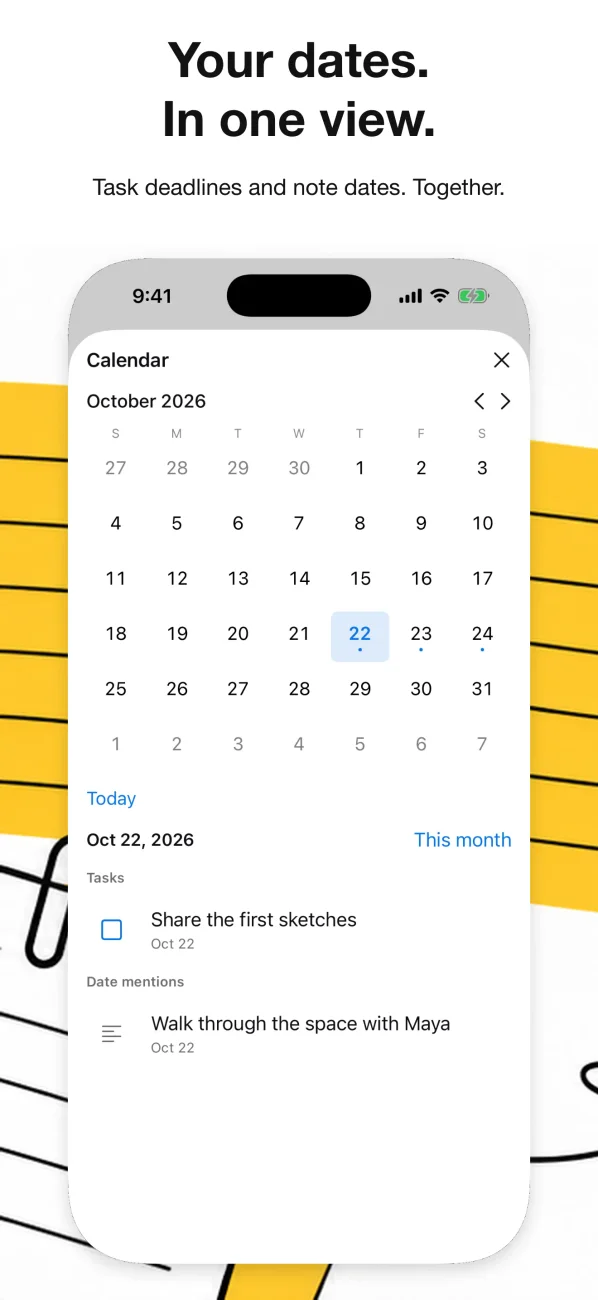
Info
Der Entwickler hat diesen Text nicht in Ihrer Sprache bereitgestellt.
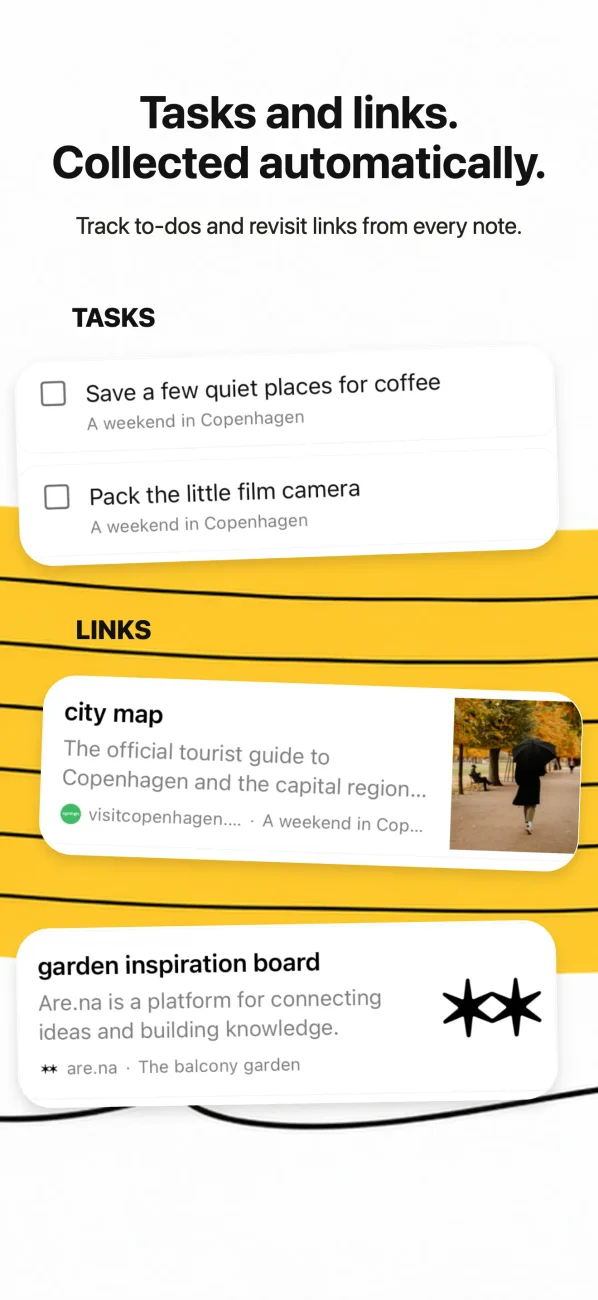
NanoPad is a quiet place to catch a thought, keep a checklist, and save a useful link. Notes, tasks, and URLs stay connected: write in a note, then find the task or link in its own view.
WRITE YOUR WAY
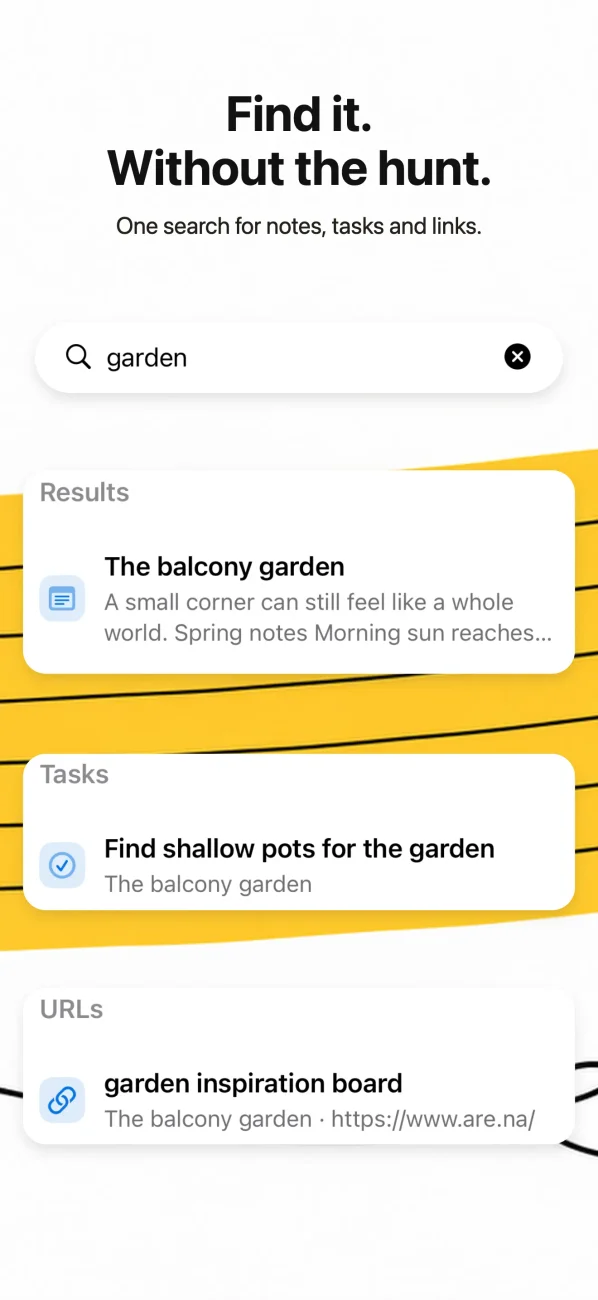
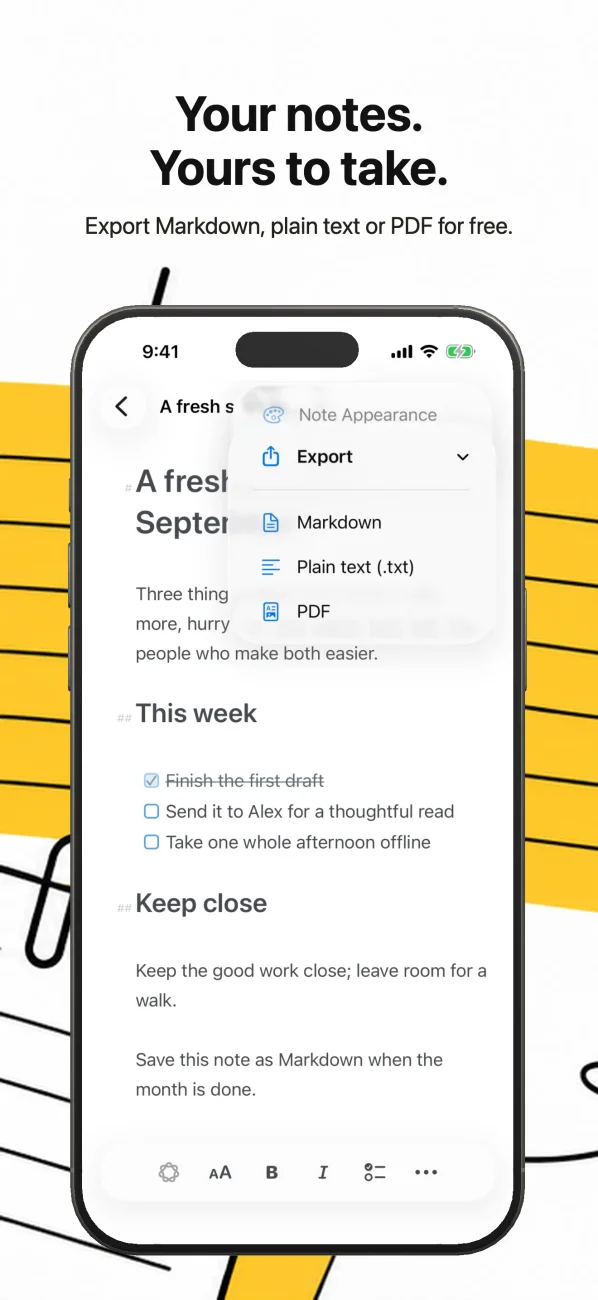
Use Markdown or the formatting toolbar for headings, lists, checkboxes, tables, links, and images. Search across your notes, return to recently opened work, and export your writing as Markdown, plain text, or PDF.
KEEP YOUR NOTES TOGETHER
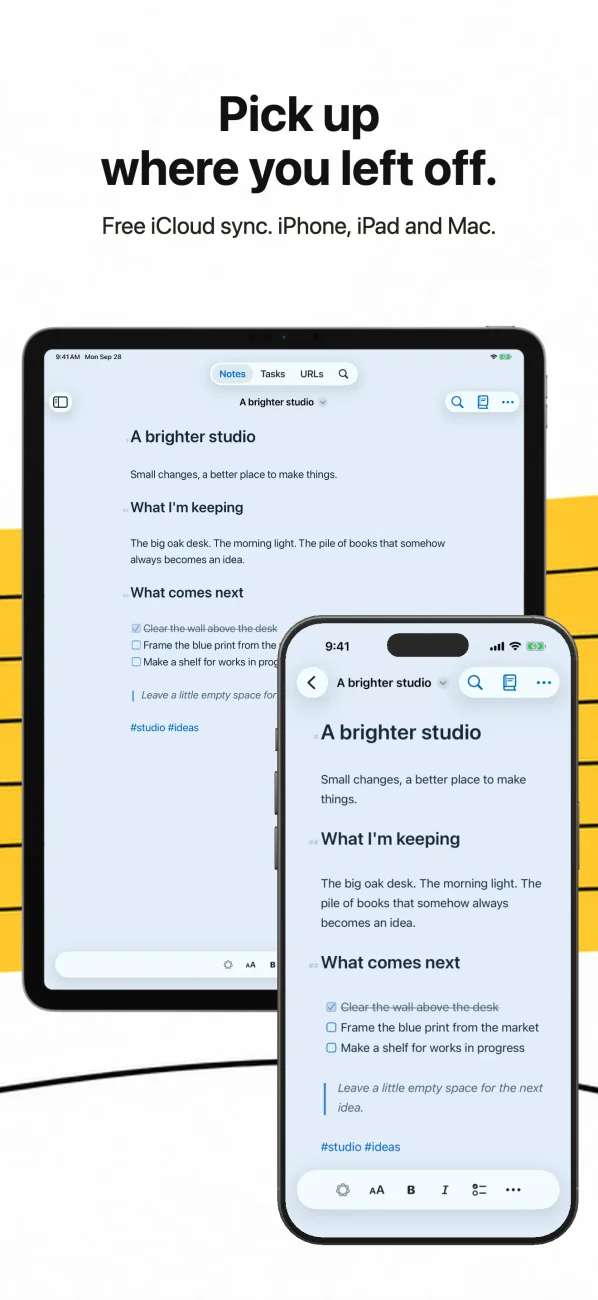
Your notes are stored on your device and sync through your personal iCloud account when available. Share text or a web page to NanoPad from other apps.
FREE, 7-DAY TRIAL, AND LIFETIME
Free includes up to five editable personal notes, iCloud sync, and export to Markdown, plain text, or PDF.
The free 7-day trial unlocks all NanoPad Lifetime features. When it ends, you return to Free with no charge. Your first five personal notes stay editable, and you can still read, search, copy, and export any additional personal notes.
NanoPad Lifetime is a one-time purchase that unlocks unlimited editable notes and all themes, fonts, and paper styles. On Mac it also unlocks sticky note windows, Focus Writing, and linked Markdown folders. One purchase covers Mac, iPhone, and iPad using the same Apple Account.
Neue Funktionen
Version 1.6.1 · 13.11.2026
Draw right in your notes with Apple Pencil on iPad or your finger on iPhone. Use Add Drawing in the formatting toolbar, and tap a drawing to edit it again. Scroll through your note while you draw.
Share a note’s text from its More menu. The upgrade screen now explains what the free 7-day trial unlocks and which notes stay editable when it ends.
App-Datenschutz
Was Digital Toys LLC im App Store zum Umgang dieser App mit Daten angibt.
-
Nicht mit Ihnen verknüpfte Daten
Können erfasst werden, sind aber nicht mit Ihrer Identität verknüpft.
- Käufe
- Standort
- Kennungen
- Nutzungsdaten
- Diagnose
Die Datenschutzpraktiken können variieren, zum Beispiel je nach den von Ihnen verwendeten Funktionen oder Ihrem Alter.
Informationen
- Anbieter
- Digital Toys LLC
- Kategorie
- Produktivität
- Version
- 1.6.1
- Aktualisiert
- 13.11.2026
- Veröffentlicht
- 08.10.2026
- Größe
- 37,1 MB
- Erfordert
- iOS 26.0 oder neuer
- Altersfreigabe
- 17+
- Preis
- Kostenlos
- In-App-Käufe
- Ja
- Sprachen
- Englisch
- Copyright
- © 2026 Digital Toys LLC
Das könnte Ihnen auch gefallen
-
 Genius RecorderManuelle Aufnahme
-
 neverlabs AI WriterProduktivität
-
 Decoy: Hidden Lock Screen NoteProduktivität
-
 YearlyQuestTrend Deines Erfolgs
-
 Daily MarkdownProduktivität
-
 Zealous NotesProduktivität
-
 KNOCKKNOCK / Retro NotesProduktivität
-
 lazierProduktivität
-
 Schreiber ProMarkierungen für Schreiber
-
 Dayleaf - Minimalist bujoProduktivität