NanoPad: Markdown Notes
A scratchpad for ideas & tasks
iPhone, iPad, Mac için tasarlandı
Ücretsiz · Uygulama içi satın alma
- Yaş sınırı17+
- KategoriÜretkenlik
- GeliştiriciDigital Toys LLC
- Dillerİngilizce
- Boyut37,1 MB
Resmi App Store sayfasına bağlanır
Download.org, NanoPad: Markdown Notes için hiçbir dosya barındırmaz. Düğme, uygulamanın App Store üzerindeki sayfasını açar; uygulamayı orada Digital Toys LLC yayınlar. Sayfanın son kontrolü: 17.11.2026.
Ekran görüntüleri


Hakkında
Geliştirici bu metni dilinizde sunmamış.
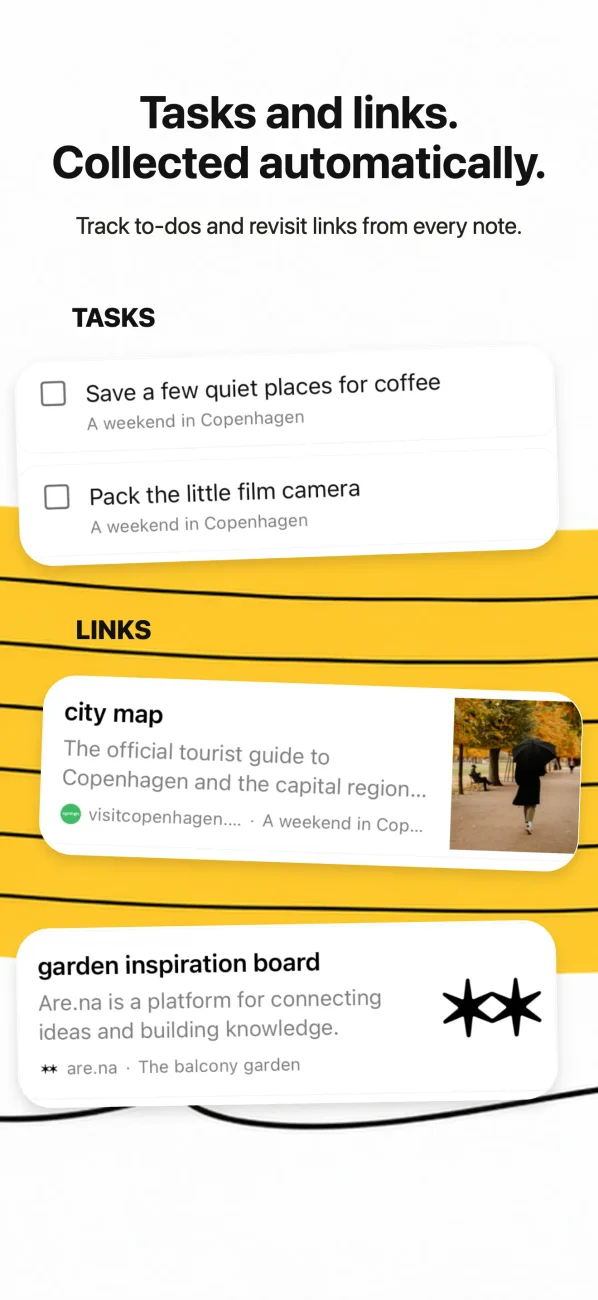
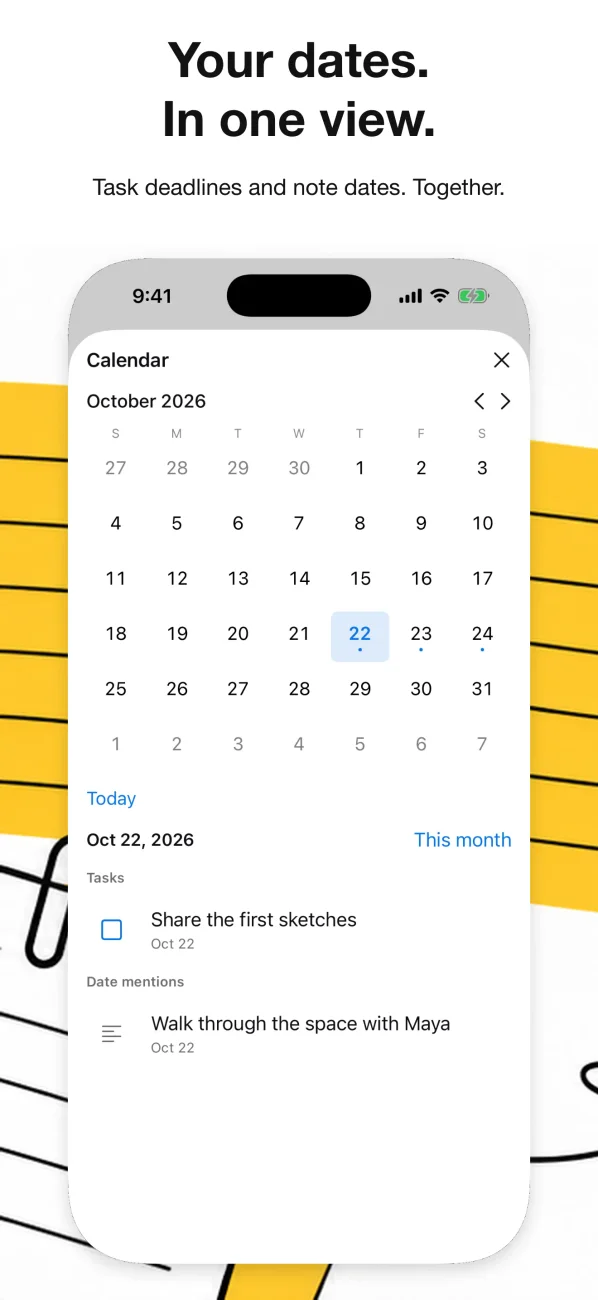
NanoPad is a quiet place to catch a thought, keep a checklist, and save a useful link. Notes, tasks, and URLs stay connected: write in a note, then find the task or link in its own view.
WRITE YOUR WAY
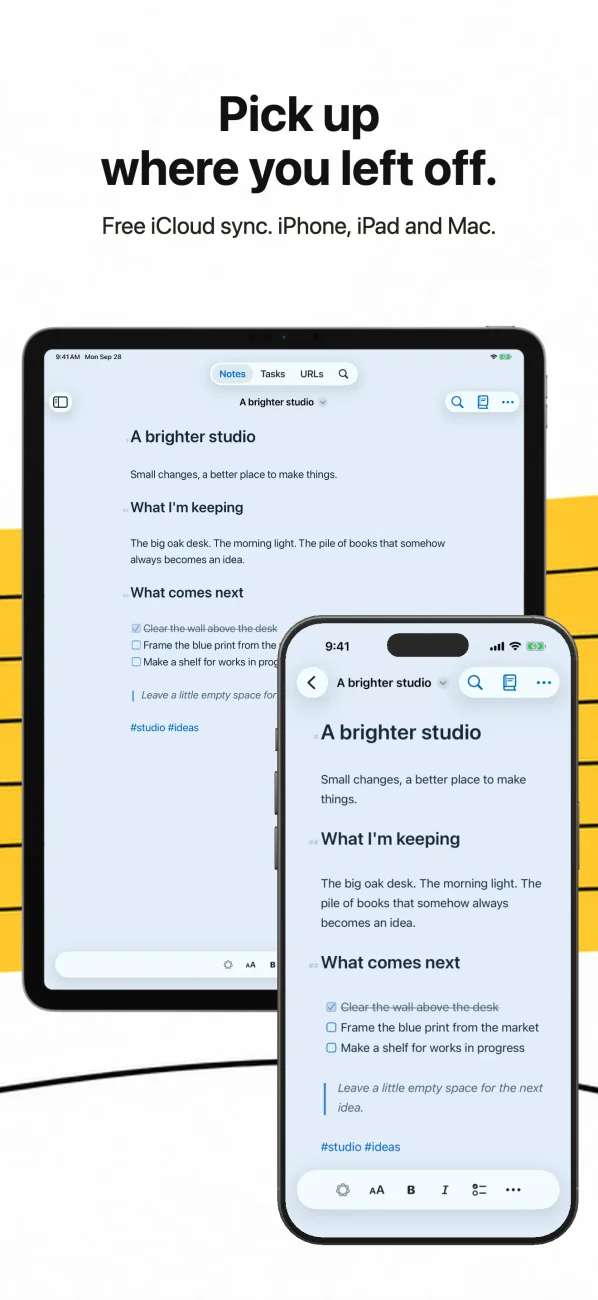
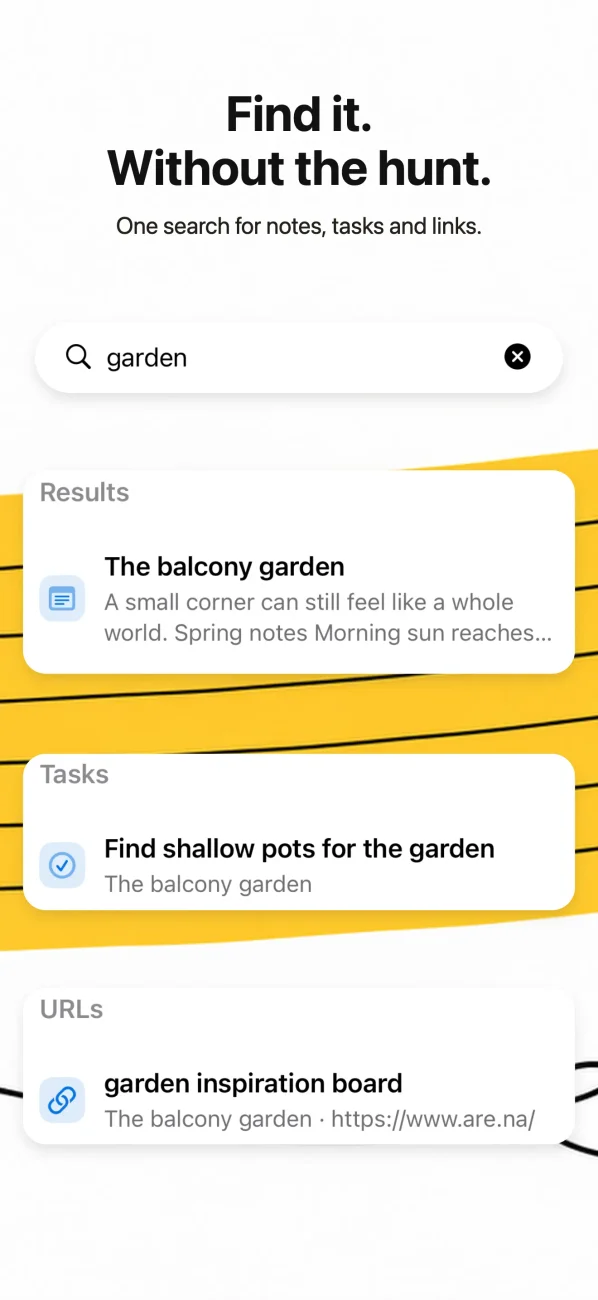
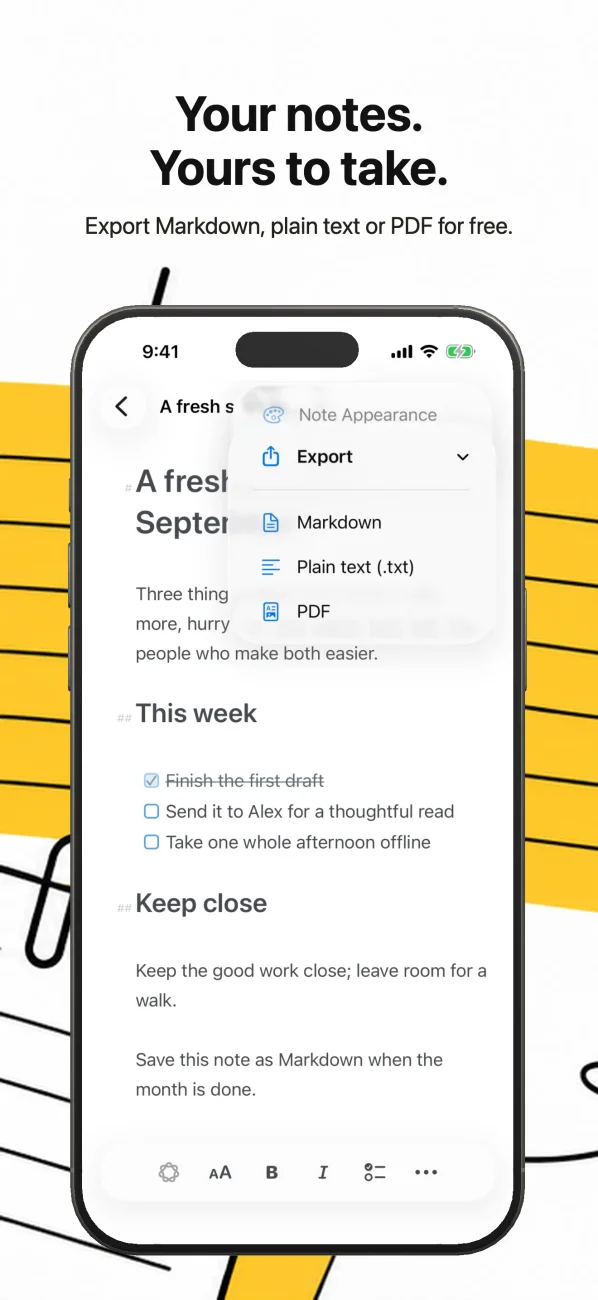
Use Markdown or the formatting toolbar for headings, lists, checkboxes, tables, links, and images. Search across your notes, return to recently opened work, and export your writing as Markdown, plain text, or PDF.
KEEP YOUR NOTES TOGETHER
Your notes are stored on your device and sync through your personal iCloud account when available. Share text or a web page to NanoPad from other apps.
FREE, 7-DAY TRIAL, AND LIFETIME
Free includes up to five editable personal notes, iCloud sync, and export to Markdown, plain text, or PDF.
The free 7-day trial unlocks all NanoPad Lifetime features. When it ends, you return to Free with no charge. Your first five personal notes stay editable, and you can still read, search, copy, and export any additional personal notes.
NanoPad Lifetime is a one-time purchase that unlocks unlimited editable notes and all themes, fonts, and paper styles. On Mac it also unlocks sticky note windows, Focus Writing, and linked Markdown folders. One purchase covers Mac, iPhone, and iPad using the same Apple Account.
Yenilikler
Sürüm 1.6.1 · 13.11.2026
Draw right in your notes with Apple Pencil on iPad or your finger on iPhone. Use Add Drawing in the formatting toolbar, and tap a drawing to edit it again. Scroll through your note while you draw.
Share a note’s text from its More menu. The upgrade screen now explains what the free 7-day trial unlocks and which notes stay editable when it ends.
Uygulama gizliliği
Bu uygulamanın verileri nasıl işlediği hakkında Digital Toys LLC tarafından App Store üzerinde yapılan beyan.
-
Sizinle ilişkilendirilmeyen veriler
Toplanabilir ancak kimliğinizle ilişkilendirilmez.
- Satın alımlar
- Konum
- Tanımlayıcılar
- Kullanım verileri
- Tanılama
Gizlilik uygulamaları, örneğin kullandığınız özelliklere veya yaşınıza göre değişiklik gösterebilir.
Bilgiler
- Satıcı
- Digital Toys LLC
- Kategori
- Üretkenlik
- Sürüm
- 1.6.1
- Güncellendi
- 13.11.2026
- Yayın tarihi
- 08.10.2026
- Boyut
- 37,1 MB
- Gereksinim
- iOS 26.0 veya sonrası
- Yaş sınırı
- 17+
- Fiyat
- Ücretsiz
- Uygulama içi satın alma
- Evet
- Diller
- İngilizce
- Telif hakkı
- © 2026 Digital Toys LLC