
NanoPad: Markdown Notes
A scratchpad for ideas & tasks
Diseñada para iPhone, iPad, Mac
Gratis · Compras en la aplicación
- Clasificación por edad17+
- CategoríaProductividad
- DesarrolladorDigital Toys LLC
- IdiomasInglés
- Tamaño37,1 MB
Enlaza a la página oficial de App Store
Download.org no aloja ningún archivo de NanoPad: Markdown Notes. El botón abre la página de la aplicación en App Store, donde la publica Digital Toys LLC. Ficha comprobada por última vez el 17/11/2026.
Capturas de pantalla


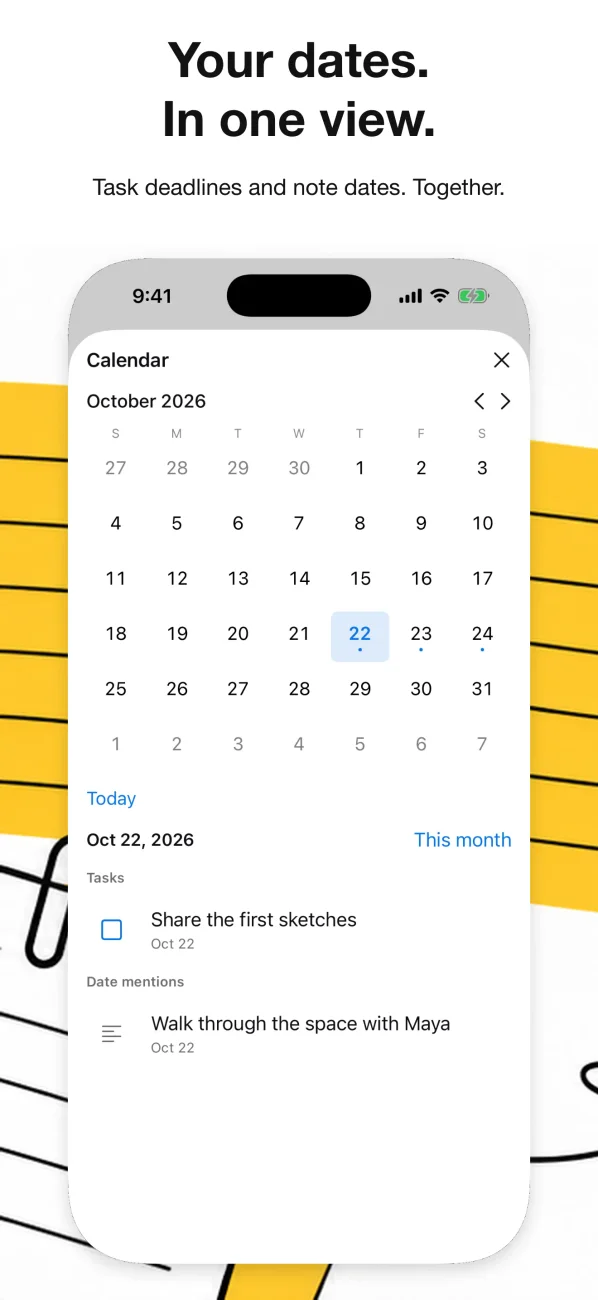
Acerca de
El desarrollador no ha proporcionado este texto en tu idioma.
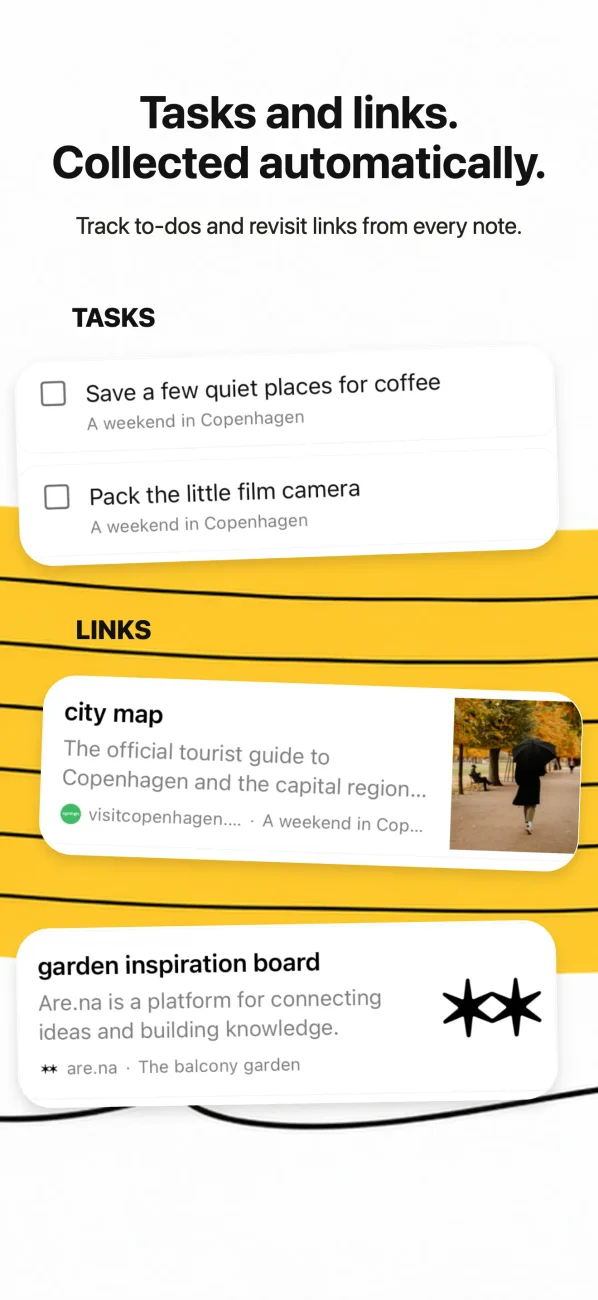
NanoPad is a quiet place to catch a thought, keep a checklist, and save a useful link. Notes, tasks, and URLs stay connected: write in a note, then find the task or link in its own view.
WRITE YOUR WAY
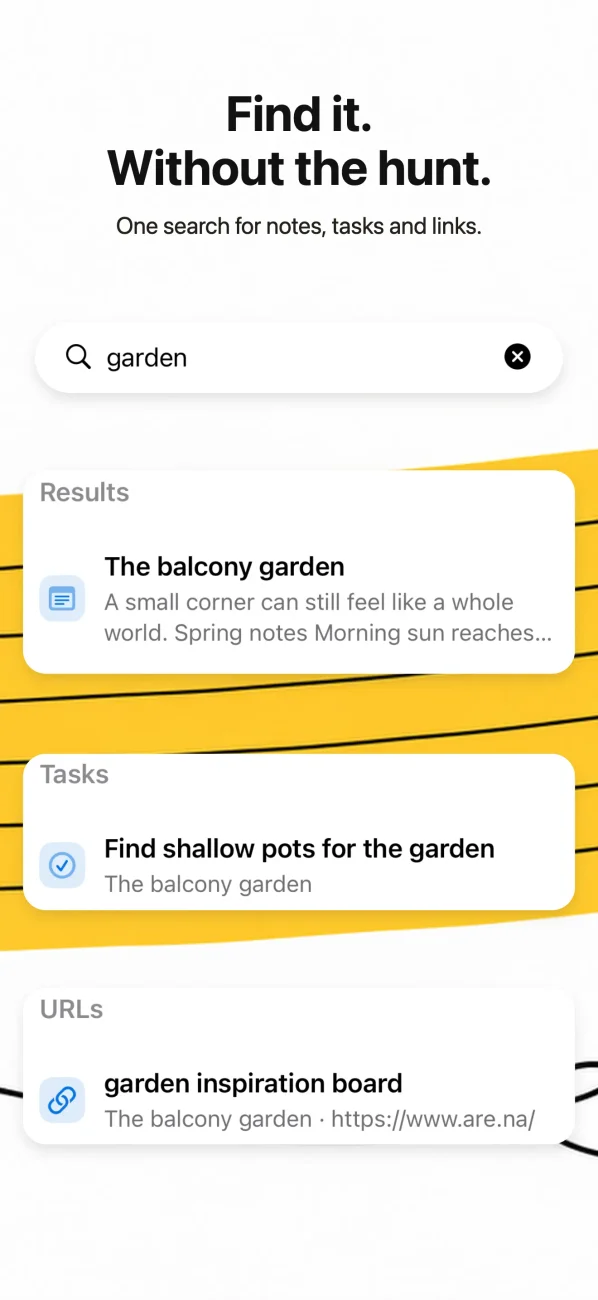
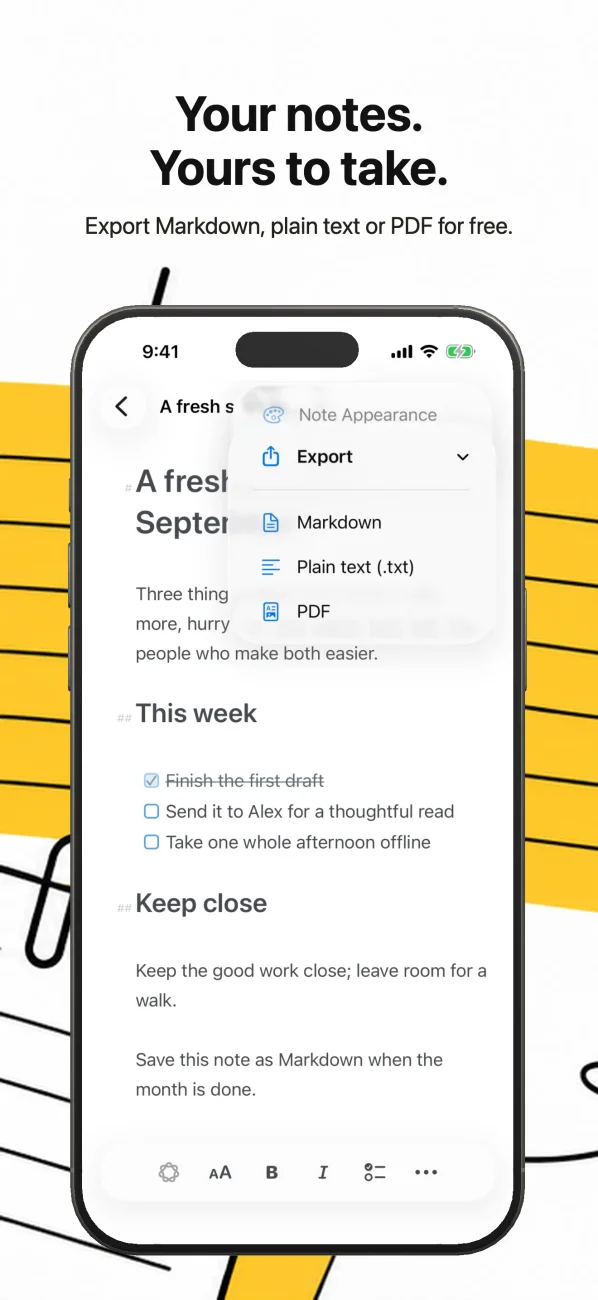
Use Markdown or the formatting toolbar for headings, lists, checkboxes, tables, links, and images. Search across your notes, return to recently opened work, and export your writing as Markdown, plain text, or PDF.
KEEP YOUR NOTES TOGETHER
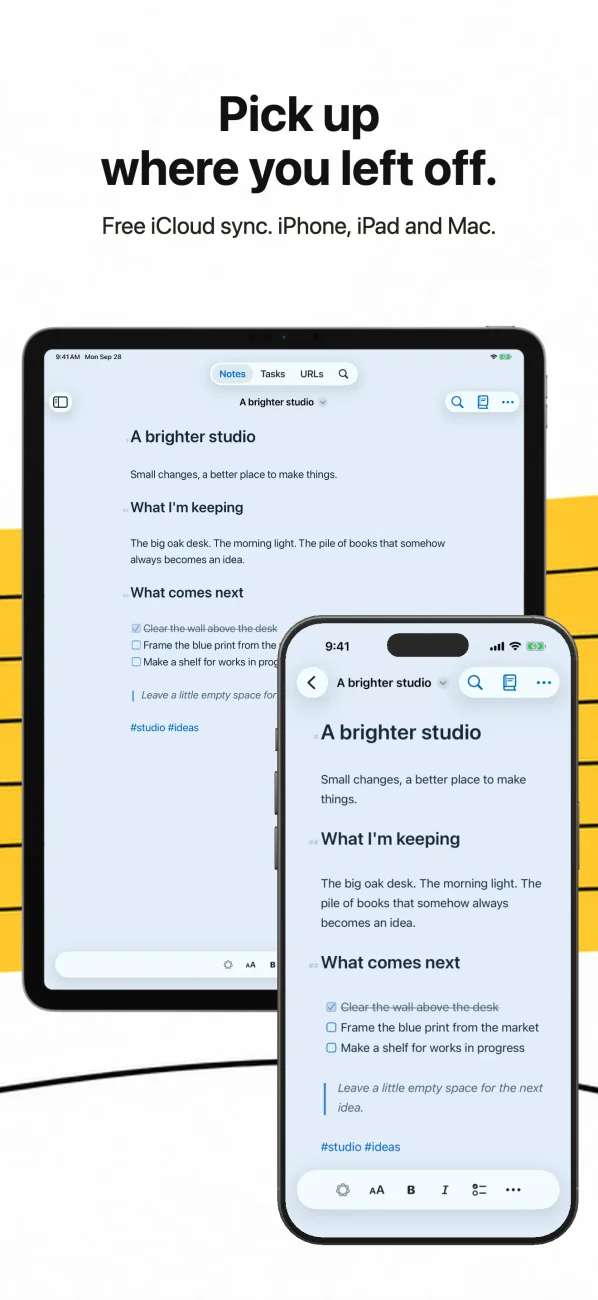
Your notes are stored on your device and sync through your personal iCloud account when available. Share text or a web page to NanoPad from other apps.
FREE, 7-DAY TRIAL, AND LIFETIME
Free includes up to five editable personal notes, iCloud sync, and export to Markdown, plain text, or PDF.
The free 7-day trial unlocks all NanoPad Lifetime features. When it ends, you return to Free with no charge. Your first five personal notes stay editable, and you can still read, search, copy, and export any additional personal notes.
NanoPad Lifetime is a one-time purchase that unlocks unlimited editable notes and all themes, fonts, and paper styles. On Mac it also unlocks sticky note windows, Focus Writing, and linked Markdown folders. One purchase covers Mac, iPhone, and iPad using the same Apple Account.
Novedades
Versión 1.6.1 · 13/11/2026
Draw right in your notes with Apple Pencil on iPad or your finger on iPhone. Use Add Drawing in the formatting toolbar, and tap a drawing to edit it again. Scroll through your note while you draw.
Share a note’s text from its More menu. The upgrade screen now explains what the free 7-day trial unlocks and which notes stay editable when it ends.
Privacidad de la aplicación
Lo que Digital Toys LLC declara en App Store sobre cómo esta aplicación gestiona los datos.
-
Datos no vinculados a ti
Pueden recopilarse, pero no se vinculan a tu identidad.
- Compras
- Ubicación
- Identificadores
- Datos de uso
- Diagnóstico
Las prácticas de privacidad pueden variar, por ejemplo, según las funciones que uses o tu edad.
Información
- Vendedor
- Digital Toys LLC
- Categoría
- Productividad
- Versión
- 1.6.1
- Actualizado
- 13/11/2026
- Publicado
- 8/10/2026
- Tamaño
- 37,1 MB
- Requiere
- iOS 26.0 o posterior
- Clasificación por edad
- 17+
- Precio
- Gratis
- Compras en la aplicación
- Sí
- Idiomas
- Inglés
- Copyright
- © 2026 Digital Toys LLC
Quizá también te guste
-
 Genius RecorderGrabación manual
-
 neverlabs AI WriterProductividad
-
 Decoy: Hidden Lock Screen NoteProductividad
-
 YearlyQuestTendencia a tu éxito
-
 Daily MarkdownProductividad
-
 Zealous NotesProductividad
-
 KNOCKKNOCK / Retro NotesProductividad
-
 lazierProductividad
-
 Write.r - Note CaptureMap concept to daily workflow
-
 Dayleaf - Minimalist bujoProductividad