
NanoPad: Markdown Notes
A scratchpad for ideas & tasks
Designed for iPhone, iPad, Mac
Free · In-app purchases
- Age rating17+
- CategoryProductivity
- DeveloperDigital Toys LLC
- LanguagesEnglish
- Size37.1 MB
Links to the official App Store page
Download.org hosts no file of NanoPad: Markdown Notes. The button opens its official App Store page, published by Digital Toys LLC. Listing last checked on Nov 17, 2026.
Screenshots


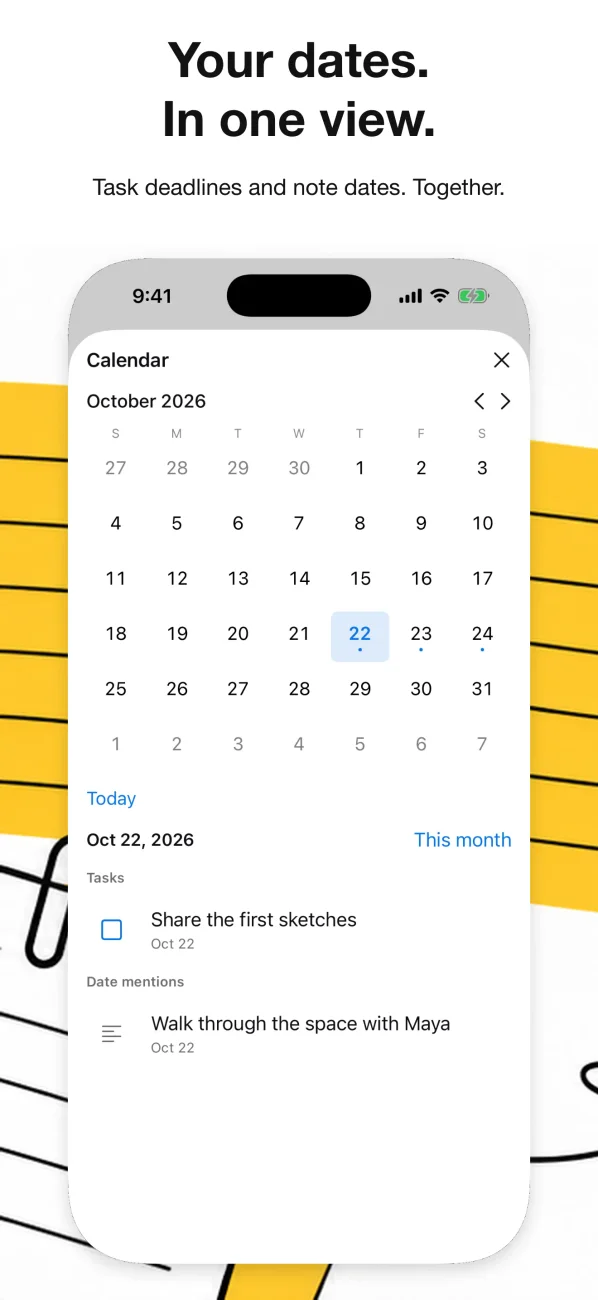
About
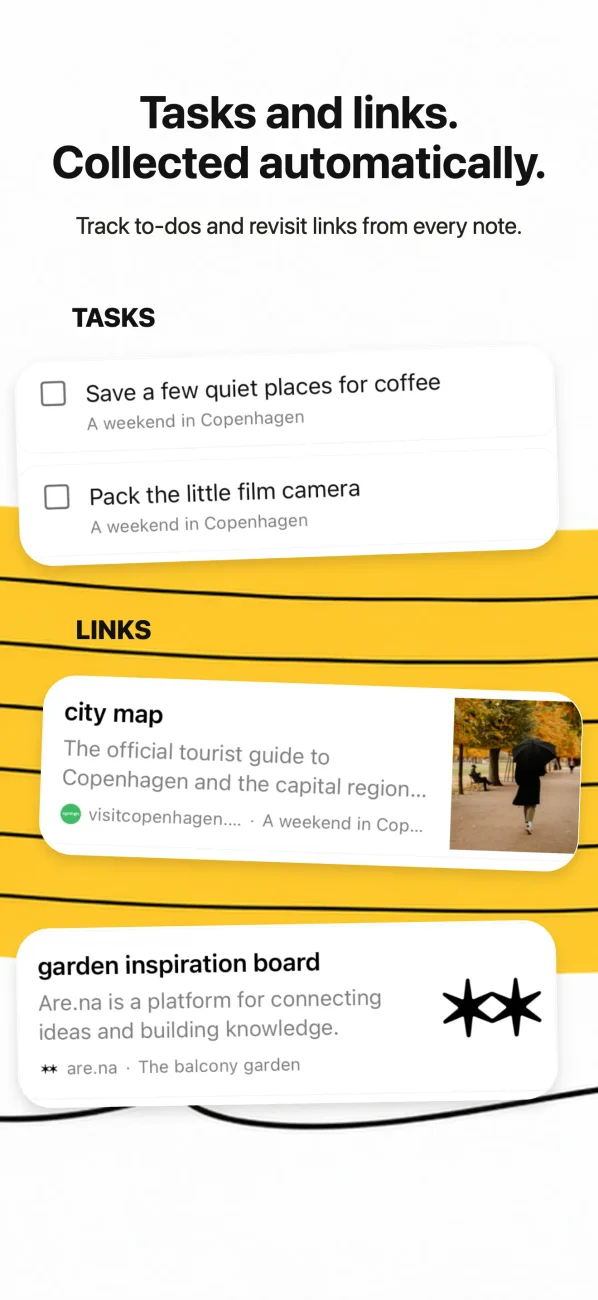
NanoPad is a quiet place to catch a thought, keep a checklist, and save a useful link. Notes, tasks, and URLs stay connected: write in a note, then find the task or link in its own view.
WRITE YOUR WAY
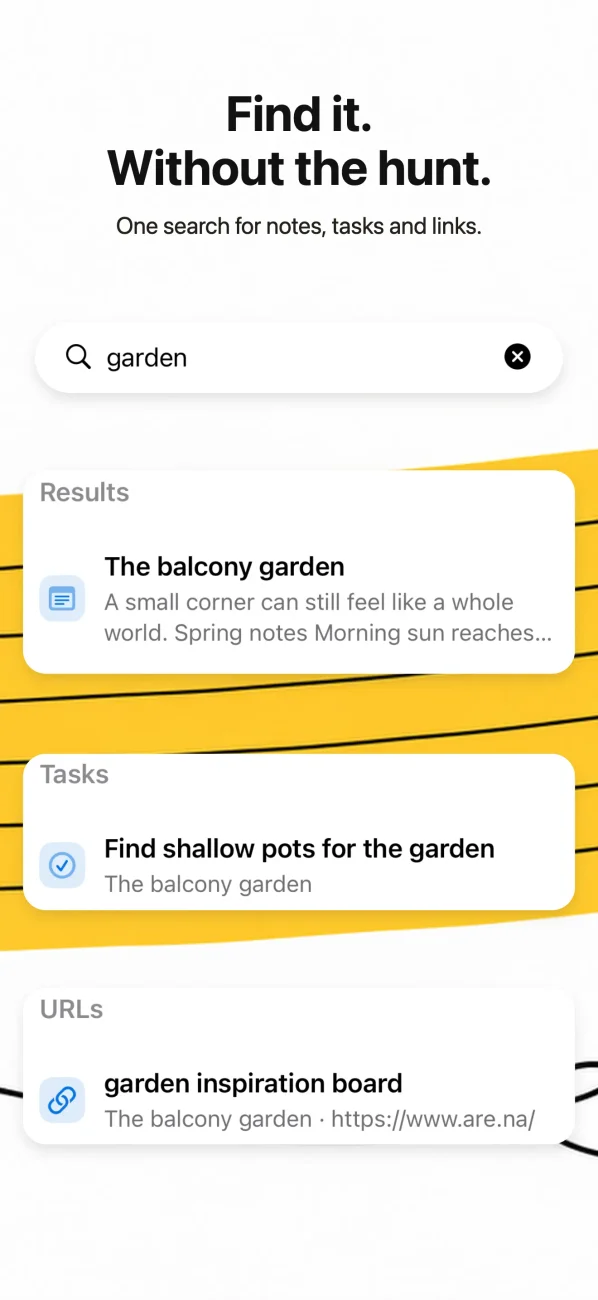
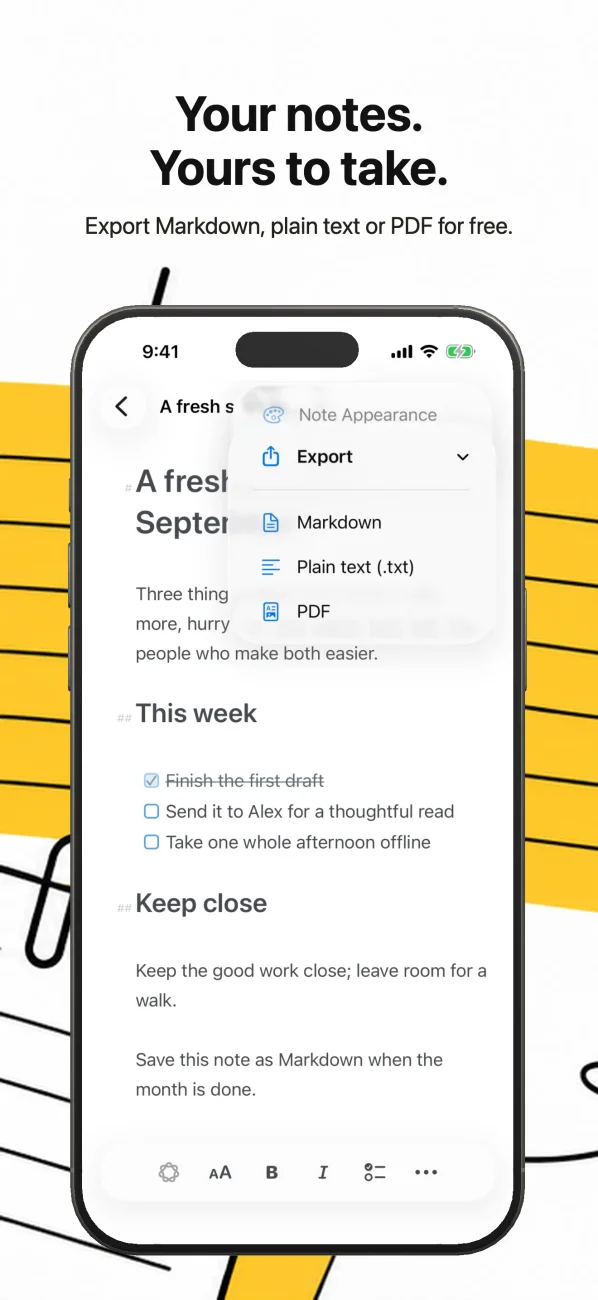
Use Markdown or the formatting toolbar for headings, lists, checkboxes, tables, links, and images. Search across your notes, return to recently opened work, and export your writing as Markdown, plain text, or PDF.
KEEP YOUR NOTES TOGETHER
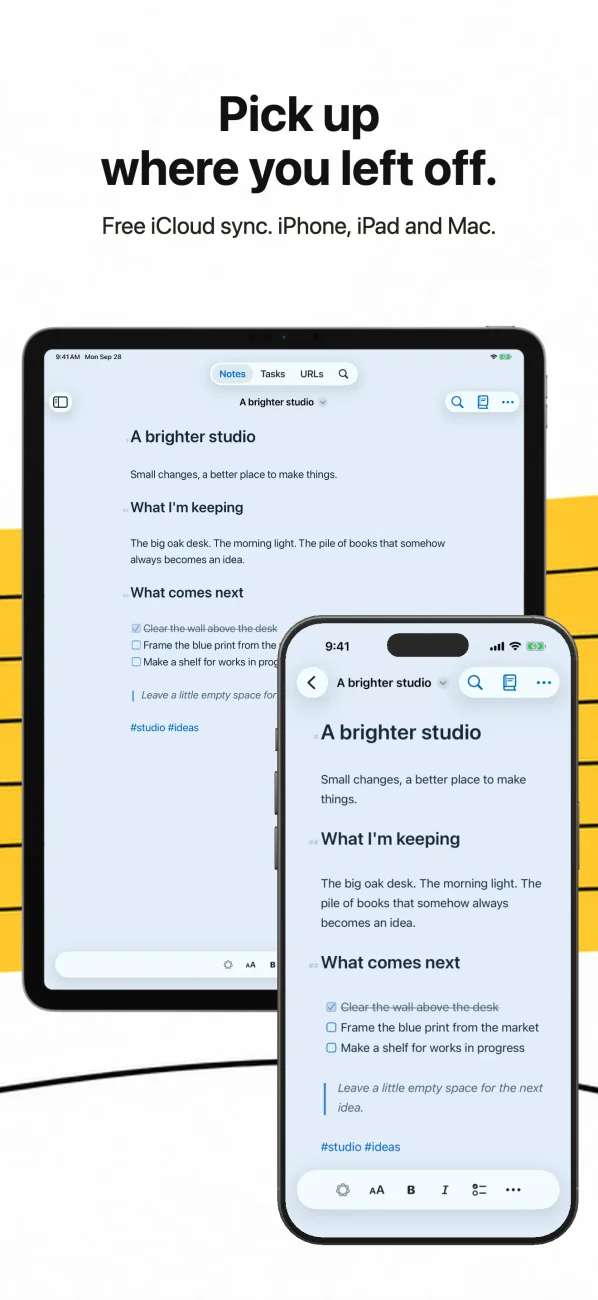
Your notes are stored on your device and sync through your personal iCloud account when available. Share text or a web page to NanoPad from other apps.
FREE, 7-DAY TRIAL, AND LIFETIME
Free includes up to five editable personal notes, iCloud sync, and export to Markdown, plain text, or PDF.
The free 7-day trial unlocks all NanoPad Lifetime features. When it ends, you return to Free with no charge. Your first five personal notes stay editable, and you can still read, search, copy, and export any additional personal notes.
NanoPad Lifetime is a one-time purchase that unlocks unlimited editable notes and all themes, fonts, and paper styles. On Mac it also unlocks sticky note windows, Focus Writing, and linked Markdown folders. One purchase covers Mac, iPhone, and iPad using the same Apple Account.
What’s new
Version 1.6.1 · Nov 13, 2026
Draw right in your notes with Apple Pencil on iPad or your finger on iPhone. Use Add Drawing in the formatting toolbar, and tap a drawing to edit it again. Scroll through your note while you draw.
Share a note’s text from its More menu. The upgrade screen now explains what the free 7-day trial unlocks and which notes stay editable when it ends.
App privacy
What Digital Toys LLC declares on the App Store about how this app handles data.
-
Data not linked to you
May be collected but is not linked to your identity.
- Purchases
- Location
- Identifiers
- Usage data
- Diagnostics
Privacy practices may vary, for example with the features you use or your age.
Information
- Seller
- Digital Toys LLC
- Category
- Productivity
- Version
- 1.6.1
- Updated
- Nov 13, 2026
- Released
- Oct 8, 2026
- Size
- 37.1 MB
- Requires
- iOS 26.0 or later
- Age rating
- 17+
- Price
- Free
- In-app purchases
- Yes
- Languages
- English
- Copyright
- © 2026 Digital Toys LLC
You might also like
-
 Genius RecorderManual Recording
-
 neverlabs AI WriterProductivity
-
 Decoy: Hidden Lock Screen NoteNotes nobody else can see
-
 YearlyQuestTrend Your Success
-
 Daily MarkdownSimple Daily Journaling
-
 Zealous NotesSortable, Stackable Notes app
-
 KNOCKKNOCK / Retro NotesYour coolest looking notes app
-
 lazierTask, Focus, Money all in here
-
 Write.r - Idea DraftShape rough thought into text
-
 Dayleaf - Minimalist bujoCapture ideas, tasks, events