NanoPad: Markdown Notes
A scratchpad for ideas & tasks
Conçue pour iPhone, iPad, Mac
Gratuit · Achats intégrés
- Classification d’âge17+
- CatégorieProductivité
- DéveloppeurDigital Toys LLC
- LanguesAnglais
- Taille37,1 Mo
Renvoie vers la page App Store officielle
Download.org n’héberge aucun fichier de NanoPad: Markdown Notes. Le bouton ouvre la page de l’application sur App Store, où Digital Toys LLC la publie. Fiche vérifiée pour la dernière fois le 17/11/2026.
Captures d’écran
À propos
Le développeur n’a pas fourni ce texte dans votre langue.
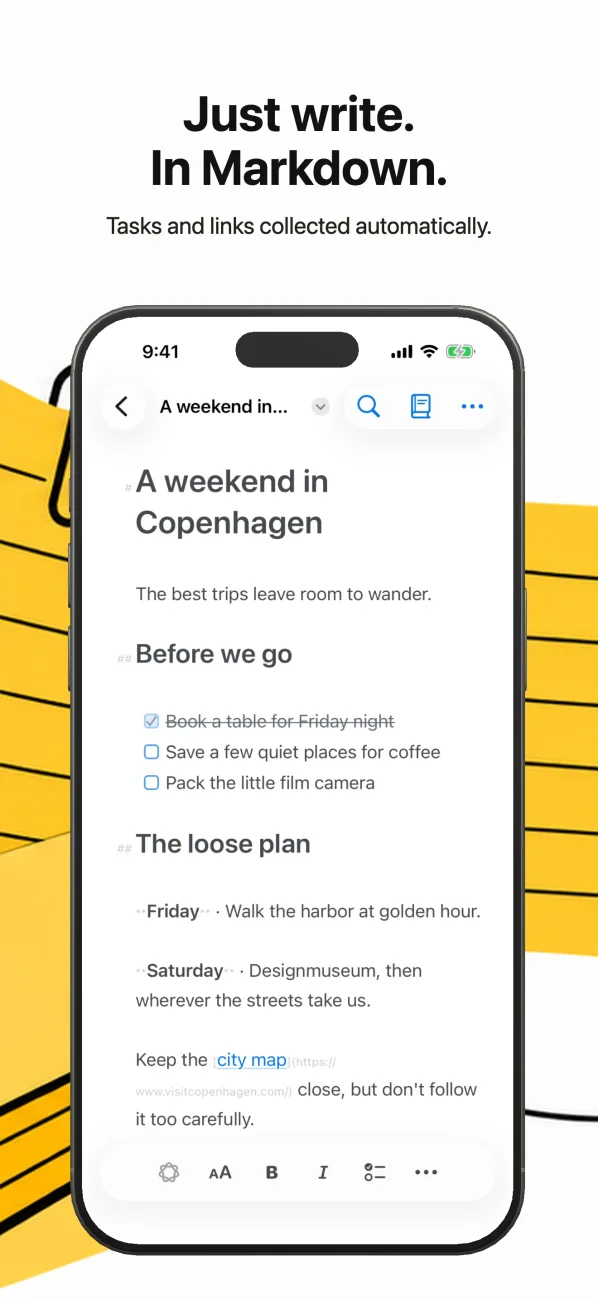
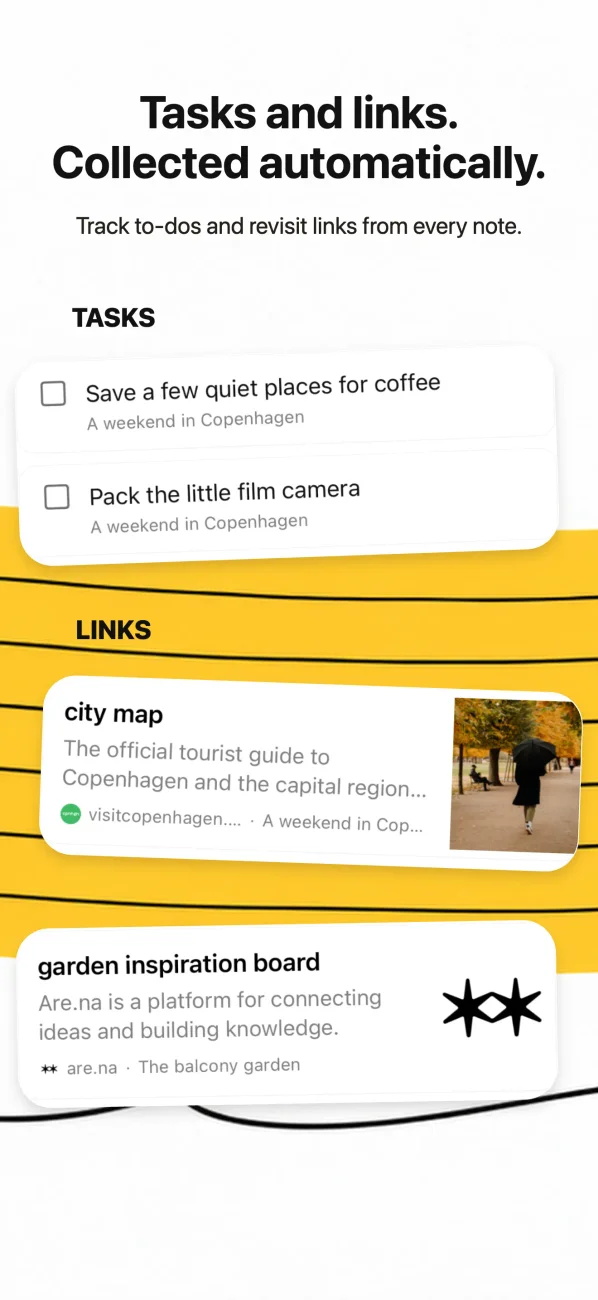
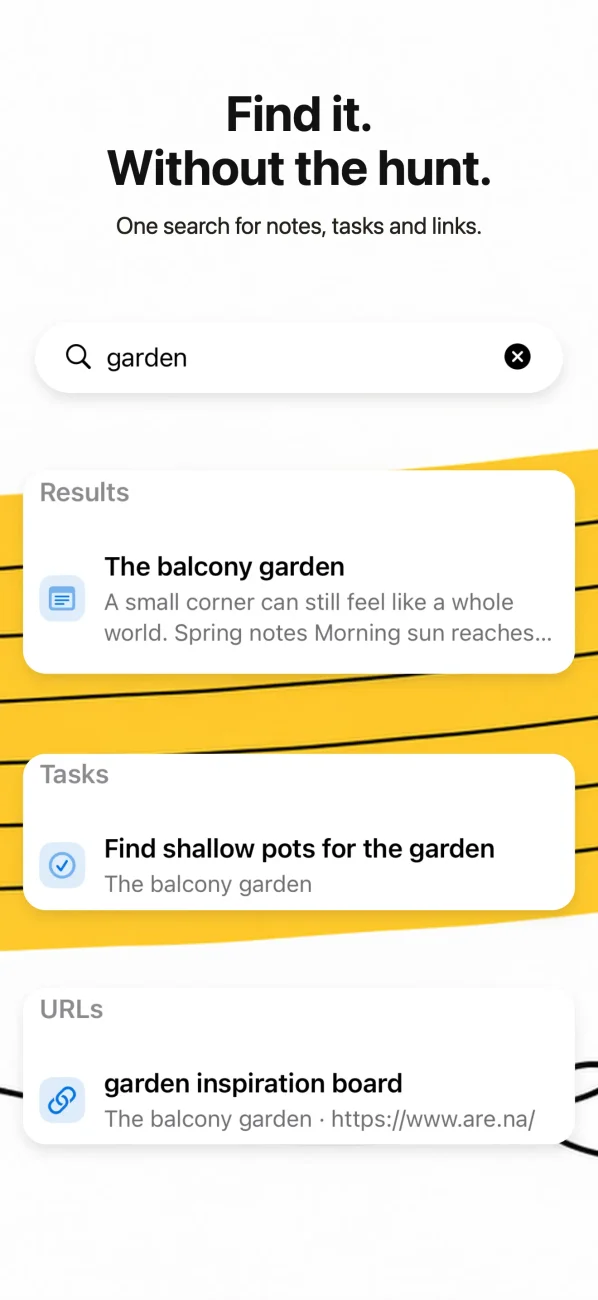
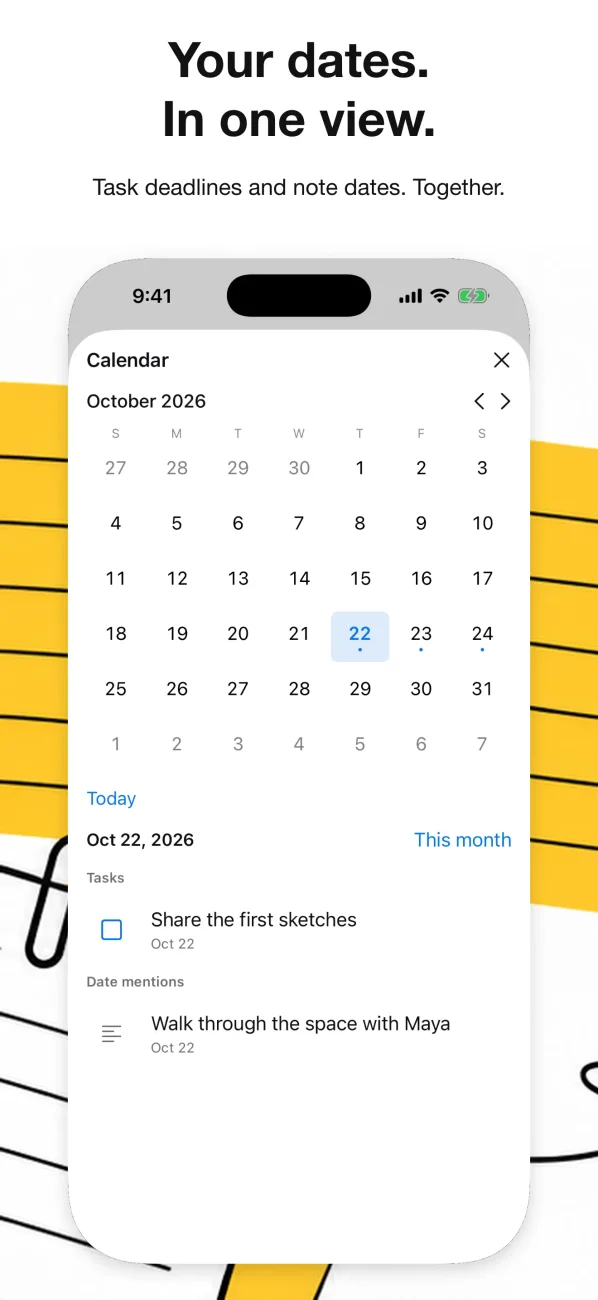
NanoPad is a quiet place to catch a thought, keep a checklist, and save a useful link. Notes, tasks, and URLs stay connected: write in a note, then find the task or link in its own view.
WRITE YOUR WAY
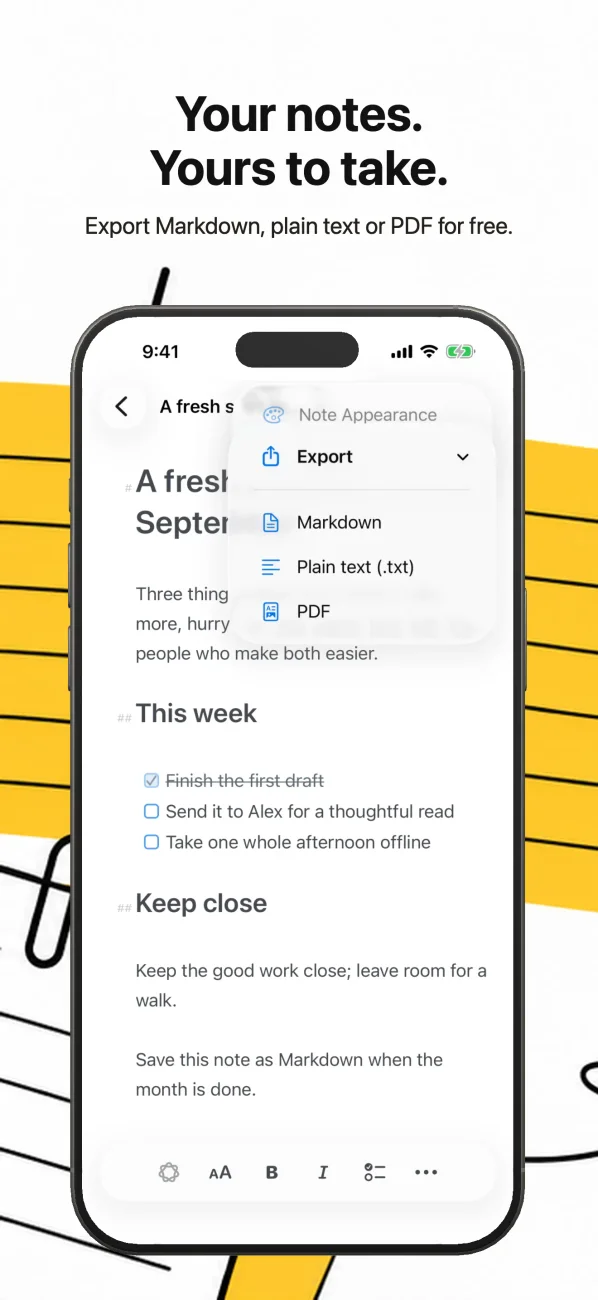
Use Markdown or the formatting toolbar for headings, lists, checkboxes, tables, links, and images. Search across your notes, return to recently opened work, and export your writing as Markdown, plain text, or PDF.
KEEP YOUR NOTES TOGETHER
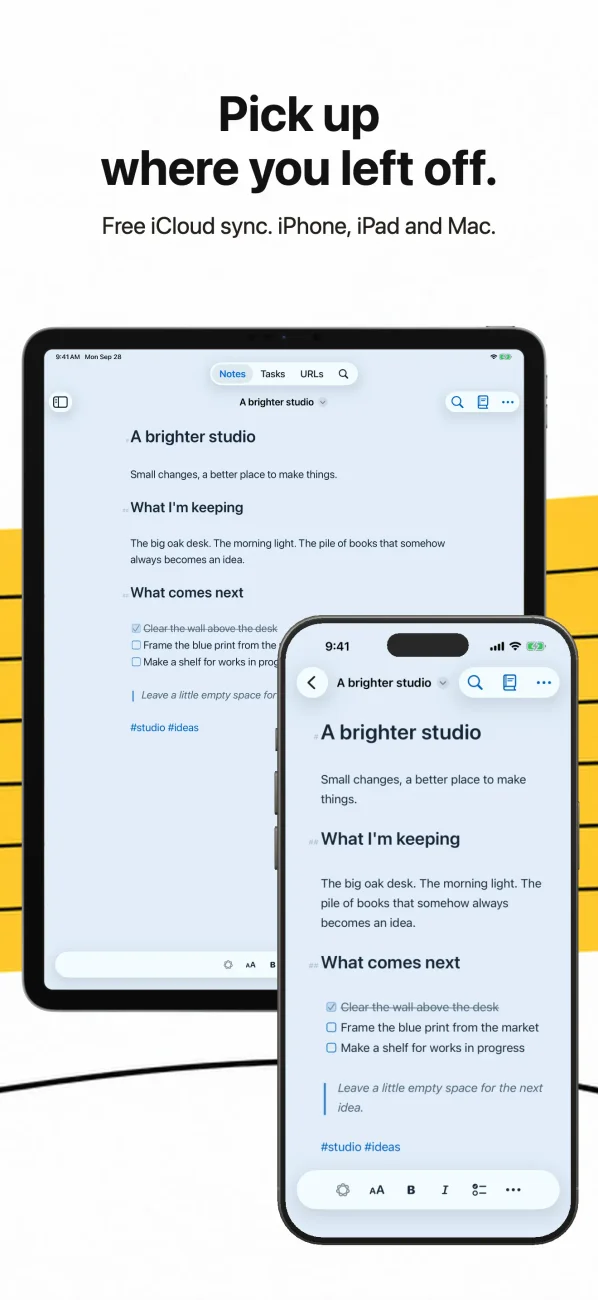
Your notes are stored on your device and sync through your personal iCloud account when available. Share text or a web page to NanoPad from other apps.
FREE, 7-DAY TRIAL, AND LIFETIME
Free includes up to five editable personal notes, iCloud sync, and export to Markdown, plain text, or PDF.
The free 7-day trial unlocks all NanoPad Lifetime features. When it ends, you return to Free with no charge. Your first five personal notes stay editable, and you can still read, search, copy, and export any additional personal notes.
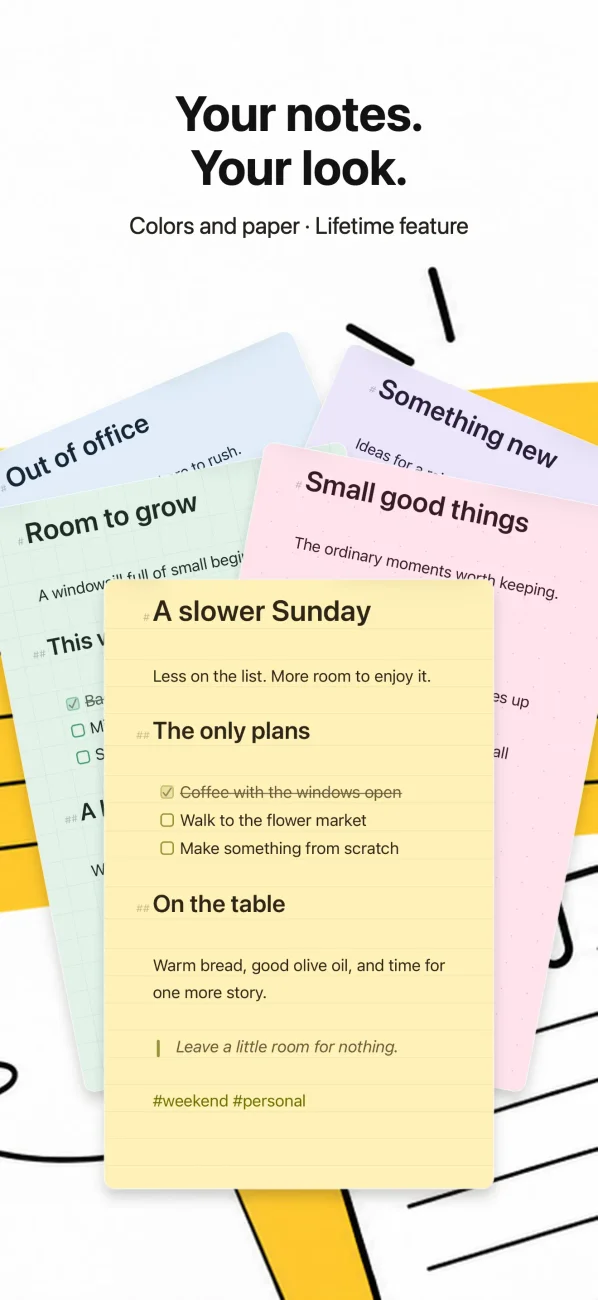
NanoPad Lifetime is a one-time purchase that unlocks unlimited editable notes and all themes, fonts, and paper styles. On Mac it also unlocks sticky note windows, Focus Writing, and linked Markdown folders. One purchase covers Mac, iPhone, and iPad using the same Apple Account.
Nouveautés
Version 1.6.1 · 13/11/2026
Draw right in your notes with Apple Pencil on iPad or your finger on iPhone. Use Add Drawing in the formatting toolbar, and tap a drawing to edit it again. Scroll through your note while you draw.
Share a note’s text from its More menu. The upgrade screen now explains what the free 7-day trial unlocks and which notes stay editable when it ends.
Confidentialité de l’application
Ce que Digital Toys LLC déclare sur l’App Store au sujet du traitement des données par cette application.
-
Données n’établissant aucun lien avec vous
Peuvent être collectées, mais ne sont pas liées à votre identité.
- Achats
- Emplacement
- Identifiants
- Données d’utilisation
- Diagnostic
Les pratiques en matière de confidentialité peuvent varier, notamment en fonction des fonctionnalités que vous utilisez ou de votre âge.
Informations
- Vendeur
- Digital Toys LLC
- Catégorie
- Productivité
- Version
- 1.6.1
- Mis à jour
- 13/11/2026
- Publié
- 08/10/2026
- Taille
- 37,1 Mo
- Nécessite
- iOS 26.0 ou version ultérieure
- Classification d’âge
- 17+
- Prix
- Gratuit
- Achats intégrés
- Oui
- Langues
- Anglais
- Copyright
- © 2026 Digital Toys LLC
Vous aimerez peut-être aussi
-
 Genius RecorderEnregistrement manuel
-
 neverlabs AI WriterProductivité
-
 Decoy: Hidden Lock Screen NoteProductivité
-
 YearlyQuestTendance à votre succès
-
 Daily MarkdownProductivité
-
 Zealous NotesProductivité
-
 KNOCKKNOCK / Retro NotesProductivité
-
 lazierProductivité
-
 Write.r - Writing HubRefine outline for final copy
-
 Dayleaf - Minimalist bujoProductivité