NanoPad: Markdown Notes
A scratchpad for ideas & tasks
Được thiết kế cho iPhone, iPad, Mac
Miễn phí · Mua hàng trong ứng dụng
- Độ tuổi17+
- Danh mụcHiệu Suất
- Nhà phát triểnDigital Toys LLC
- Ngôn ngữTiếng Anh
- Kích thước37,1 MB
Liên kết đến trang App Store chính thức
Download.org không lưu trữ tệp nào của NanoPad: Markdown Notes. Nút này mở trang ứng dụng trên App Store, nơi Digital Toys LLC phát hành ứng dụng. Trang được kiểm tra lần cuối: 17/11/2026.
Ảnh chụp màn hình
Giới thiệu
Nhà phát triển chưa cung cấp nội dung này bằng ngôn ngữ của bạn.
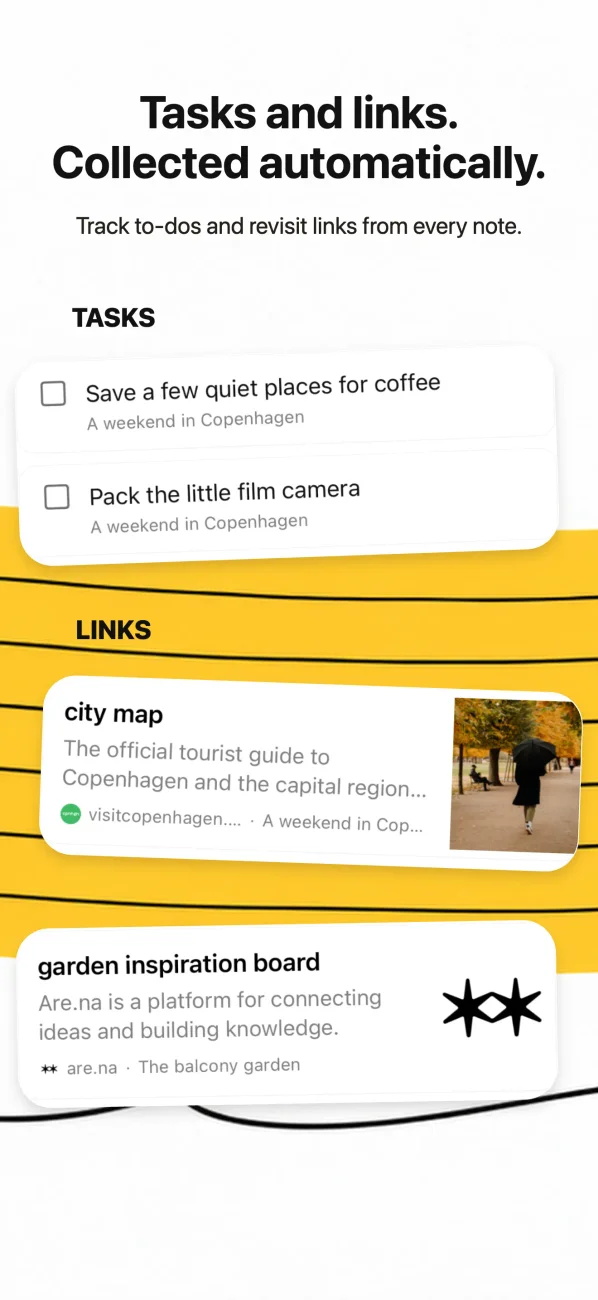
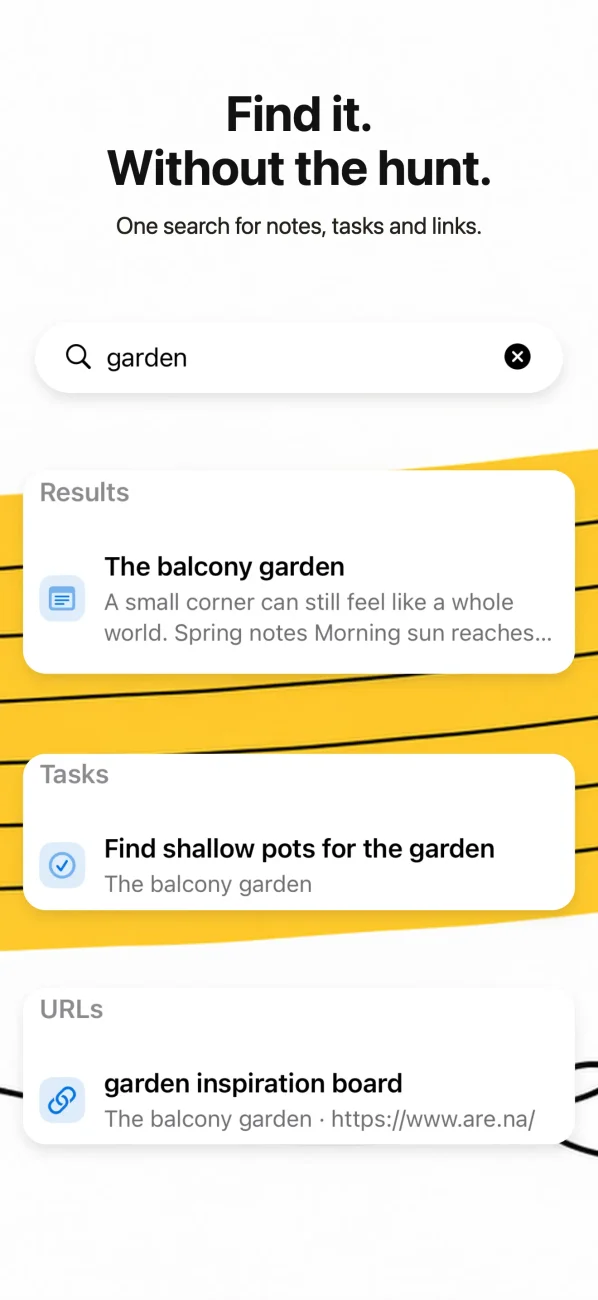
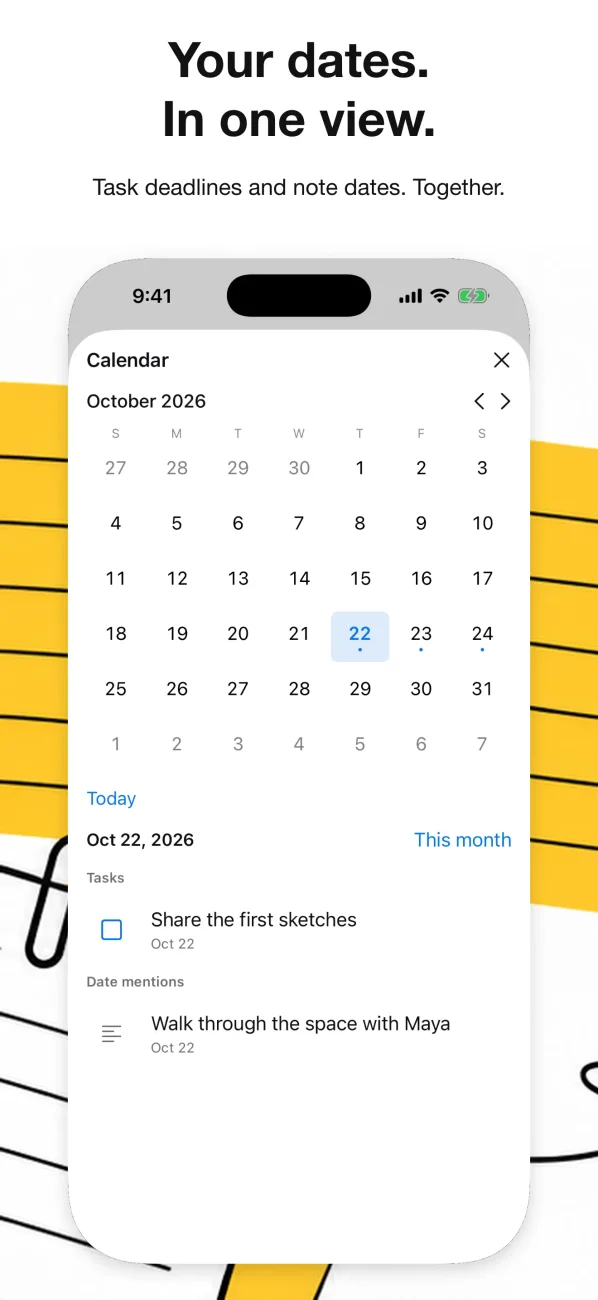
NanoPad is a quiet place to catch a thought, keep a checklist, and save a useful link. Notes, tasks, and URLs stay connected: write in a note, then find the task or link in its own view.
WRITE YOUR WAY
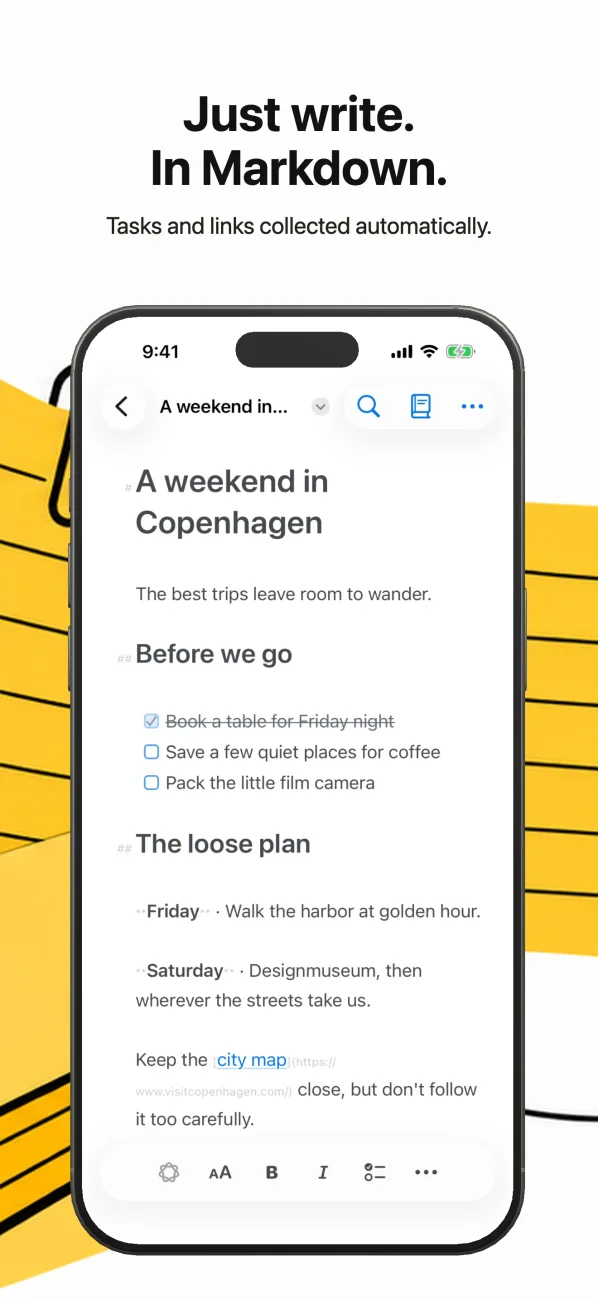
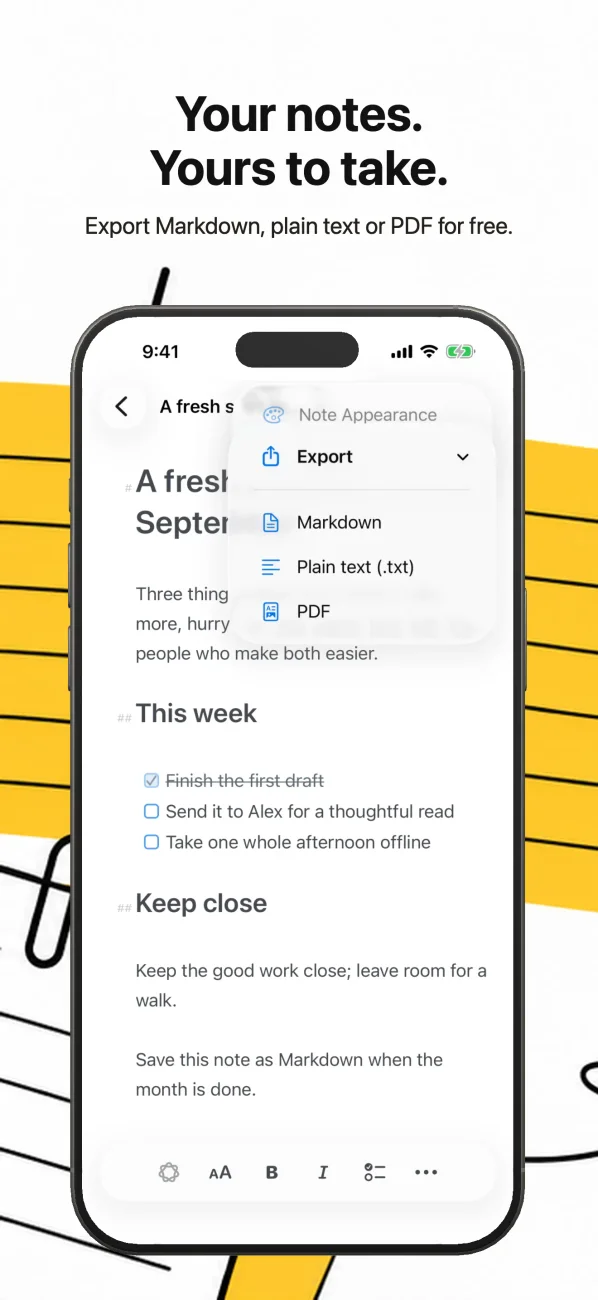
Use Markdown or the formatting toolbar for headings, lists, checkboxes, tables, links, and images. Search across your notes, return to recently opened work, and export your writing as Markdown, plain text, or PDF.
KEEP YOUR NOTES TOGETHER
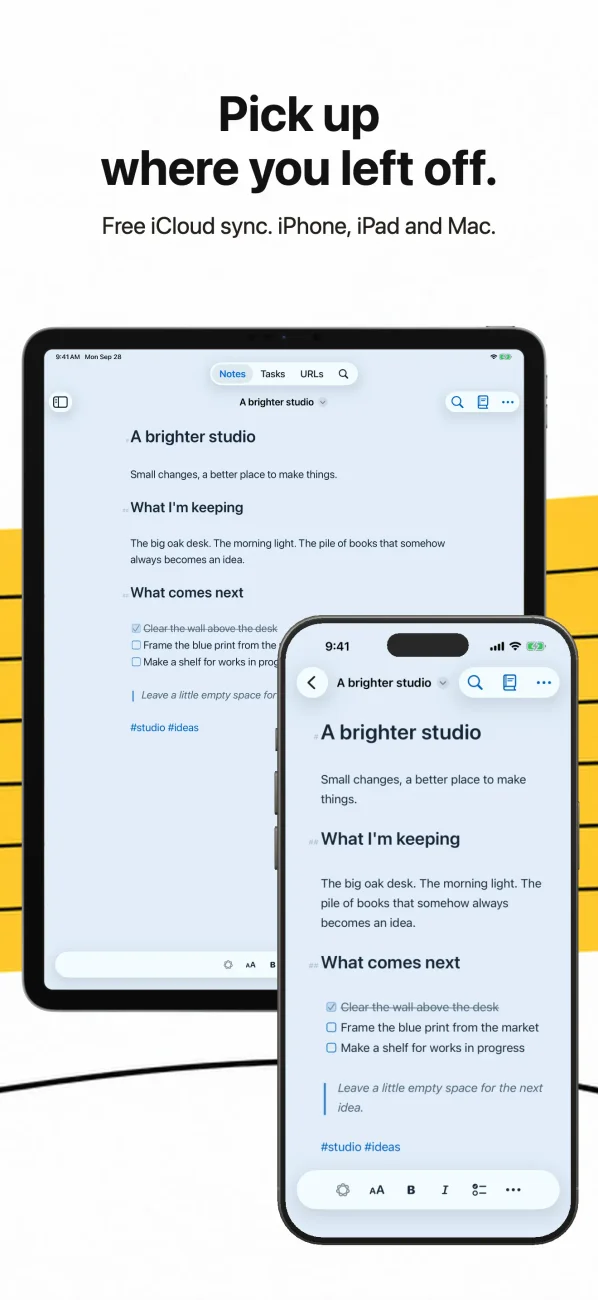
Your notes are stored on your device and sync through your personal iCloud account when available. Share text or a web page to NanoPad from other apps.
FREE, 7-DAY TRIAL, AND LIFETIME
Free includes up to five editable personal notes, iCloud sync, and export to Markdown, plain text, or PDF.
The free 7-day trial unlocks all NanoPad Lifetime features. When it ends, you return to Free with no charge. Your first five personal notes stay editable, and you can still read, search, copy, and export any additional personal notes.
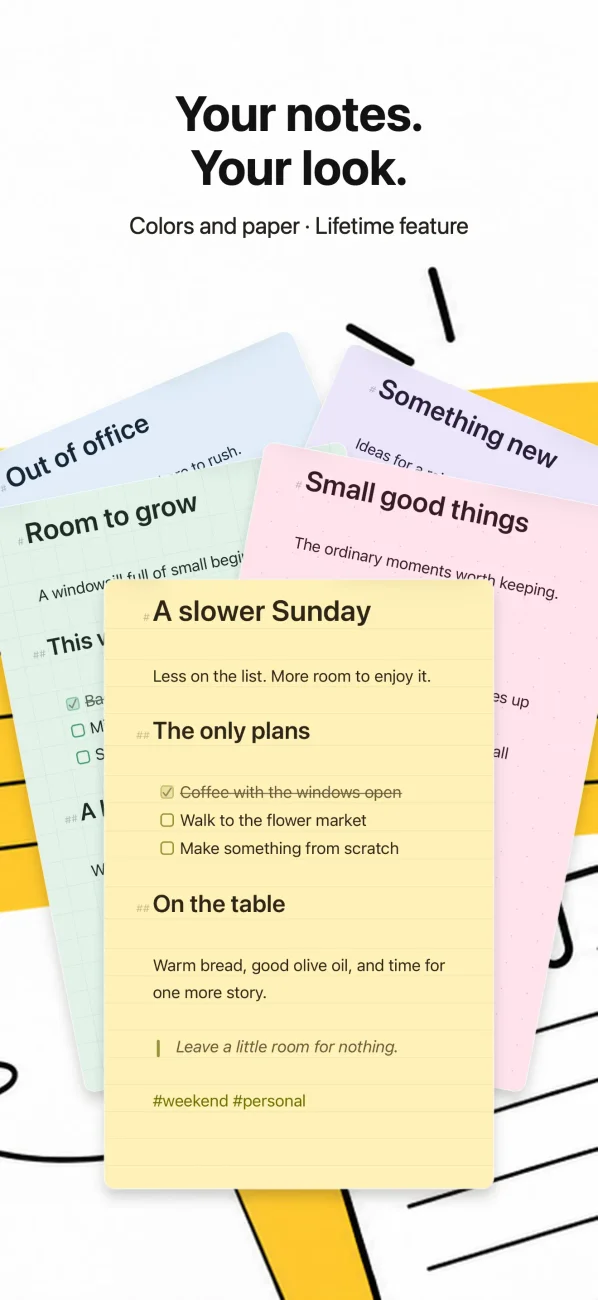
NanoPad Lifetime is a one-time purchase that unlocks unlimited editable notes and all themes, fonts, and paper styles. On Mac it also unlocks sticky note windows, Focus Writing, and linked Markdown folders. One purchase covers Mac, iPhone, and iPad using the same Apple Account.
Có gì mới
Phiên bản 1.6.1 · 13/11/2026
Draw right in your notes with Apple Pencil on iPad or your finger on iPhone. Use Add Drawing in the formatting toolbar, and tap a drawing to edit it again. Scroll through your note while you draw.
Share a note’s text from its More menu. The upgrade screen now explains what the free 7-day trial unlocks and which notes stay editable when it ends.
Quyền riêng tư của ứng dụng
Những gì Digital Toys LLC khai báo trên App Store về cách ứng dụng này xử lý dữ liệu.
-
Dữ liệu không liên kết với bạn
Có thể được thu thập nhưng không liên kết với danh tính của bạn.
- Mục mua
- Vị trí
- Mã định danh
- Dữ liệu sử dụng
- Chẩn đoán
Phương thức đảm bảo quyền riêng tư có thể khác nhau, chẳng hạn như tuỳ theo các tính năng bạn sử dụng hoặc độ tuổi của bạn.
Thông tin
- Người bán
- Digital Toys LLC
- Danh mục
- Hiệu Suất
- Phiên bản
- 1.6.1
- Cập nhật
- 13/11/2026
- Phát hành
- 08/10/2026
- Kích thước
- 37,1 MB
- Yêu cầu
- iOS 26.0 trở lên
- Độ tuổi
- 17+
- Giá
- Miễn phí
- Mua hàng trong ứng dụng
- Có
- Ngôn ngữ
- Tiếng Anh
- Bản quyền
- © 2026 Digital Toys LLC
Có thể bạn cũng thích
-
 Genius RecorderGhi thủ công
-
 neverlabs AI WriterHiệu Suất
-
 Decoy: Hidden Lock Screen NoteHiệu Suất
-
 YearlyQuestXu hướng thành công của bạn
-
 Daily MarkdownHiệu Suất
-
 Zealous NotesHiệu Suất
-
 KNOCKKNOCK / Retro NotesHiệu Suất
-
 lazierHiệu Suất
-
 Write.r - Markdown FlowCapture signal for next step
-
 Dayleaf - Minimalist bujoHiệu Suất