NanoPad: Markdown Notes
A scratchpad for ideas & tasks
Dirancang untuk iPhone, iPad, Mac
Gratis · Pembelian dalam aplikasi
- Batasan usia17+
- KategoriProduktivitas
- PengembangDigital Toys LLC
- BahasaInggris
- Ukuran37,1 MB
Tertaut ke halaman resmi App Store
Download.org tidak menyimpan file NanoPad: Markdown Notes apa pun. Tombol ini membuka halaman aplikasi di App Store, tempat Digital Toys LLC menerbitkannya. Halaman terakhir diperiksa pada 17/11/2026.
Tangkapan layar
Tentang
Pengembang belum menyediakan teks ini dalam bahasa Anda.
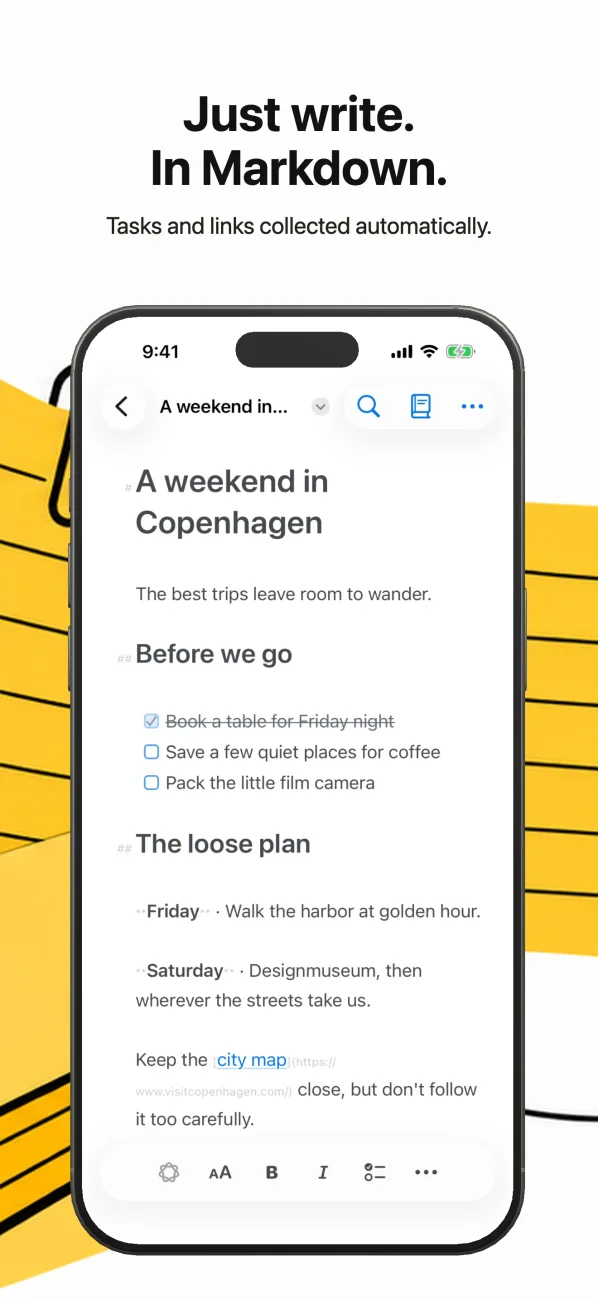
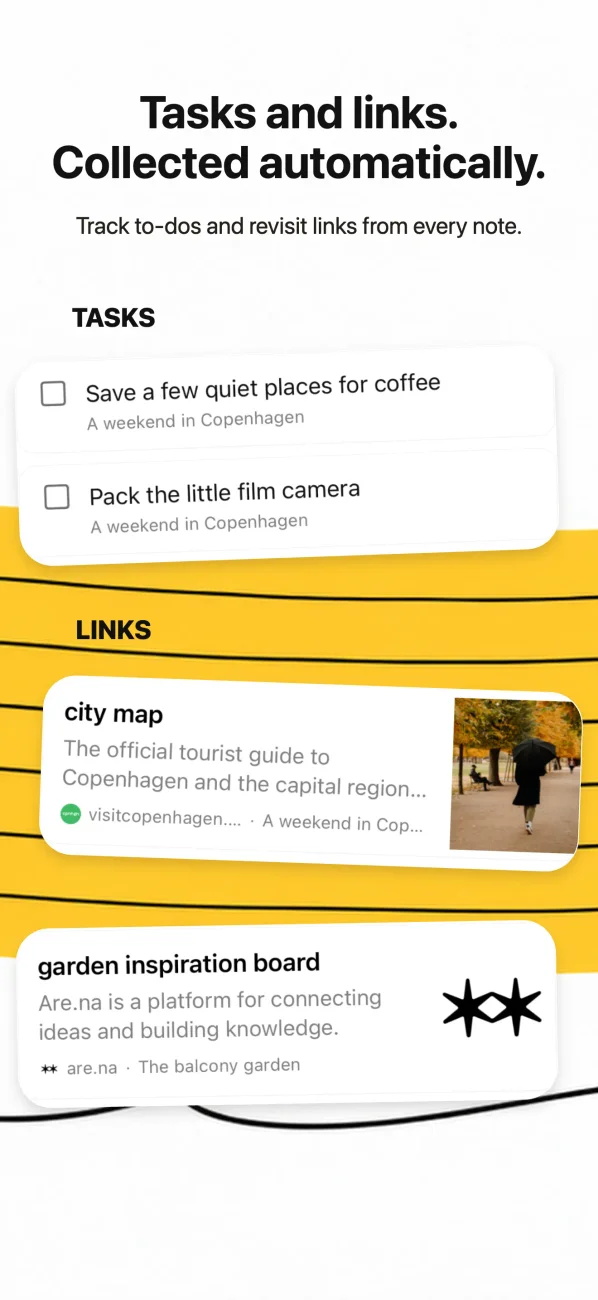
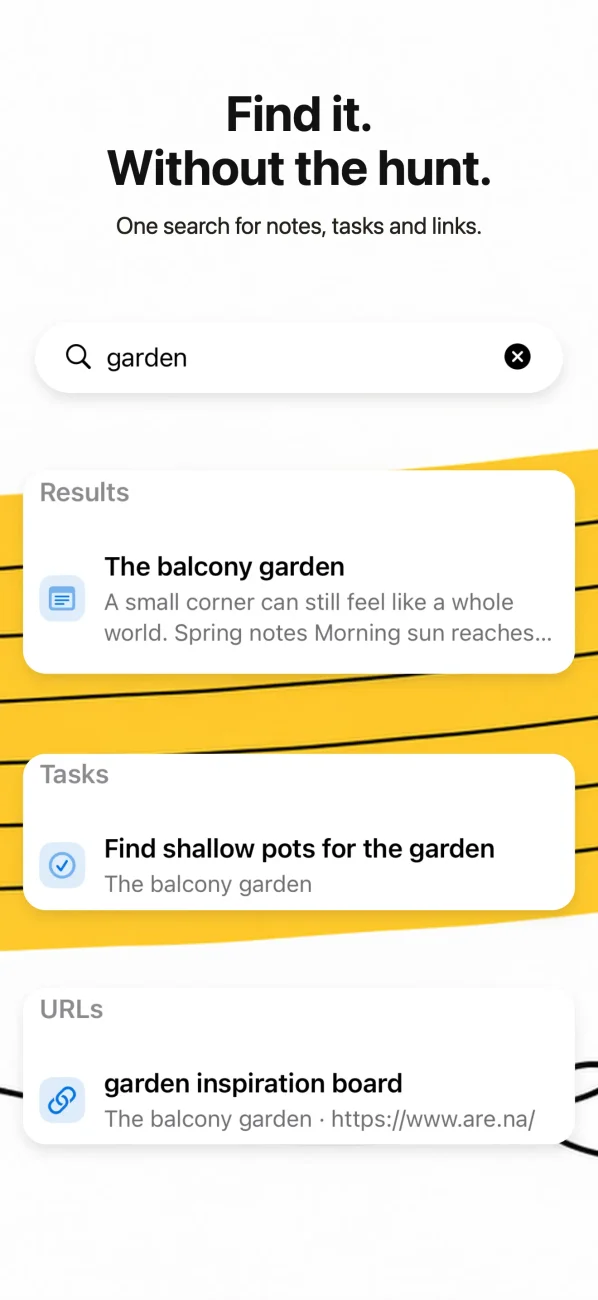
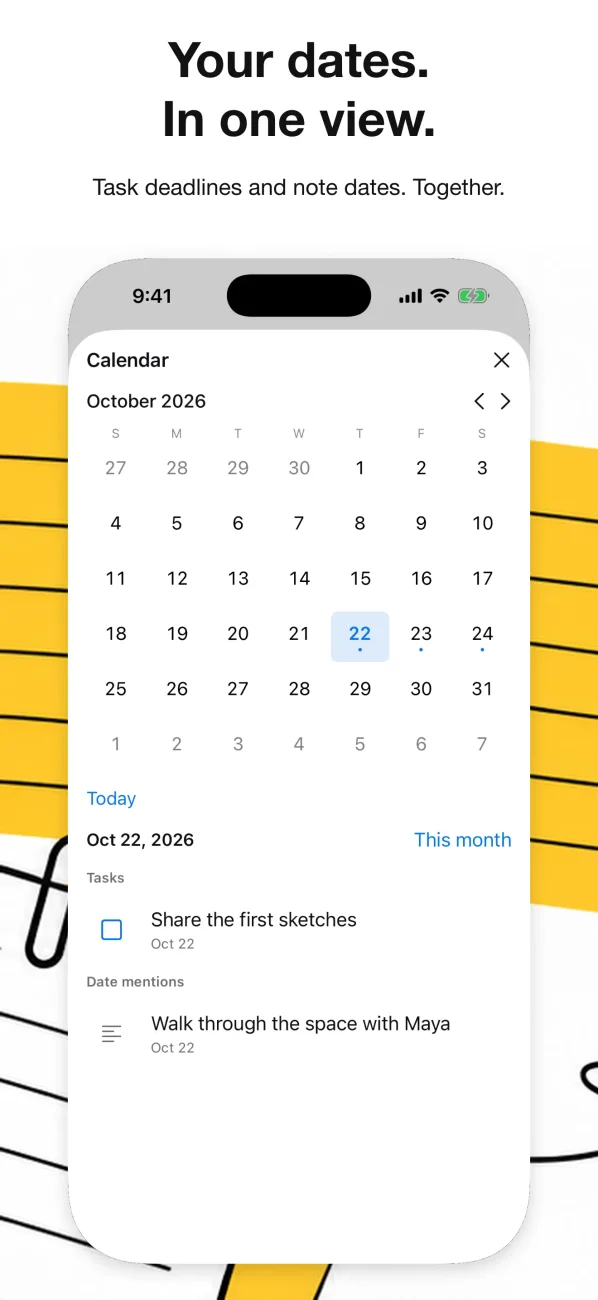
NanoPad is a quiet place to catch a thought, keep a checklist, and save a useful link. Notes, tasks, and URLs stay connected: write in a note, then find the task or link in its own view.
WRITE YOUR WAY
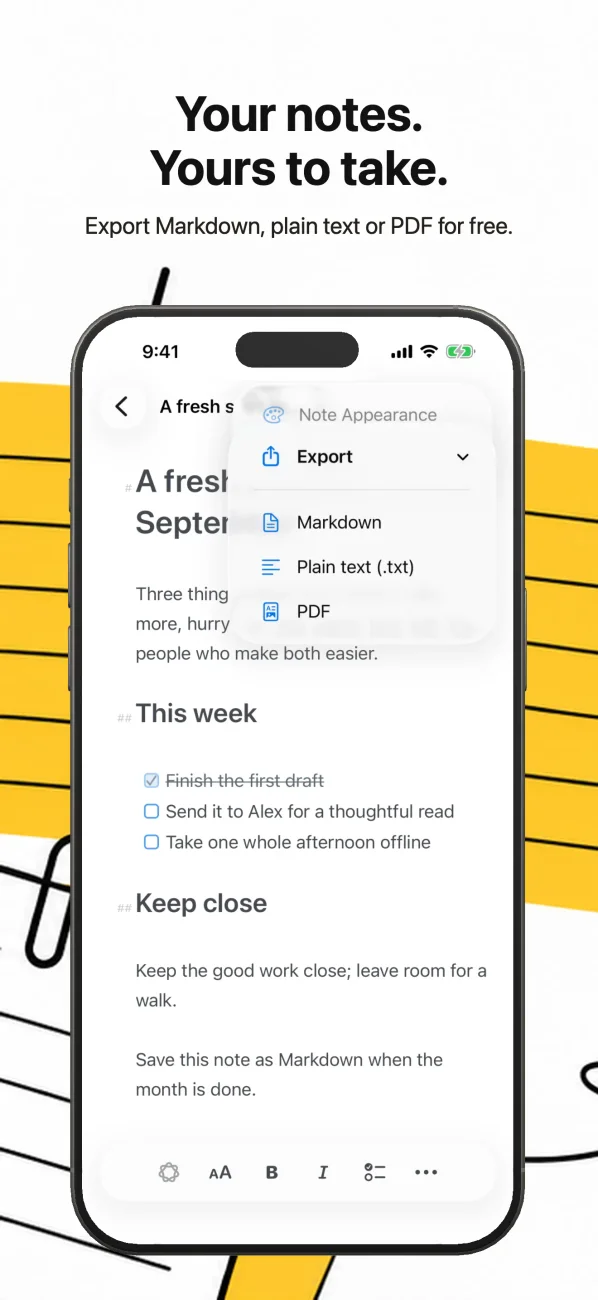
Use Markdown or the formatting toolbar for headings, lists, checkboxes, tables, links, and images. Search across your notes, return to recently opened work, and export your writing as Markdown, plain text, or PDF.
KEEP YOUR NOTES TOGETHER
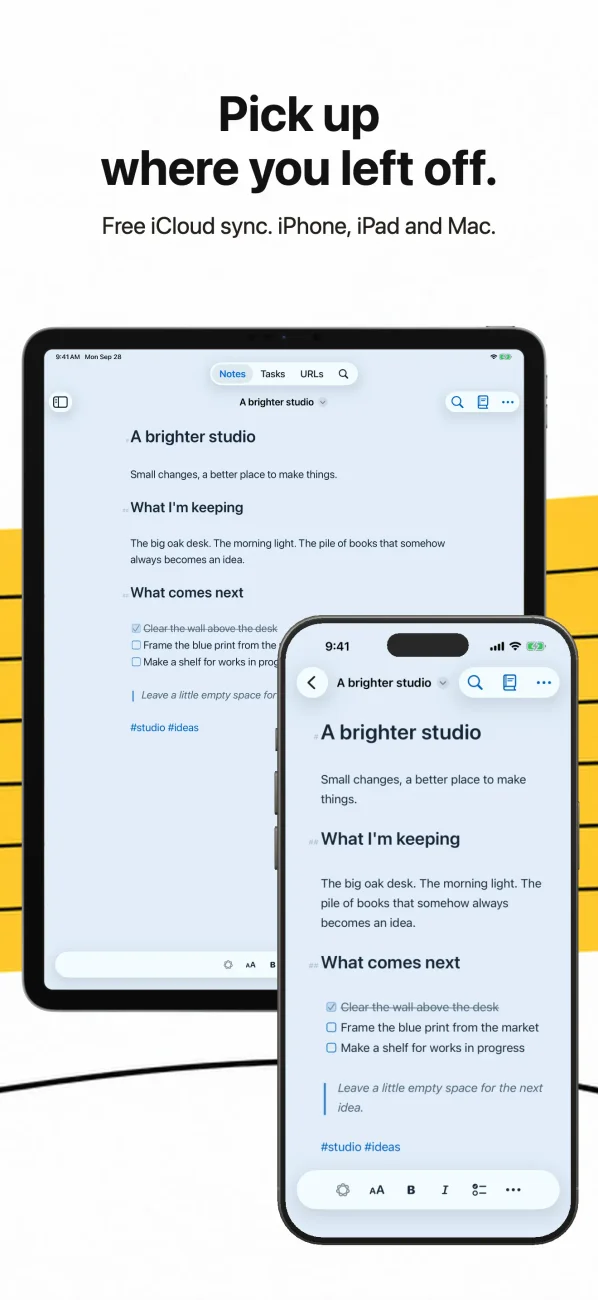
Your notes are stored on your device and sync through your personal iCloud account when available. Share text or a web page to NanoPad from other apps.
FREE, 7-DAY TRIAL, AND LIFETIME
Free includes up to five editable personal notes, iCloud sync, and export to Markdown, plain text, or PDF.
The free 7-day trial unlocks all NanoPad Lifetime features. When it ends, you return to Free with no charge. Your first five personal notes stay editable, and you can still read, search, copy, and export any additional personal notes.
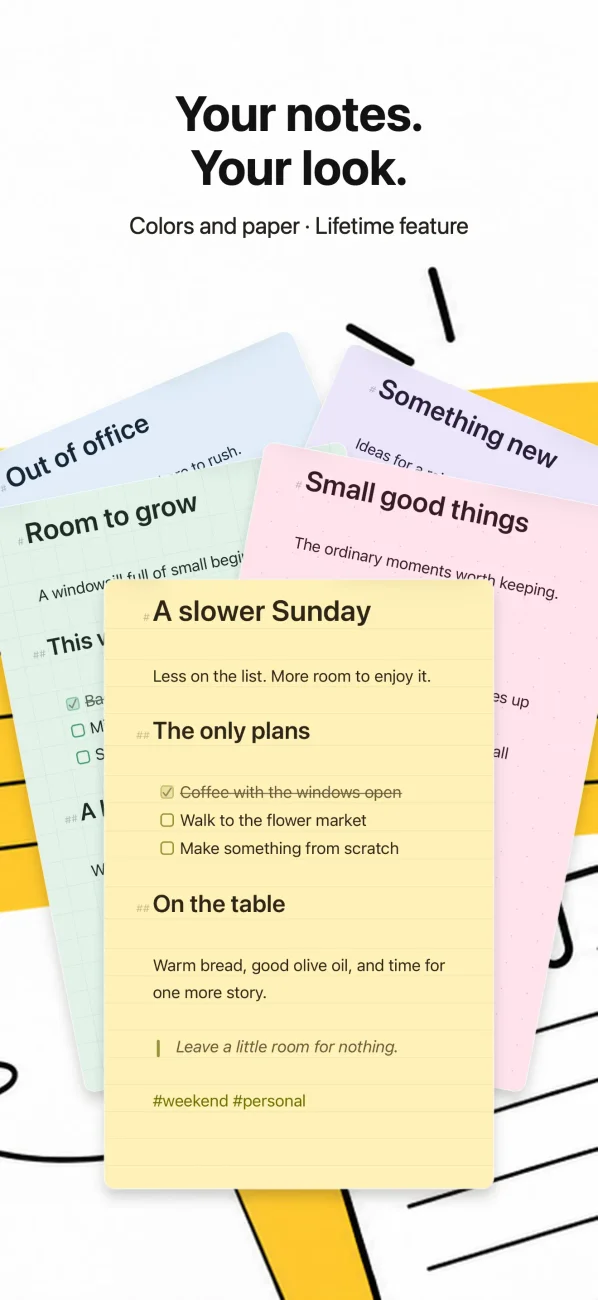
NanoPad Lifetime is a one-time purchase that unlocks unlimited editable notes and all themes, fonts, and paper styles. On Mac it also unlocks sticky note windows, Focus Writing, and linked Markdown folders. One purchase covers Mac, iPhone, and iPad using the same Apple Account.
Yang baru
Versi 1.6.1 · 13/11/2026
Draw right in your notes with Apple Pencil on iPad or your finger on iPhone. Use Add Drawing in the formatting toolbar, and tap a drawing to edit it again. Scroll through your note while you draw.
Share a note’s text from its More menu. The upgrade screen now explains what the free 7-day trial unlocks and which notes stay editable when it ends.
Privasi aplikasi
Yang dinyatakan Digital Toys LLC di App Store tentang cara aplikasi ini menangani data.
-
Data yang tidak ditautkan dengan Anda
Dapat dikumpulkan, tetapi tidak ditautkan dengan identitas Anda.
- Pembelian
- Lokasi
- Pengenal
- Data penggunaan
- Diagnostik
Praktik privasi dapat bervariasi, misalnya berdasarkan fitur yang Anda gunakan atau usia Anda.
Informasi
- Penjual
- Digital Toys LLC
- Kategori
- Produktivitas
- Versi
- 1.6.1
- Diperbarui
- 13/11/2026
- Dirilis
- 8/10/2026
- Ukuran
- 37,1 MB
- Memerlukan
- iOS 26.0 atau yang lebih baru
- Batasan usia
- 17+
- Harga
- Gratis
- Pembelian dalam aplikasi
- Ya
- Bahasa
- Inggris
- Hak cipta
- © 2026 Digital Toys LLC
Mungkin Anda juga suka
-
 Genius RecorderRekaman manual
-
 neverlabs AI WriterProduktivitas
-
 Decoy: Hidden Lock Screen NoteProduktivitas
-
 YearlyQuestTrenkan Kesuksesanmu
-
 Daily MarkdownProduktivitas
-
 Zealous NotesProduktivitas
-
 KNOCKKNOCK / Retro NotesProduktivitas
-
 lazierProduktivitas
-
 Write.r - Idea DraftProduktivitas
-
 Dayleaf - Minimalist bujoProduktivitas