NanoPad: Markdown Notes
A scratchpad for ideas & tasks
iPhone, iPad, Mac向けに設計
無料 · アプリ内課金
- 対象年齢17+
- カテゴリ仕事効率化
- 開発元Digital Toys LLC
- 言語英語
- サイズ37.1 MB
App Storeの公式ページにリンクしています
Download.orgはNanoPad: Markdown Notesのファイルを一切ホストしていません。ボタンを押すと、Digital Toys LLCが公開しているApp Storeのアプリページが開きます。ページの最終確認:2026/11/17。
スクリーンショット


概要
開発元はこのテキストをお使いの言語で提供していません。
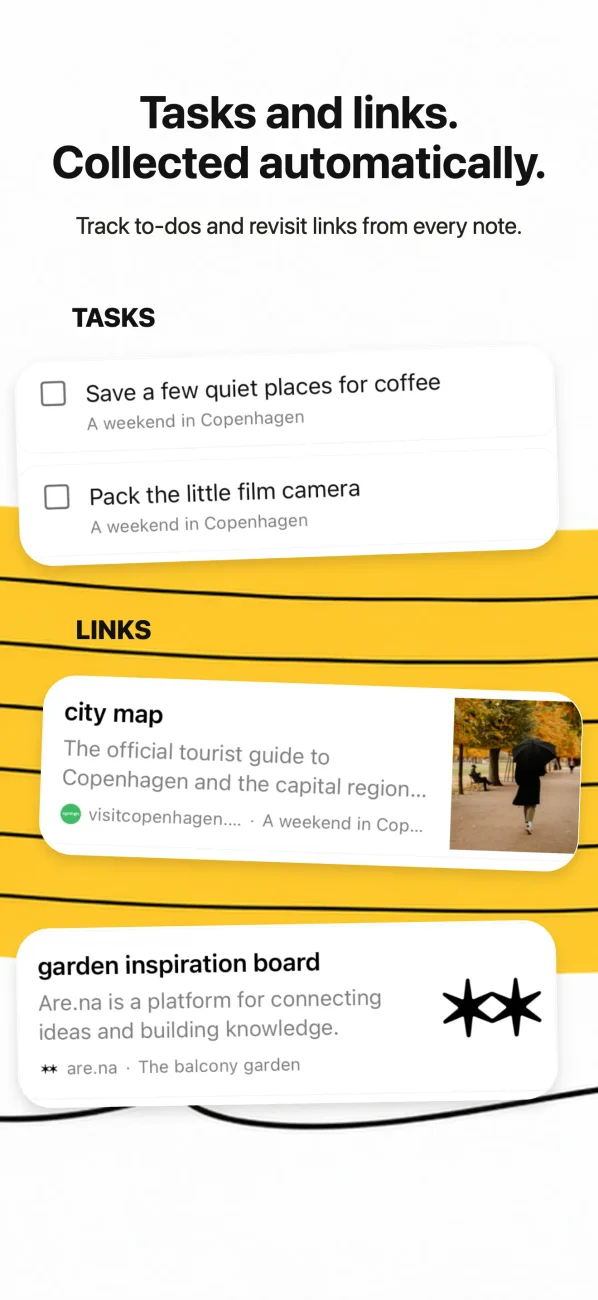
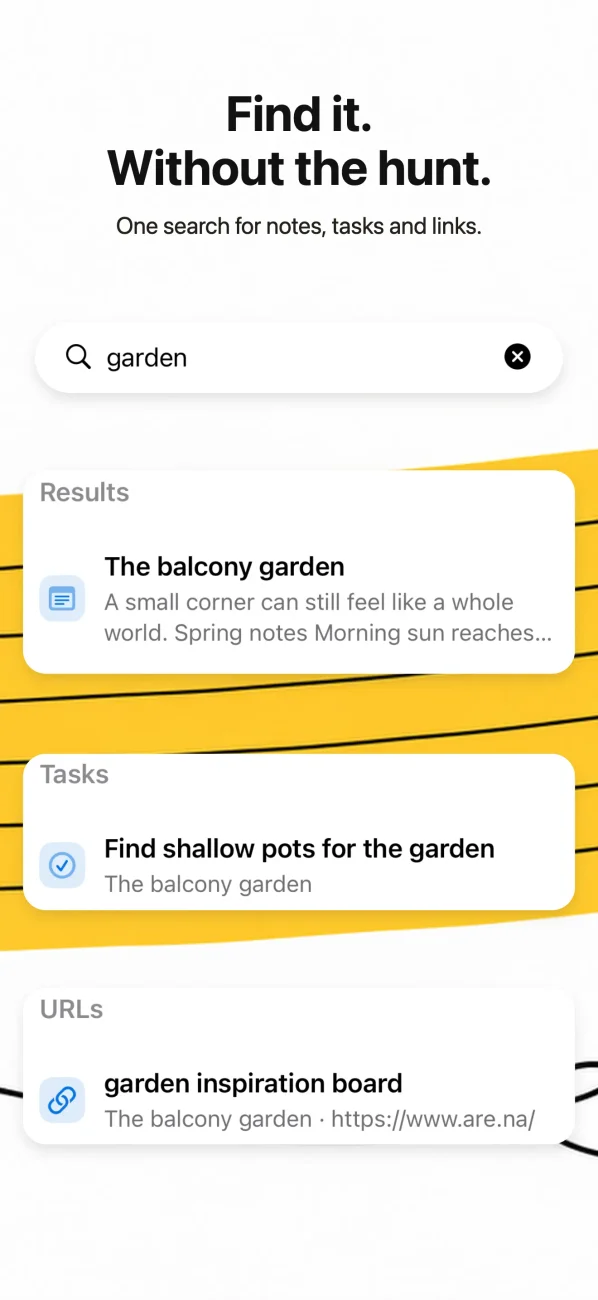
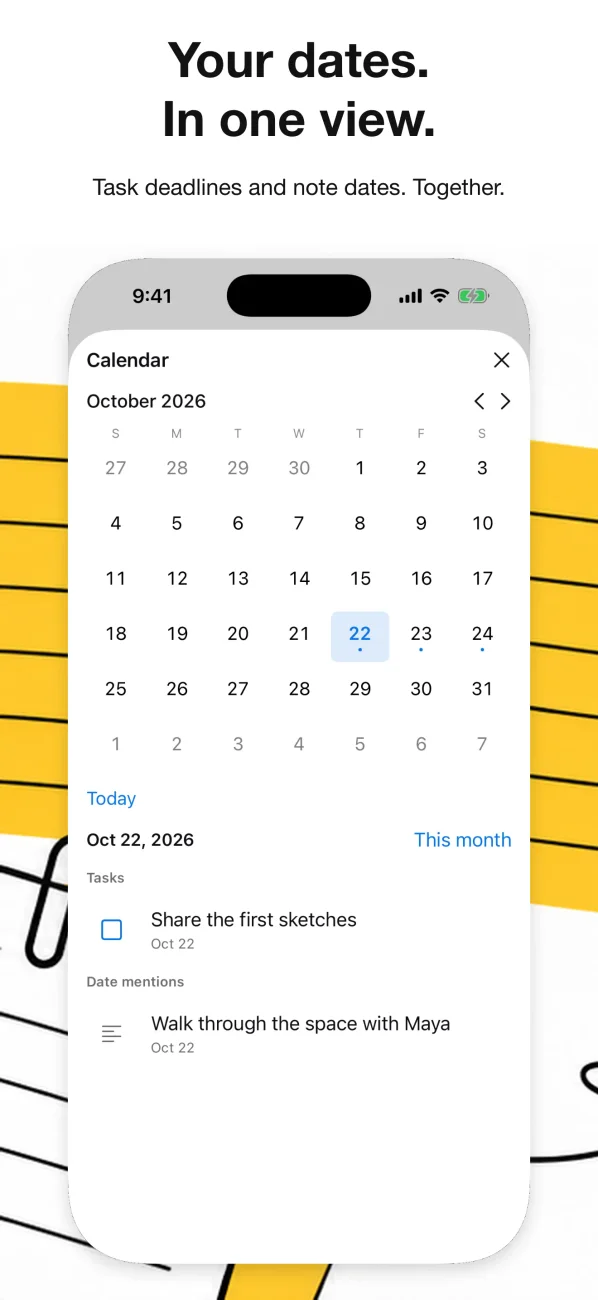
NanoPad is a quiet place to catch a thought, keep a checklist, and save a useful link. Notes, tasks, and URLs stay connected: write in a note, then find the task or link in its own view.
WRITE YOUR WAY
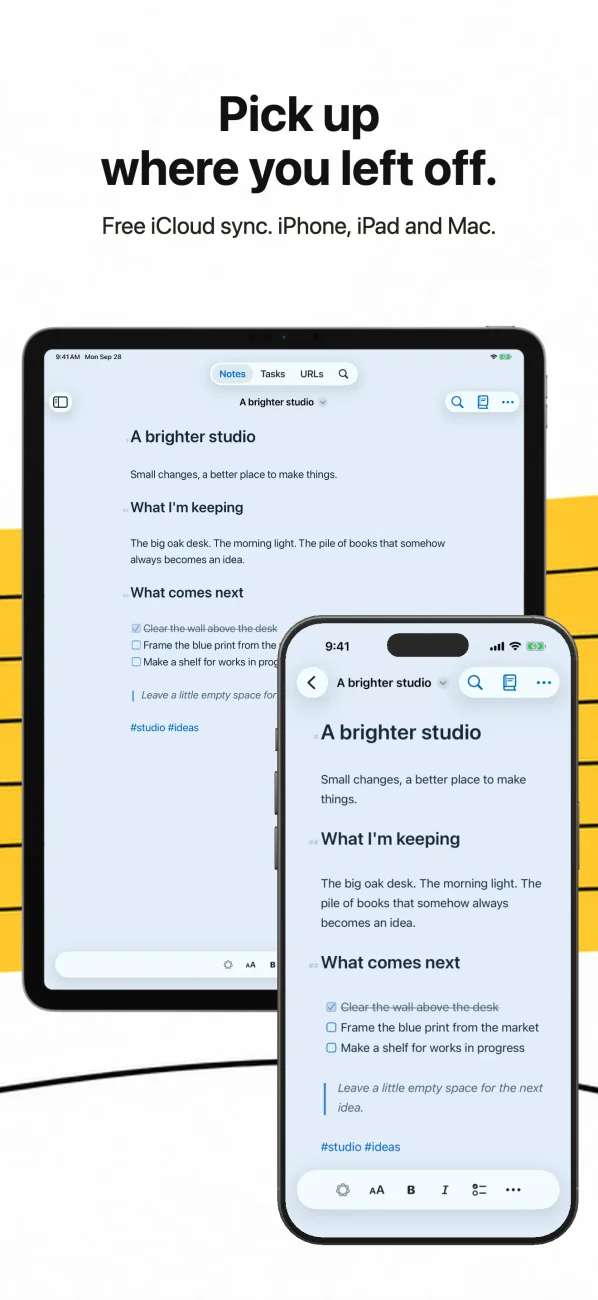
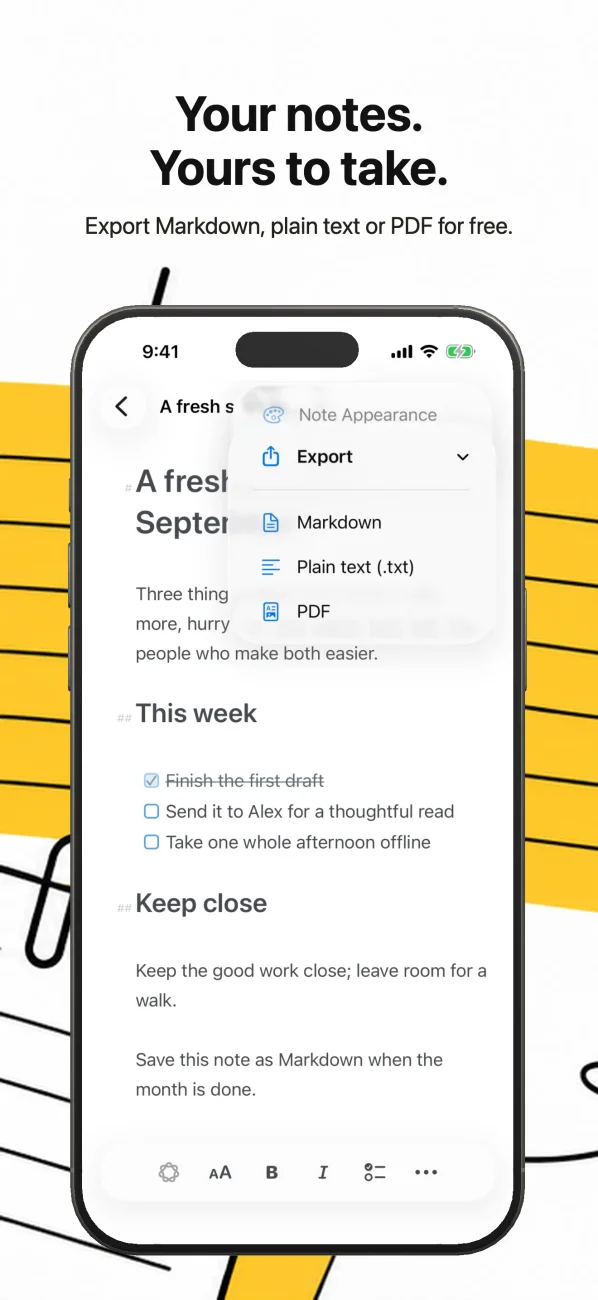
Use Markdown or the formatting toolbar for headings, lists, checkboxes, tables, links, and images. Search across your notes, return to recently opened work, and export your writing as Markdown, plain text, or PDF.
KEEP YOUR NOTES TOGETHER
Your notes are stored on your device and sync through your personal iCloud account when available. Share text or a web page to NanoPad from other apps.
FREE, 7-DAY TRIAL, AND LIFETIME
Free includes up to five editable personal notes, iCloud sync, and export to Markdown, plain text, or PDF.
The free 7-day trial unlocks all NanoPad Lifetime features. When it ends, you return to Free with no charge. Your first five personal notes stay editable, and you can still read, search, copy, and export any additional personal notes.
NanoPad Lifetime is a one-time purchase that unlocks unlimited editable notes and all themes, fonts, and paper styles. On Mac it also unlocks sticky note windows, Focus Writing, and linked Markdown folders. One purchase covers Mac, iPhone, and iPad using the same Apple Account.
新機能
バージョン 1.6.1 · 2026/11/13
Draw right in your notes with Apple Pencil on iPad or your finger on iPhone. Use Add Drawing in the formatting toolbar, and tap a drawing to edit it again. Scroll through your note while you draw.
Share a note’s text from its More menu. The upgrade screen now explains what the free 7-day trial unlocks and which notes stay editable when it ends.
アプリのプライバシー
このアプリのデータの取り扱いについて、Digital Toys LLCがApp Storeで申告している内容です。
-
ユーザーに関連付けられないデータ
収集される場合がありますが、ユーザーの識別情報には関連付けられません。
- 購入
- 位置情報
- ID
- 使用状況データ
- 診断
プライバシーの取り扱いは、ご利用の機能やお客様の年齢などに応じて異なる場合があります。
情報
- 販売元
- Digital Toys LLC
- カテゴリ
- 仕事効率化
- バージョン
- 1.6.1
- 更新日
- 2026/11/13
- リリース
- 2026/10/8
- サイズ
- 37.1 MB
- 必要条件
- iOS 26.0以降
- 対象年齢
- 17+
- 価格
- 無料
- アプリ内課金
- あり
- 言語
- 英語
- 著作権
- © 2026 Digital Toys LLC